




Tired of configuring complex dashboards just to check your Meshtastic network status? With Harbor AI Chat, you can simply ask ‘Which node has the lowest battery?’ and get an immediate answer! Learn how to talk directly to your Meshtastic data.
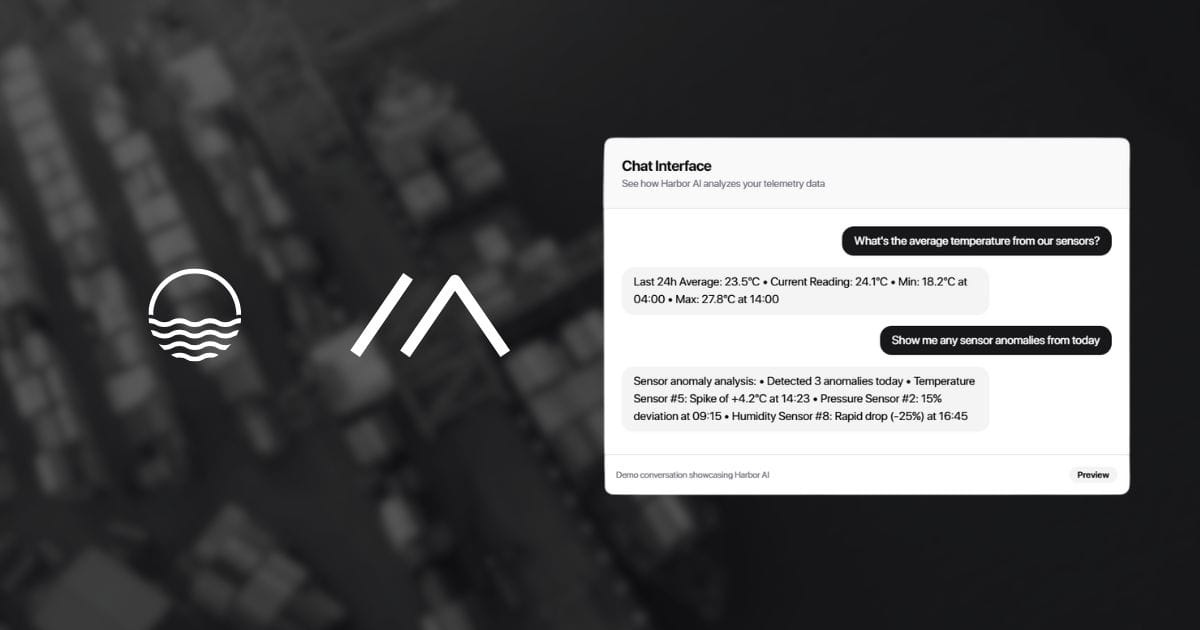
In our previous blog post, we showed you how to push telemetry data from your Meshtastic network to Telemetry Harbor and visualize it using Grafana dashboards. While dashboards are awesome for ongoing monitoring, sometimes you just want to ask a quick question about your network without having to build an entire panel for it. That’s where Harbor AI Chat comes in!

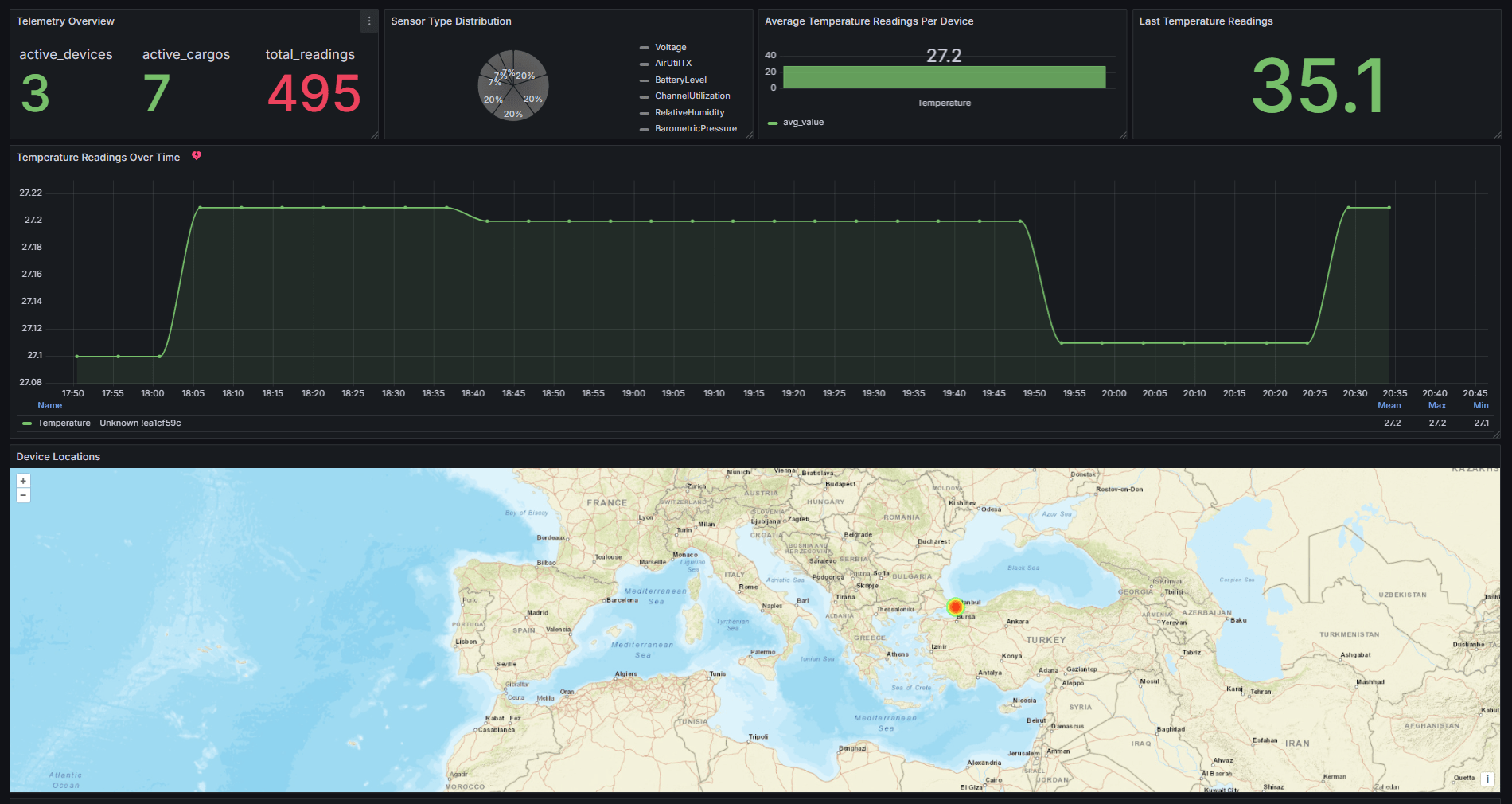
How to Visualize Meshtastic Telemetry on Grafana
Integrate Meshtastic with Grafana for real-time monitoring and customizable dashboards. Visualize device data, including location, and interact with your data using Harbor AI. Effortlessly manage and analyze your telemetry with Telemetry Harbor
Why You Should Chat With Your Meshtastic Data
If you’ve been using Meshtastic devices with Telemetry Harbor for a while, you’ve probably accumulated tons of valuable data about your network. Normally, extracting insights from this data requires:
- Creating specific dashboards in Grafana
- Setting up variables and filters
- Staring at the panels trying to spot patterns
- Switching between different views to get the full picture
It’s all a bit… tedious, right? Especially when you just want to know something simple like “What’s the battery level of my T-Beam right now?”
Harbor AI Chat completely transforms this experience. You simply type your question in plain English or any language, and it searches through all your data to give you an immediate answer. It’s like having a knowledgeable team member who knows everything about your Meshtastic network and can answer any question on the spot!
We’ve been testing it for a couple weeks now, and we’re honestly amazed at how much time it saves us. Instead of spending 10 minutes configuring a dashboard panel to track battery usage over time, we just ask “Show me battery trends between my nodes over the past week” and get an instant answer.
Getting Started With Harbor AI Chat
Setting this up is surprisingly straightforward (much easier than configuring those Grafana dashboards!):
Step 1: Get Your Harbor Account Set Up
If you don’t already have a Telemetry Harbor account:
- Head over to the Sign Up page
- Create your account with your email and password
- Check your inbox for the verification email and click the link
- Log in to your new account
- Navigate to the Harbor Page
- Create your first harbor
Step 2: Connect Your Meshtastic Devices
If you haven’t connected your Meshtastic devices to Telemetry Harbor:
- Grab the Meshtastic Integration Repository from GitHub
- Install the requirements with
pip install -r requirements.txt - Enter your API Key and API Batch Endpoint in the config
- Select the COM Port for your connected Meshtastic device
- Hit the Start button to begin sending data
The Python code is still a work in progress (PRs welcome!), but it’s stable enough for daily use. We’ve had ours running for weeks with no issues.
Step 3: Start Chatting With Your Data
- Once you’ve got data flowing, go to your Harbor dashboard
- Click on the “Harbor AI” tab
- Type your first question and hit Enter
That’s literally it! No need to configure dashboards, set up variables, or define queries. Just ask your question and get your answer.
Cool Questions You Can Ask Your Network
Now for the fun part! Here are some super useful questions we’ve been asking our Meshtastic network:
Basic Network Status
- “How many nodes are currently active in my mesh network?”
- “What’s the battery level of all my devices?”
- “Which node has the lowest battery right now?”
Troubleshooting Problems
- “Did any of my nodes disconnect in the last 24 hours?”
- “Show me any devices with battery below 20%”
- “Which node does not have any sats in view?”
Finding Patterns
- “What time of day is channel utilization is the highest?”
- “Compare temperature between my T-Beam and TTGO nodes”
We asked about battery drain patterns between our indoor and outdoor nodes and discovered our outdoor SenseCAP T1000-E was actually more power efficient than our indoor units despite the GPS being enabled. Totally unexpected!
Advanced Tricks for Power Users
Once you get comfortable with basic questions, you can level up with more advanced analysis:
Time Comparisons
- “Compare battery discharge rates between weekday and weekend use”
- “Show me how Barometric Pressure affects temperature”
Finding Anomalies
- “Were there any unusual spikes in channel utilization yesterday?”
- “Did any temperature sensors report abnormal readings last week?”
Chat vs. Dashboard: When to Use Each
While the Harbor AI Chat is awesome, it doesn’t completely replace dashboards. Here’s when we use each:
We use Harbor AI Chat when:
- We need a quick answer to a specific question
- We’re looking for an unexpected pattern or anomaly
- We want to compare different aspects of our network
- We’re troubleshooting a specific issue
We still use Grafana dashboards when:
- We need constant monitoring of known metrics
- We want highly customized visualizations
- We’re presenting data to others in our team
- We need to see multiple data points simultaneously
The best approach is using both tools together – dashboards for ongoing monitoring and Chat for investigation and quick insights.
Current Limitations & Upcoming Features
While Harbor AI Chat is incredibly useful, it’s still in beta, so there are some limitations to be aware of:
- Questions Per Day: Currently limited to 10 questions per day (not enforced during low demand times) on the free plan. This hasn’t been a problem for us since most of our regular monitoring is handled by dashboards.
- Complex Statistical Analysis: For very advanced statistical analysis, you might still need traditional tools. That said, we’ve been surprised by how much it can handle!
- Historical Data Range: The system works best with data from the past 30 days (on the free plan). Longer historical analysis might require upgrading.
According to the Telemetry Harbor roadmap, they’re working on expanding question limits and adding more analysis capabilities in upcoming releases.
Conclusion
Harbor AI Chat has completely changed how we interact with our Meshtastic network data. Being able to simply ask questions and get immediate answers saves us tons of time and helps us spot issues we might have otherwise missed.
Whether you’re managing an emergency response network, enjoying off-grid adventures, monitoring remote property, or just tinkering with LoRa technology, being able to talk to your data makes everything more intuitive and efficient.
Ready to start chatting with your Meshtastic data? Sign up for Telemetry Harbor and give it a try! The free tier is generous enough to get started, and you’ll wonder how you ever managed your network without it.
Let us know in the comments what cool questions you’ve asked your Meshtastic network!


