




If you live in the UK, Sky provides one of the best entertainment platforms available for enjoying the latest hit shows and must-watch films, but unlike a lot of similar services, such as Netflix or Disney+, Sky offers several means of accessing its vast library of content.
If you’re unsure as to which Sky TV package is right for you, then our helpful guide can break it down so it’s easy to understand.
Until recently, customers had the option to choose between Sky Q, Sky Glass, Sky Stream and the company’s device-free streaming service, Now. However, after nearly 10 years on the market, Sky Q has been removed from sale, so if you don’t already have a Sky Q box in your possession, then you won’t be able to buy one (online anyway).
Even though Sky Q seems to be on the way out, we have left it in here until it’s fully gone.

For students, budget consumers or anyone who prefers watching TV on their laptop or phone, Now is arguably the best of the bunch, but anyone who still loves the feeling of kicking back on the sofa, switching on the TV and settling in with some great entertainment, Sky Glass and Sky Stream are where it’s at. Of course, there’s plenty more nuance to understand why this is the case, so keep on reading to discover exactly what features you do (and do not) get with each service.
If you’re not completely set on upgrading to Sky then you might want to check out our round-up of the best streaming sticks for a viable alternative. Similarly, if you want a better understanding as to how Sky compares with all of its closest competitors, you can find all the information you need in our guide to the best TV streaming service.
In a rush? Here’s a quick breakdown of the key differences you need to know between all of Sky’s major platforms.
| Sky Q | Sky Glass Gen 2 | Sky Stream | Now | Sky Glass Air | |
| Starting price | £31pm | £14 + £15pm | £15pm | £4.99pm | £6 + £15pm |
| Long-term contract required? | Y | Y | Optional – monthly rolling available | No – monthly rolling | Y |
| Min contract | 18 months | 24 months | 1 month | 1 month | 24 months |
| Requires dish | Y | N | N | N | N |
| Physical device | Y | Y | Y | N | Y |
| Picture quality (max, may cost extra) | 4K Ultra HD | 4K Ultra HD | 4K Ultra HD | Full HD | 4K Ultra HD |
| Netflix Basic (HD) included | Y | Y | Y | N | Y |
| Sky Sports included | N | N | N | N | N |
| Offers recordings | Y | N | N | N | N |
| Remote control | Y | Y | Y | N | Y |
Price & Contracts
How much Sky is going to cost you depends on a lot of different factors, such as which TV channels you want and any extra features.
Sky Essential TV starts from £15 a month for the entry-level Entertainment & Netflix package. This includes Essential TV, which is a slightly smaller library of content than what you’ll find at the premium end of the scale, but it still includes access to Sky Atlantic (with shows like The Last of Us), alongside Netflix with Ads and Discovery+. The Netflix plan included is the Basic option so that’s HD streaming on one device with no simultaneous streams – you can see the differences in our comparison of the Netflix plans.
If you want full, unfettered access to all of the content available on Sky, then you’ll want to plump for the Ultimate TV package. At £22 a month, this option includes the same aforementioned subscriptions to Netflix and Disney Plus, but now you can tune into all of the TV channels that Sky has to offer.
That price applies to Sky Stream and Sky Glass, with the additional cost in the table above for Glass relating to the TV itself. There are two types of Sky Glass TVs available, the premium-level Sky Glass Gen 2 and the more affordable Sky Glass Air, both of which come in three sizes: 43-, 55- and 65in. You can either pay for the TVs outright, starting at £699 and £309 for the Gen 2 and the Air respectively, or monthly payments from £10.25pm/£4.24pm after a £20 upfront fee. Sky Q was slightly more expensive at £31 per month.
Beyond the basic package, you’ll want to decide whether to add various things on such as Sky Sports, Ultra HD picture quality and Multiscreen. Here’s a breakdown of the most common ones. Note these are the RRP figures but Sky almost always has them reduced.
Here’s the full list of pricing for an overall look of what you can include in your subscription:
Glass/Stream prices per month
- Sky Sports – £20
- Sky Cinema – £10
- TNT Sports – £31 rolling
- Sky Kids – £8 rolling
- Paramount+ – Free with Sky Cinema
- Ultra HD & Dolby Atmos – £6 rolling
- Ad skipping – £6 rolling
- Netflix Standard – £4.50 rolling
- Whole Home – £10
As you can see above, things can get pretty pricey once you’ve added a few things to the basic Essentials TV package. Even adding Sky Sports and Ultra HD will set you back an additional £26 each month.
The good news is that it’s very flexible so you can really tailor the experience to what you want.
Sky
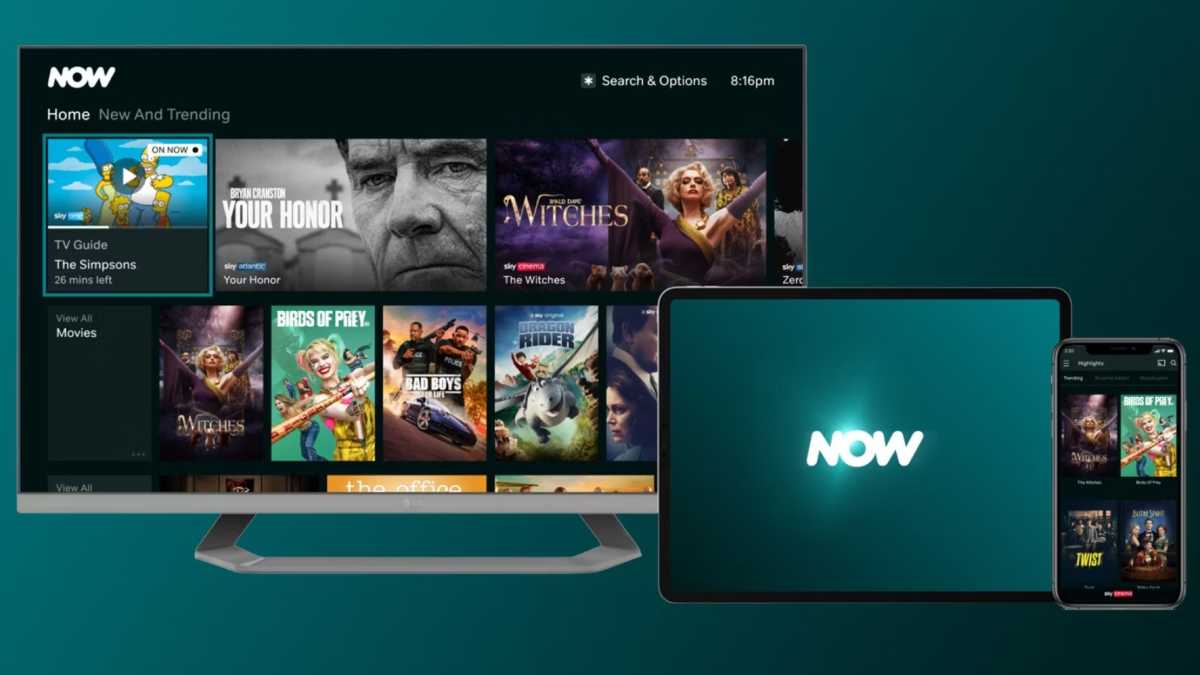
If this puts you off, then this is where Now comes to the fore. This is Sky’s proper streaming service which requires none of its own hardware. Just like Netflix or Amazon Prime Video, you can watch on a large range of devices such as smartphones, games consoles and smart TVs.
It can add up if you want access to all the different areas but if you just want Sky Sports, for example, it’s far cheaper compared to Q or Glass. There are different Memberships to choose from as follows:
- Entertainment – £9.99pm
- Cinema – £9.99pm
- Entertainment + Cinema – £11.98pm (12-months)
- Sports – £14.99 (24 hours)
- Sports – £34.99pm
- Hayu – £5.99pm
- Boost – £6pm
- Ultra Boost – £9pm
Most of the above packages are self-explanatory, providing you with Sky channels for their respective categories. Hayu is specifically for US reality shows such as Real Housewives, Million Dollar Listing and Below Deck.
Boost isn’t a channel package, but an add-on you’ll need if you want to watch in Full HD quality, get rid of adverts, enjoy Dolby Digital 5.1 sound, stream on two devices simultaneously and get Sky Sports in 50fps. Ultra Boost kicks things up to 4K and allows for Dolby Atmos surround sound and streaming on up to three devices. Note that some of these have hardware requirements.
Now also offers deals and bundles throughout the year, particularly around sale seasons such as Black Friday. If you sign up for Now and cancel, then the streaming platform may also offer you a discount as an incentive to sign up again.
Sky
In conclusion, Sky Glass Gen 2 is the most expensive option as you also have to factor in the cost of the TV itself on top of your content subscription. Sky Stream/Sky Air are the ideal middle-ground for those who want a vast library of content that doesn’t break the bank, while Now is the budget-friendly pick that makes the most sense for those who either don’t have a TV or simply want to spend as little as possible.
Hardware
We can leave Now out of this section because it’s purely an online streaming service. You have to provide the hardware yourself. The other Sky products are all quite different though so here are the key differences.
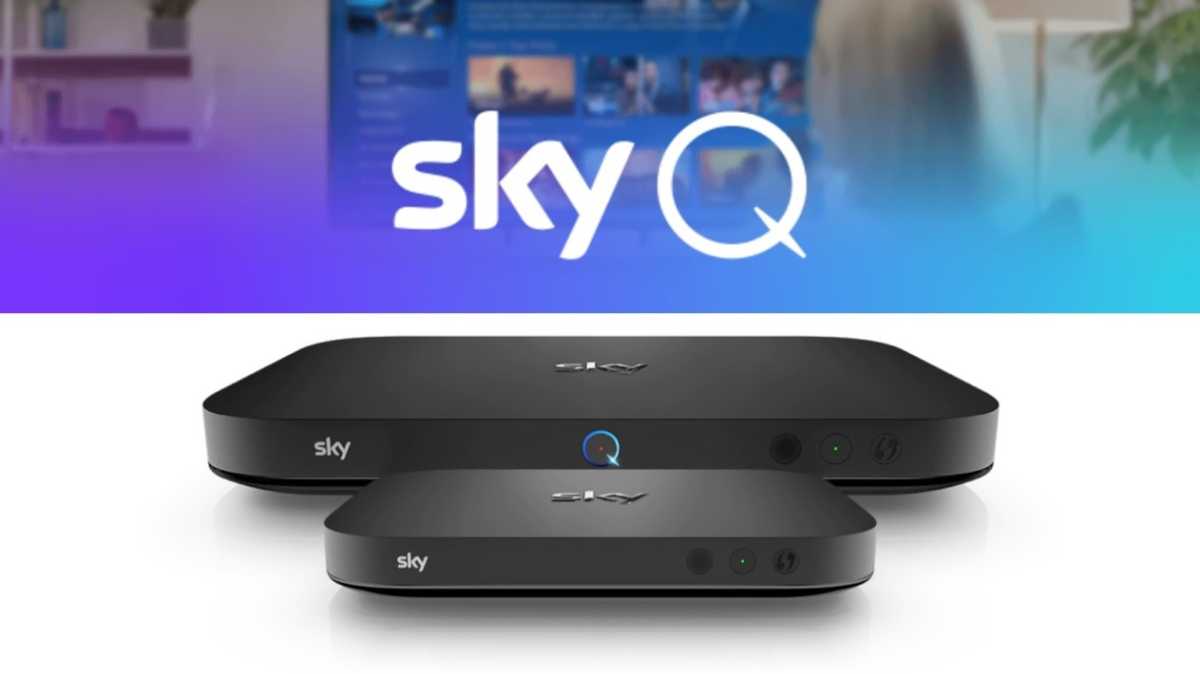
Sky Q is a traditional set-top box. It plugs into your TV and to the satellite dish so you can watch TV without relying on your broadband and Wi-Fi. It also has the benefit of a hard drive so you can record broadcast television and keep it stored.
The Sky Q mini was an optional extra specifically made for Multiscreen (see below) and also acted as a Wi-Fi network extender when using Sky Wi-Fi.
As mentioned earlier, Sky Q is no longer available to buy online, so if you want it, then it appears you’ll have to call Sky. However, it may be completely discontinued eventually.
Sky
Sky Glass is a television with Sky built-in so all you need to do is plug it in and connect it to your Wi-Fi network to get going. The user interface is a little different to Sky Q because it’s more of a streaming based system.
You don’t need a dish strapped to the side of your house, but you will need decent broadband to avoid buffering and the like. Sky recommends 10Mbps for HD and 25Mbps for UHD but note that both Glass and Stream have Ethernet ports, so you don’t have to use a Wi-Fi connection. You can check your Wi-Fi speeds here.
If you’re upgrading from Sky Q then it’s worth noting that there is a slight broadcast delay of around 22 seconds with Sky Glass and Stream. This might not matter much for a lot of content but if you watch a lot of live sports or shows like Love Island where you’re chatting about it online in real time, you don’t want to be getting goal alerts or seeing spoilers on social media before you’ve seen the actual event.
Sky
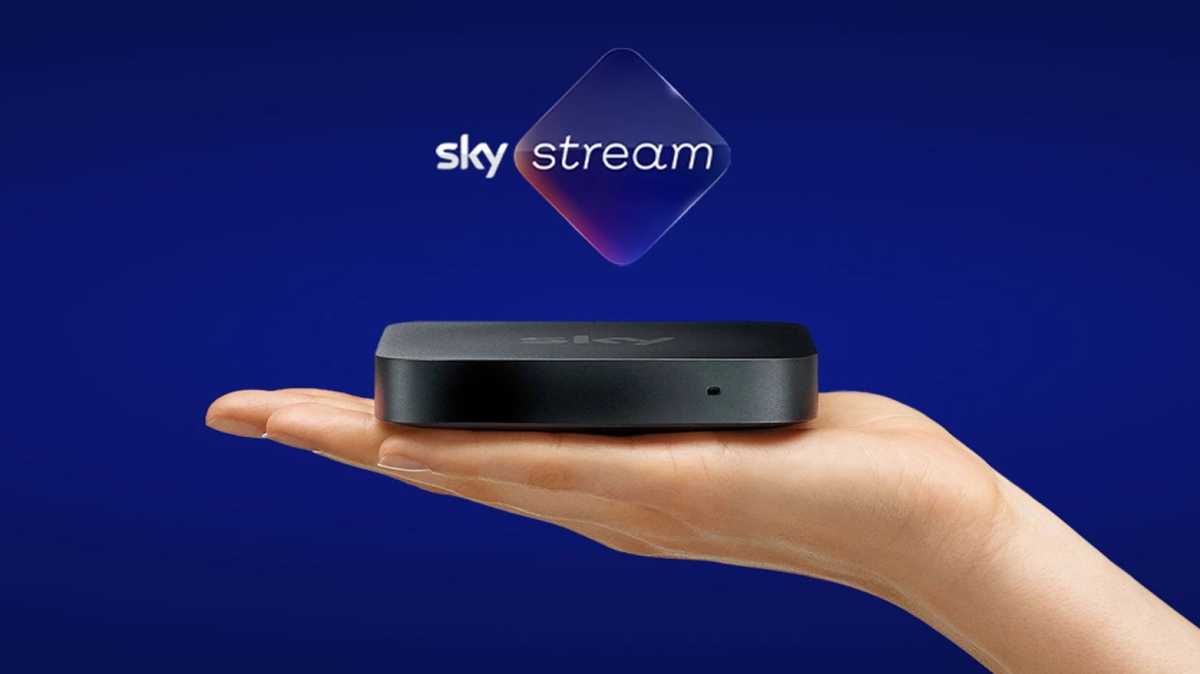
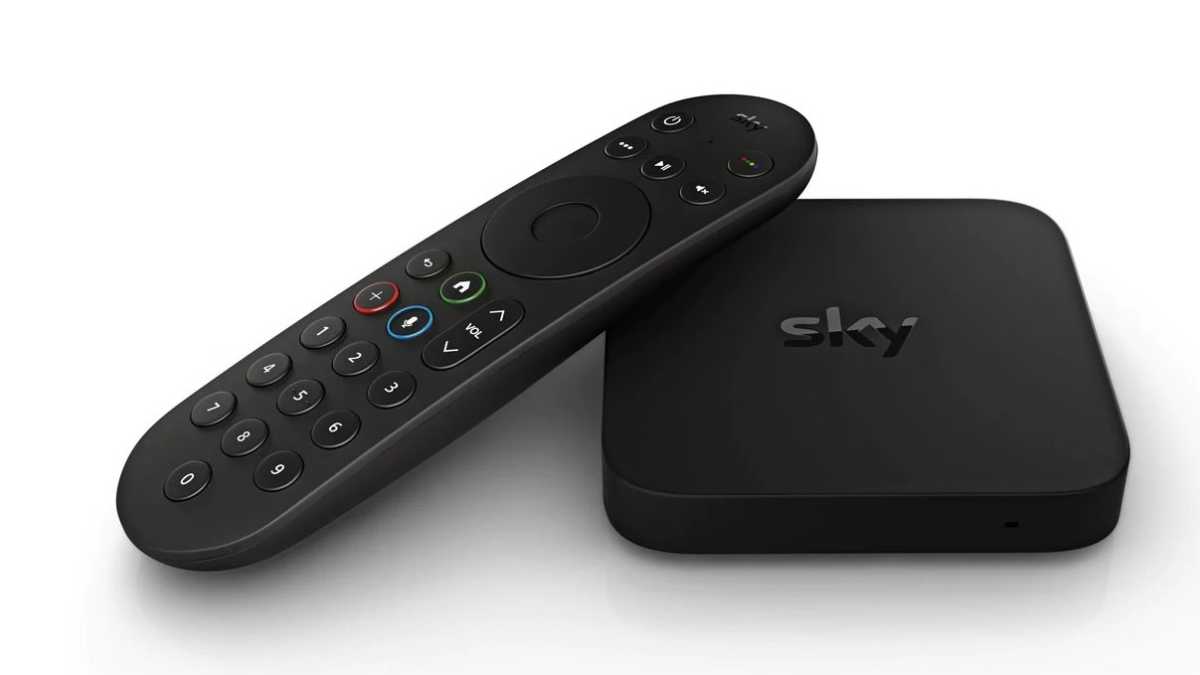
Sky Stream is a palm-sized little box that for many will be the most convenient way to get Sky TV at home. Much like an Amazon Fire TV device, it plugs into your existing TV via HDMI and then connects to the Wi-Fi to stream content.
It’s essentially Sky Glass but without the TV. Confusingly, Sky also refers to it as a Sky Stream puck when talking about the Whole Home multiscreen system. More on this below.
Recordings & Apps
As mentioned already, Sky Q is the only option that allows you to record TV and store it locally. The box has 1TB storage as standard which is plenty of space for hundreds of hours of shows.
Sky
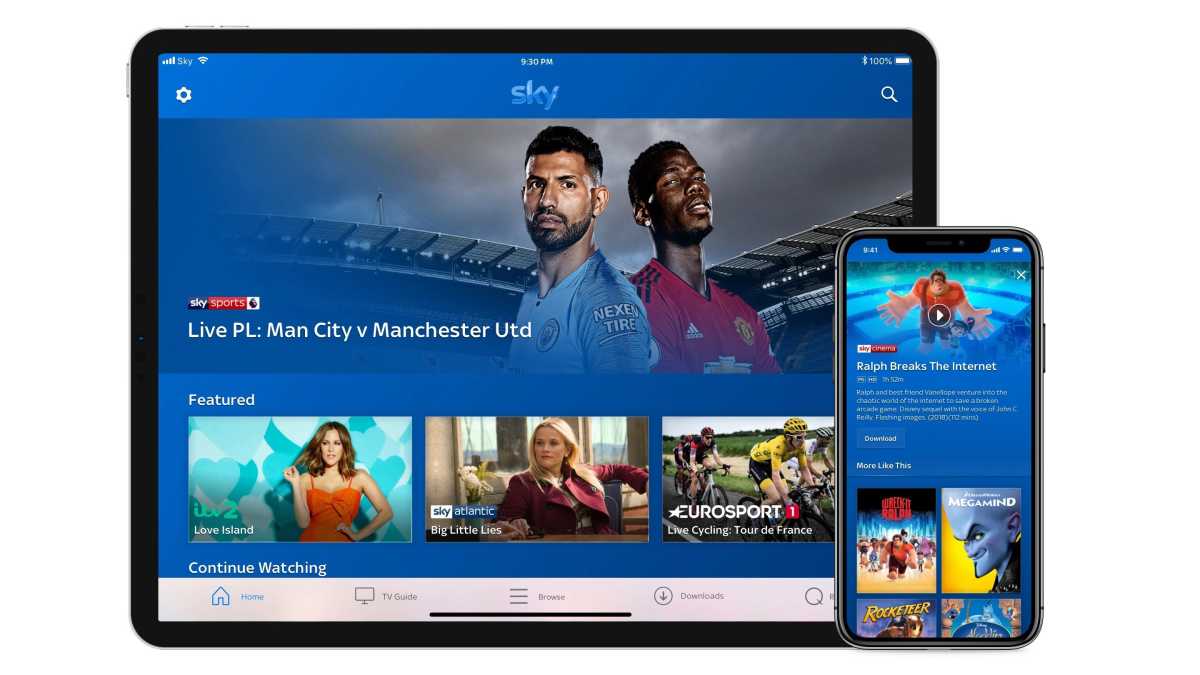
You still get Sky Go regardless of which you choose though. This is Sky’s on-the-go app where you can watch Sky on devices like your laptop or tablet. If you’re at home, you can access your Sky Q recordings and download selected titles before you head out.
Sky Go comes at no additional cost and if you’re a Sky Mobile customer then using the app won’t count towards your data usage.
Now is its own app and online service and, as mentioned earlier, is available on a wide range of devices. It can’t be used via a web browser but there is app support for Windows and Mac.
Multiscreen
For Now, multiscreen is simple. Subscribe to Boost along with your Membership and you can watch on three different devices simultaneously with the added benefit of Full HD quality.
Things are more complicated on Sky’s other products.

Sky
On Sky Q, you’ll need to add Multiscreen to your package, which costs £15pm on a rolling contract and comes with one Sky Q mini box giving you two screens. You can add more mini boxes later – these cost a one-off fee of £50 per box.
Multiscreen also gives you the ability to watch Sky Go on four devices simultaneously.
For Sky Glass and Sky Stream, you’ll need the Whole Home package. This costs £10pm including your first puck (a Sky Stream).
Which Sky product is best for me?
With all the above considered, here’s a summary of which Sky product to choose depending on your needs.
Sky Q – Traditional satellite TV with a box containing a hard drive for recordings.
Sky Glass 2 – Customers who want the best all-in-one experience that Sky has to offer, with benefits including a built-in soundbar and high-end 4K HDR QLED display.
Sky Glass Air – Anyone who likes the idea of an all-in-one device but isn’t fussed with high-end technology and would prefer to spend less each month.
Sky Stream – For those who want Sky TV over Wi-Fi and just want to plug it into an existing TV.
Now – For those who want to stream Sky content on a wide range of devices at an affordable price without the need for a long-term contract.
Sky TV alternatives
If you’re not convinced any of Sky’s products are right for you then you do have lots of other options.
The main one would be Virgin TV 360 which is similar to Sky Q in that you have a hard drive for recordings and access to a wealth of channels – including Sky Sports – but works via cable rather than satellite.
Virgin Stream is a very close rival to the Sky Stream. It’s a one-off cost of £35 then you can simply pick and choose which content you want to access at further monthly cost such as Netflix, Essential Entertainment channels and Sky Sports.
Going further afield, there are almost endless modern options to watch TV and often for free. Many smart TVs come with Freeview Play and plenty of apps to on-demand and catch-up TV. Again, apps like ITVX and Channel 4 are free to use.
If you have a basic TV, you can choose from a wide range of streaming sticks and boxes which are very cheap. These plug into your TV and connect to your Wi-Fi much like the Sky Stream, giving you access to loads of apps. Makers include Amazon with its Fire TV range, Roku, Google’s Chromecast range and Apple TV devices.
Does Sky have a free trial?
If you’re tempted to give Sky a whirl before committing to a particular subscription then unfortunately, your options are limited. At various points throughout the year, Sky does offer a one-month trial to Sky Stream but its availability can be quite random, meaning that it can’t always be counted on.
There is no comparable free trial available for Sky Glass so don’t hold out for anything there, but you’ll have more luck with Now as the service regularly offers up a seven-day free trial for new users. What’s included in the trial does change on occasion, so you’ll want to read through Now’s guide on the matter to see what’s currently available.
Related articles


