


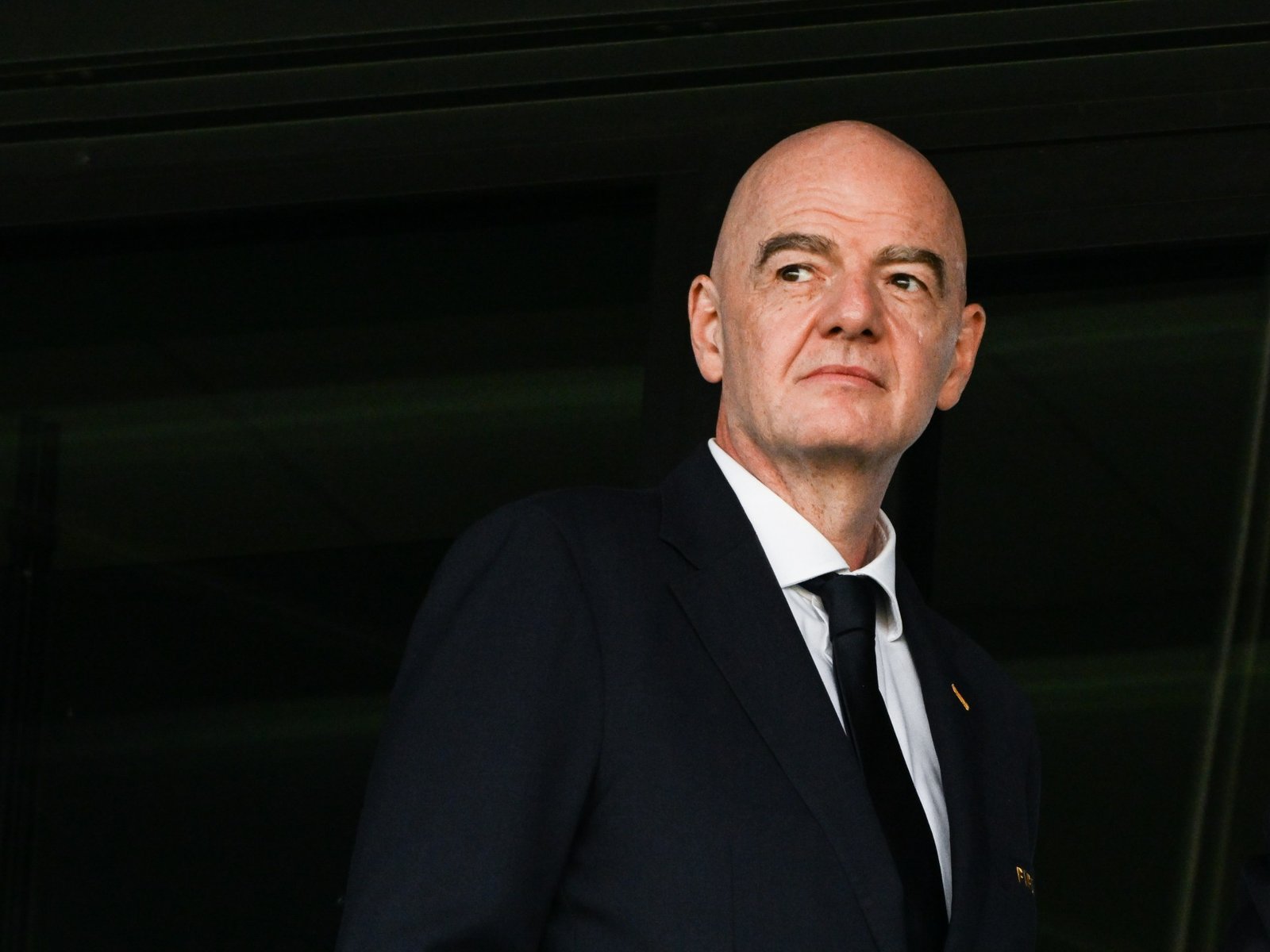

Confederation chiefs call on Gianni Infantino to make $2.1bn payout to all FIFA’s 211 member associations.
Published On 18 Sep 2026
UEFA President Aleksander Ceferin and CONCACAF President Victor Montagliani have called for an independent review of FIFA’s financial reserves and proposed a $2.1bn payout to its 211 member associations, in a further sign of growing tensions over the abandoned FIFA Forward Enterprise project.
The proposal would make at least $10m available to each member association over the 2027-30 cycle and would come on top of funding already committed under the world football body’s Forward Programme, the two FIFA vice-presidents said in a letter addressed on Friday to FIFA President Gianni Infantino and seen by the Reuters news agency.
The FIFA Forward Enterprise, or FFE, had been presented to the 211 member associations as a plan under which an interest in FIFA’s competitions would be sold to outside investors in order to generate significantly more money for football development.
FFE was abandoned after a backlash, but Infantino is still expected to seek another term and his opponents are struggling to find a challenger for the March 2027 vote.
Ceferin and Montagliani said their analysis of FIFA’s published financial statements and budgets raised questions about whether such a transaction had been necessary.
“Our analysis now raises an important question as to whether the proposed transaction was necessary to deliver greater resources to the MAs,” the letter said.
They said FIFA was on course to end the 2023-26 cycle with reserves of about $6bn, which they described as the largest in its history, and argued that the governing body already had the capacity to distribute substantially more money to its national associations from its own balance sheet.
Under their proposal, at least $10m would be made available to each member association during the 2027-30 cycle for investment in infrastructure and football development, for an aggregate of about $2.1bn.
The one-off release would be additional to the existing FIFA Forward Programme, which would continue in full.
Ceferin and Montagliani said that even after such a distribution, FIFA’s reserves would not fall below about $1.5bn at any point during the next cycle, about 50 percent above what they said was the minimum reserve level FIFA itself had budgeted for 2023-26.
Independent review
They acknowledged that their analysis was preliminary, combining published actual results for 2022-25 with estimates for 2026 and assumptions for the 2027-30 cycle.
They, therefore, called for an independent review with full access to the underlying figures and assumptions before recommendations are submitted through FIFA’s governance process.
Once a clearer picture of FIFA’s year-end financial position is available, the letter said, the FIFA Council could determine whether a larger distribution was possible and whether an equivalent payout should follow in the 2031-34 cycle.
The letter also cast the issue as one of governance, saying member associations should not have to choose between development funding and the ability to assess FIFA proposals independently.
“Development is an institutional responsibility of FIFA – not a matter of individual discretion,” it said.
Ceferin and Montagliani proposed that the confederations jointly complete the analysis and agree on the amount of reserves that should be released directly to member associations, with recommendations submitted for consideration at the next FIFA Council meeting.
They said they would also ask the presidents of the other four continental confederations to support the proposal.
FIFA did not immediately respond to a Reuters request for comment.

