




Last week, Samsung launched not one, not two, but three new folding phones!
If you’ve got your eye on the Galaxy Z Fold 7, look out for our full review very soon. But if you’re more interested in a flagship flip phone, you’re in luck. Samsung has been kind enough to send me a sample of the Galaxy Z Flip 7 ahead of its release on 25 July, and I’ve begun the process of testing ahead of the full review.
But rather than keep you in the dark until Tech Advisor publishes the review, I wanted to bring you along with me. In this in-depth diary, I’ll be documenting my first 48 hours with the device, from initial unboxing to the first two full days of usage.
This article will be updated regularly over the next couple of days, so make sure you check back soon for more developments.

Day 1, Hour 0
The Z Flip 7 is here! Well, it actually arrived three days ago, but I was off work, and then it was the weekend. Close enough.
My first job, of course, is to unbox the device. Samsung makes this very easy, with two pull tabs that release the top of the box from the bottom.
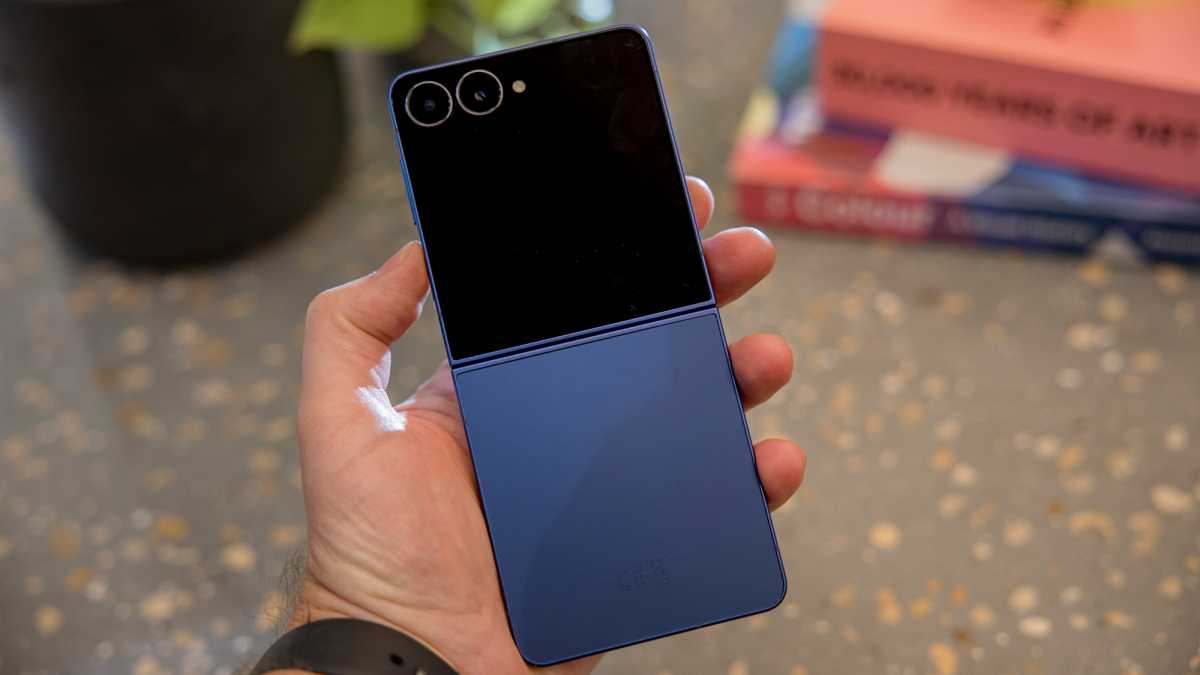
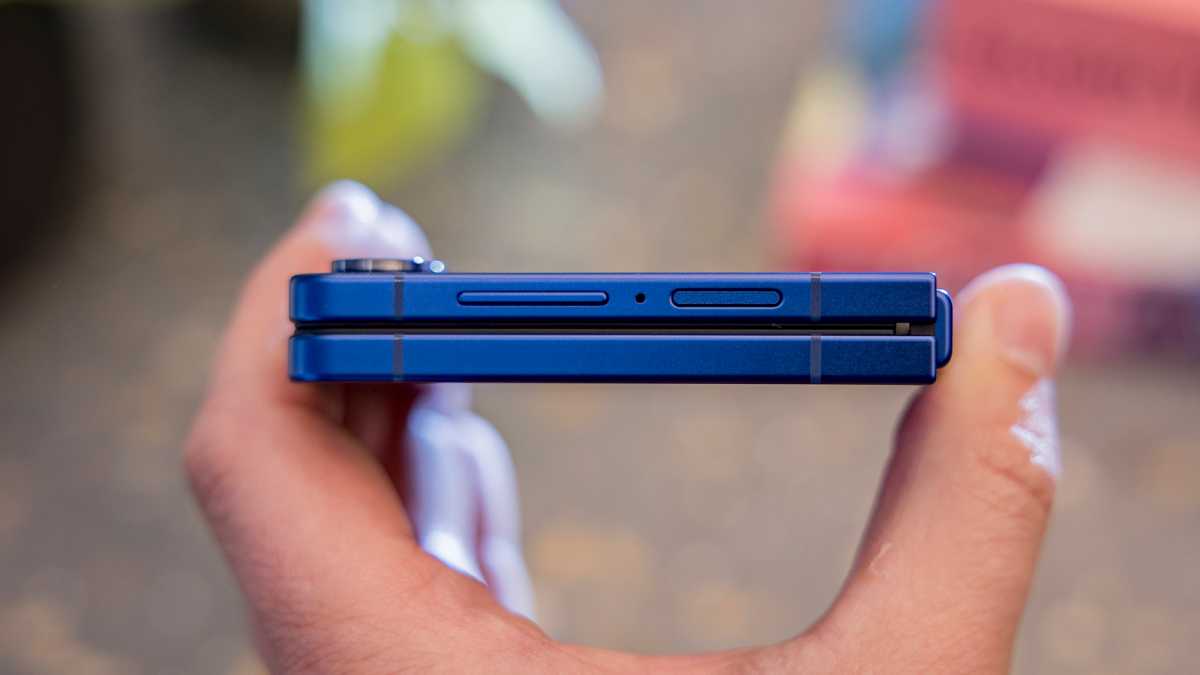
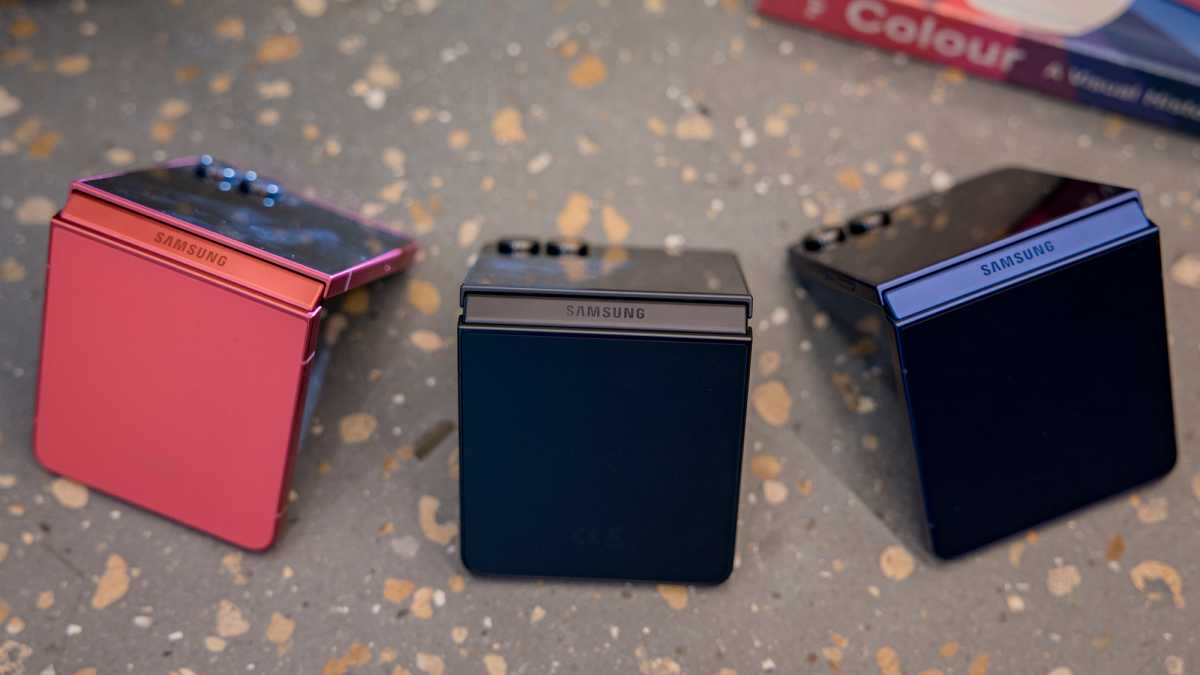
Oh, and there’s the phone! I have the rather attractive ‘Blue Shadow’ model, but it’s also available in ‘Jet Black’, ‘Coral Red’ (the version you’ll see in some photos here) and ‘Mint’, with the latter exclusive to the Samsung website.
I’ve already got my eye on that new, big cover screen. I wonder if anyone actually calls it a ‘FlexWindow’, Samsung’s official name.
Dominik Tomaszewski / Foundry
As a 2025 phone, there’s very little else in the box. A bit of paperwork, a SIM ejection tool and a USB-C to C cable.
It means there’s no power brick, but with maximum charging speeds of just 25W, I’m sure you already have one that’s fast enough – I certainly do.
Day 1, Hour 1
Next, it’s time to actually set the thing up. I know, this is the riveting content you all came here for.
Setup is very straightforward these days, though I did have to install Samsung’s Smart Switch app on the Nothing Phone (3) (the handset I was coming from) and basically give it permission to take full control of my device. What’s the worst that could happen?
Unfortunately, I didn’t have to wait long to find out. The setup process soon got stuck on a “Getting your phone ready” screen, so I thought restarting might kick it back into action. But for some reason, the full restore I selected didn’t apply, and my Google accounts and Wi-Fi were the only things that were saved. Next time, I’m using a cable instead of trying to do it wirelessly.
Dominik Tomaszewski / Foundry
It’s not a big deal for me: aside from WhatsApp (which I’d already backed up separately), everything can be accessed by downloading the apps and signing in. But it’s an extra hassle I’d rather do without.
Oh, and I made the mistake of letting Samsung download all its “Recommended apps” during setup. In other words, annoying bloatware. We also seem to have Facebook and Instagram pre-installed – Meta must have a nice deal going with Samsung.
Day 1, Hour 2
I’m heading out to a pub quiz tonight, so don’t have time to put the phone through its paces properly.
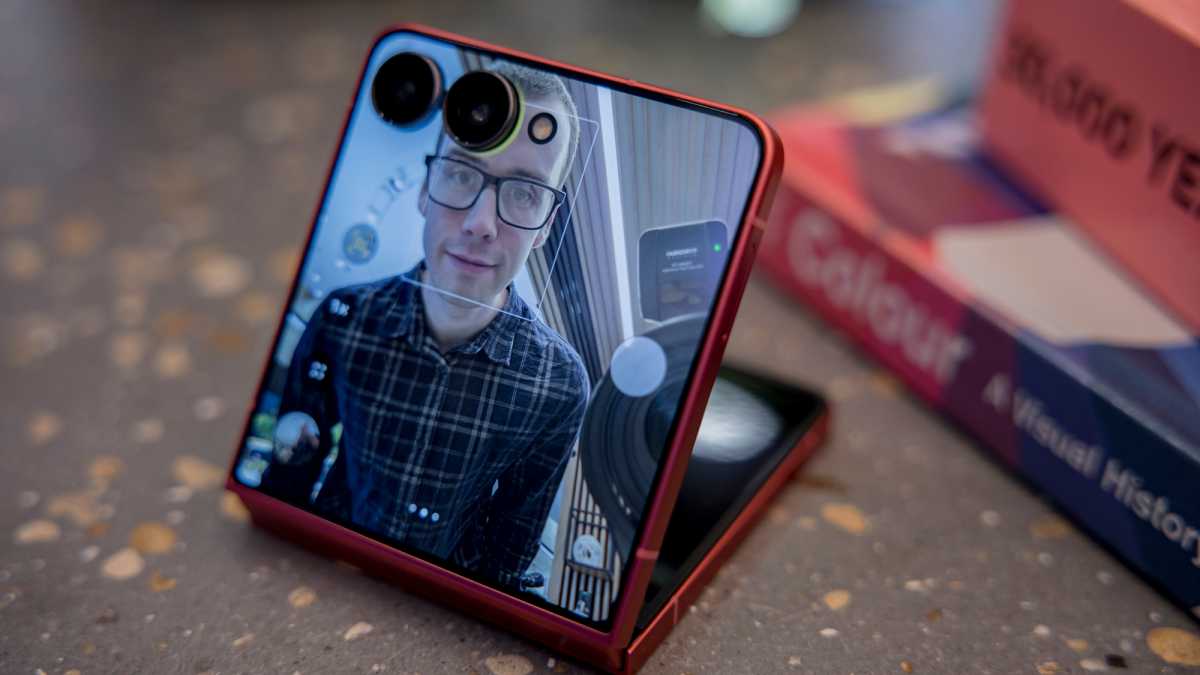
But I’m already loving using the cover display for selfies (read: checking my appearance). Holding my palm up to start a countdown timer is totally seamless, and I like being able to swipe to adjust the level of background blur.
Dominik Tomaszewski / Foundry
I’d also forgotten just how little space it takes up in my pocket. It should even comfortably fit in most women’s trousers, which is saying something.
Day 1, Hour 5
For most of the quiz, I have my phone on silent or switched off (you won’t catch me cheating!). The only exception is during a break, when I use it to look up a couple of things online.
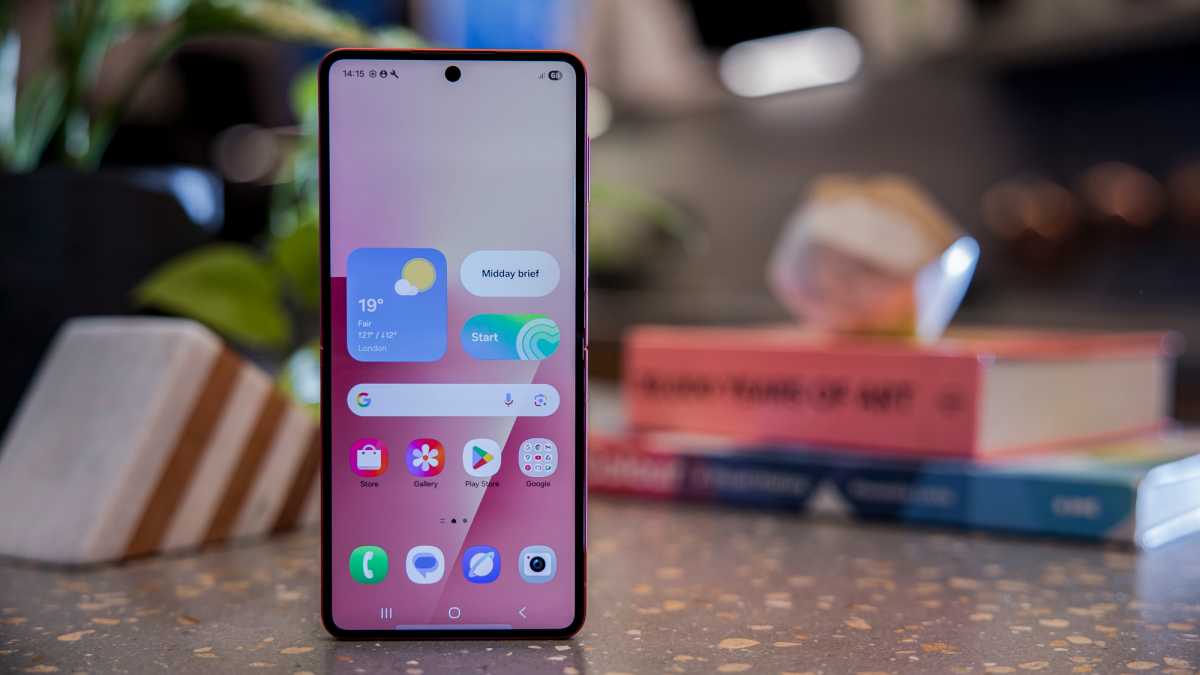
I’m immediately struck by the sheer size of the 6.9-inch internal display. It’s bigger than almost every non-folding phone on the market, and don’t I know it. This will take some getting used to.
Dominik Tomaszewski / Foundry
Once I get home, I try to be sensible and so put my phone away before bed. Day 1: Complete!
Day 2, Hour 15
I try not to use my phone much before work in the mornings, so I only use it to send a few messages, check the news and catch up on emails. (Okay, that’s quite a lot.)
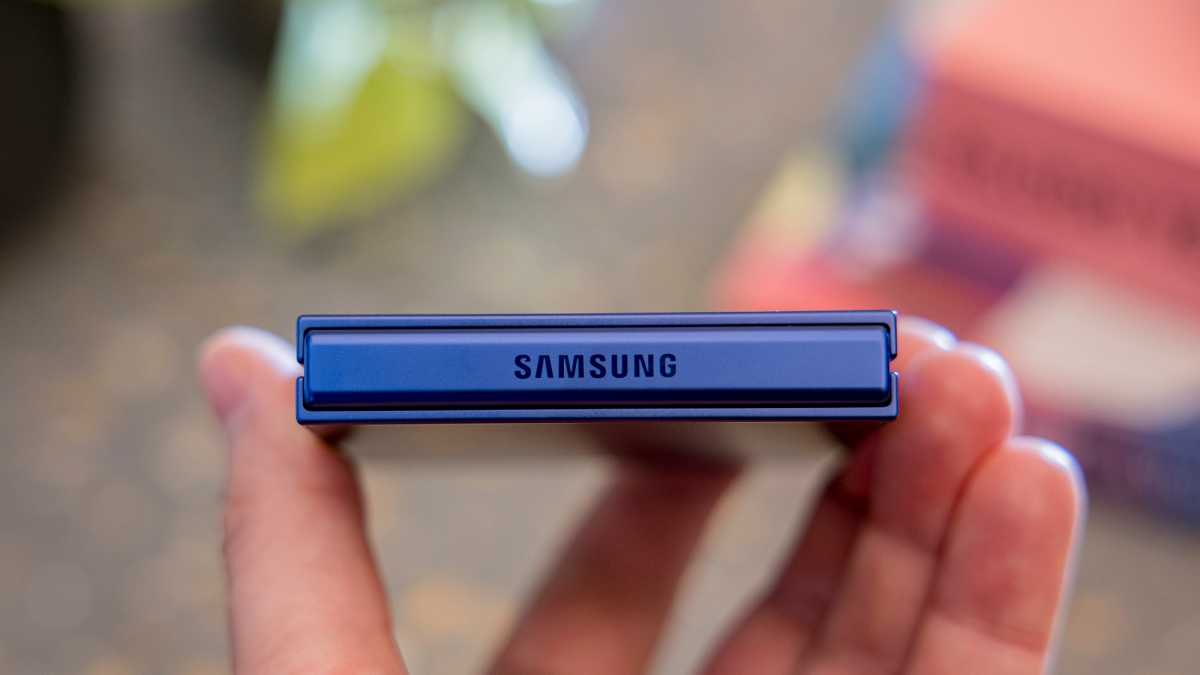
However, two things are immediately noticeable. The first is just how lightweight this thing is. Coming from the 218g Nothing Phone (3), I expected a difference, but the change is more dramatic than 30g suggests. I genuinely can’t feel it in my pocket sometimes.
Dominik Tomaszewski / Foundry
The other is the fingerprint sensor, which is built into the power button. It probably helps that I set up the same finger five times, but unlocking the phone is totally seamless. Remember, not all change (e.g. under-display sensors) is better.
Day 2, Hour 19
I’ve been working all morning, so I’ve generally been avoiding my phone (more successfully this time).
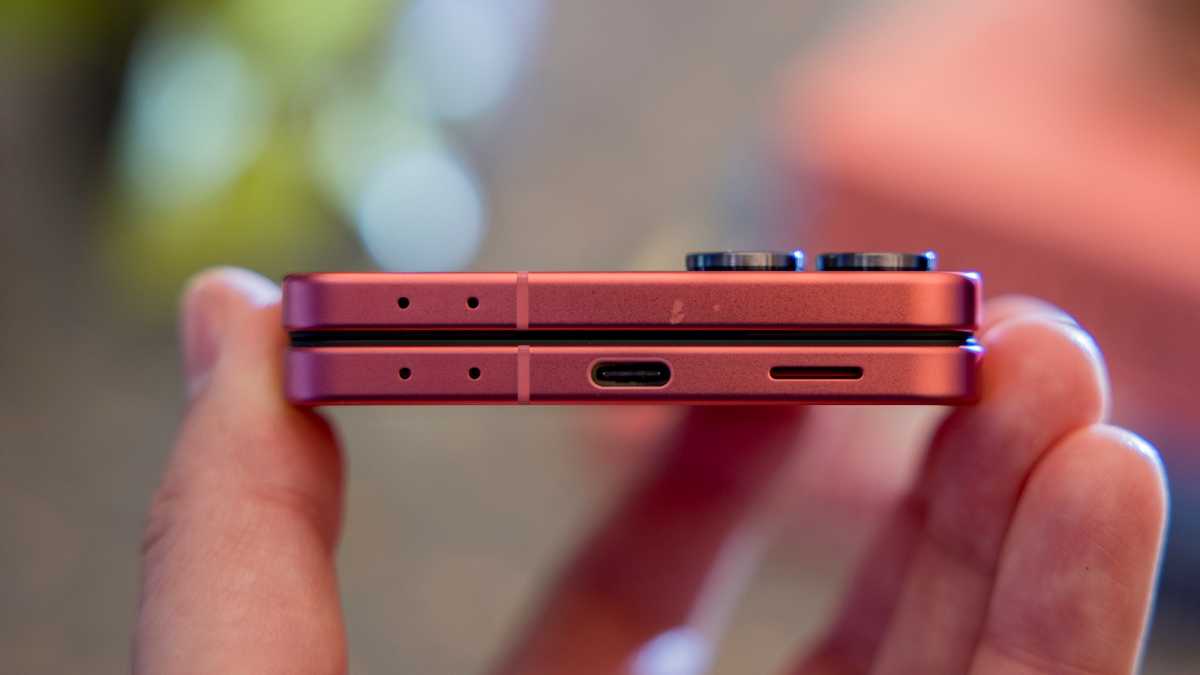
However, following a low battery alert, I connect it to my 65W charger at around 1.15pm with just 11% left. More than 90 minutes later, after my lunch break, it sits at just 65%. At that rate, you’re looking at well over two hours for a full charge.
Dominik Tomaszewski / Foundry
It’s not like the 4300mAh capacity is even that big – it’s actually smaller than the vast majority of non-folding phones. Just hours in, and the painfully slow 25W charging is already winding me up.
Day 2, Hour 20
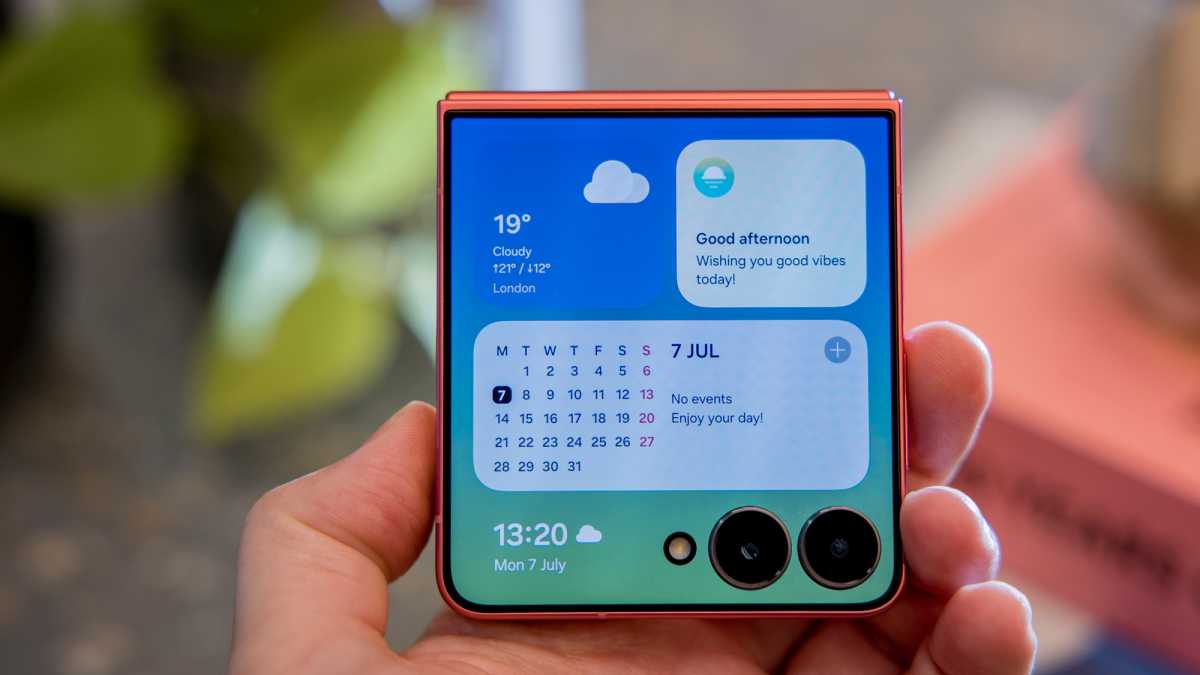
Until now, my interactions with the cover screen have mainly involved checking the time/notifications, quickly adjusting settings and taking selfies.
It excels at all three of these things, but you know what it struggles with? Running third-party apps. Aside from Samsung apps, the only things it can run are Outlook and Spotify, and even then, only in widget form.
Dominik Tomaszewski / Foundry
Time to go through the painstaking workaround, which Samsung still offers if you really want it (yes, yes I do). As a reminder, the process is as follows: Install the ‘Good Lock’ app from the Galaxy Store. Open it, then install and open ‘MultiStar’. Tap it, then ‘I ♡ Galaxy Foldable’, enable the ‘Launcher Widget’ and tap any apps you want to add to the cover screen. Finally, go to Settings and add the Good Lock widget to access them.
Despite not being optimised for the smaller screen, apps such as Google Maps run just fine, and I’m happy to accept that occasional issues will arise. Samsung even lets you easily adjust the aspect ratio, meaning you can avoid the camera lenses covering anything important, or even make it look more like a regular phone screen.
Why offer these options if you don’t want people to use anything that isn’t optimised? It doesn’t make sense, but my Flip 7 cover screen suddenly got a whole lot more useful.
Day 2, Hour 22
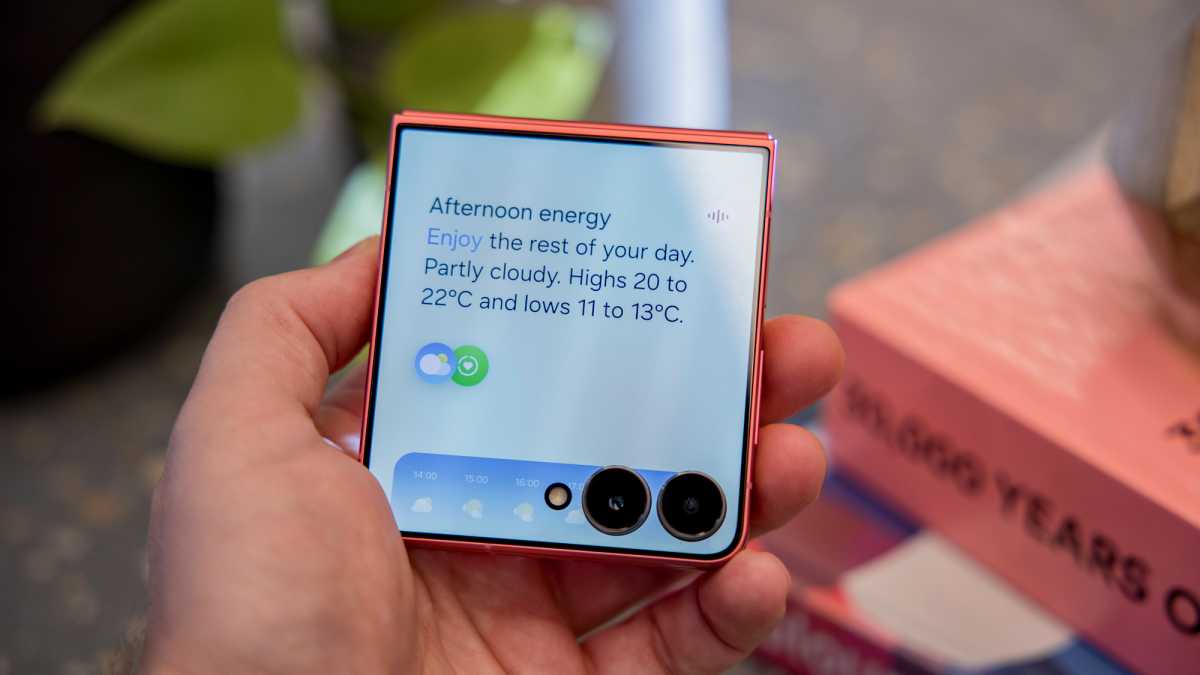
Do you know what else really annoys me? Samsung’s ‘Now Brief’, which it introduced last year, is now available directly from the cover display. It has potential as a summariser of useful information throughout the day, but it makes most sense if you have other Samsung devices, such as a Galaxy Watch.
But why does Samsung insist on including meaningless statements? In the last day alone, I’ve had both “clouds in the sky give today a tranquil vibe” (while traffic roared past outside my flat) and “have a special day”. It makes the “afternoon energy” I saw during the pre-brief seem fairly normal by comparison.
Dominik Tomaszewski / Foundry
It sounds like I’m going on a rant now. Trust me, there are some things I really like about the Z Flip 7! It just feels like it could be so much better.
There are two things I’m really enjoying about the Z Flip 7 so far.
First up: the displays. I’ve talked about both the expansive 3.6-inch cover screen and 6.9-inch internal panel already, but I specifically wanted to highlight their quality. Both are gorgeous 120Hz OLEDs that make content look glorious. Even in everyday cases such as web browsing, watching YouTube and Slack messages, colours and detail are both excellent.
Dominik Tomaszewski / Foundry
I haven’t used the phone in direct sunlight yet, but the phone gets impressively bright, so I’m not too concerned. Oh, and the crease on the internal display is almost unnoticeable unless you have the screen off and stare at it. I’m impressed.
The other thing is performance. It’s understandable that a switch from Qualcomm to Samsung silicon would set alarm bells ringing, but the Exynos 2500 is coping just fine so far. It’s fast, responsive and great at multitasking, though I haven’t used the Z Flip 7 for any more demanding tasks yet.
Dominik Tomaszewski / Foundry
See? I can be positive.
And that’s 24 hours! Come back tomorrow for more, including a detailed look at the rear cameras and gaming performance.


