




If you find yourself receiving calls from numbers that you don’t recognise, or simply want to know where your friends or family might be, then tracking a phone number can be a useful solution.
But, how can you do that and is it even legal? Here’s a quick guide on how to track a phone number.
Why would you want to track a phone number?
As mentioned above, there can be some quite simple reasons for wanting to track a number. Most commonly, this might be to see where your kids are when they’re out and about, a loved one travelling home at night, or when trying to meet up in town with a friend but you don’t know exactly where the other person is located.
There are other reasons, such as when you receive calls from unrecognised numbers and you want to check their validity or, in the worst case scenario, you’re receiving nuisance calls and want to find the perpetrator.

Now, it should be noted that it’s not like in the movies where you can trace calls to their precise locations if you keep them on the line long enough. That’s the kind of tech that only law enforcement possesses. Usually, you’ll need permission from the other person if you want to track their movements (say, using Apple’s Find My Friends feature).
You can check where a number is registered, which might be helpful if you’re getting calls you don’t want, but the information is a bit on the basic side.
If you see services online offering to live track phones or hunt down the information about the holder of the number, there’s a good chance that this is untrue or even a scam.
Instead, if you’re the victim of continued harassment calls, it’s best to take the matter to the police. In the UK you can contact the Police hotline for stalking or harassment, and there will be similar services available in other countries.
How to track an unknown or unfamiliar phone number
If you’re getting calls from a number and want to check out if it’s legitimate – say they call representing a company offering an amazing deal – then there are a few quick options that might help.
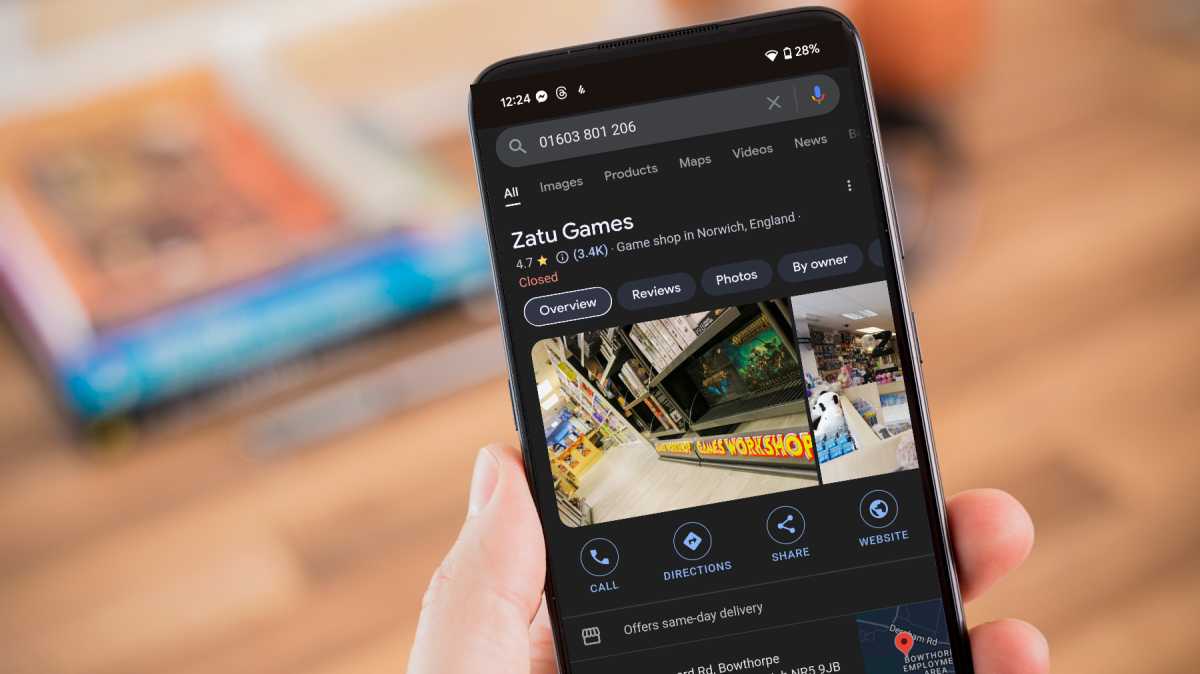
The first one is to simply copy the number and then search for it on Google. This will often give you the basic outline of to whom the number is registered. If a company is legitimate, then you should see the listing of its business with the number included.
Martyn Casserly
Martyn Casserly
Martyn Casserly
For a more thorough approach, there are free sites like WhoCalledMe which are known as Reverse Phone Lookup services, which can try to unmask unknown callers so you know who is ringing.
The site says that it can potentially give you, ‘details such as caller ID, location, TPS Compliance, network operator, mobile network provider, and user-generated reports concerning the number.’
You can also download a WhoCalledMe app called ‘Wotcha’ for Android or iOS if you want to use the features in real-time to monitor incoming calls.
How to track a phone number on iPhone
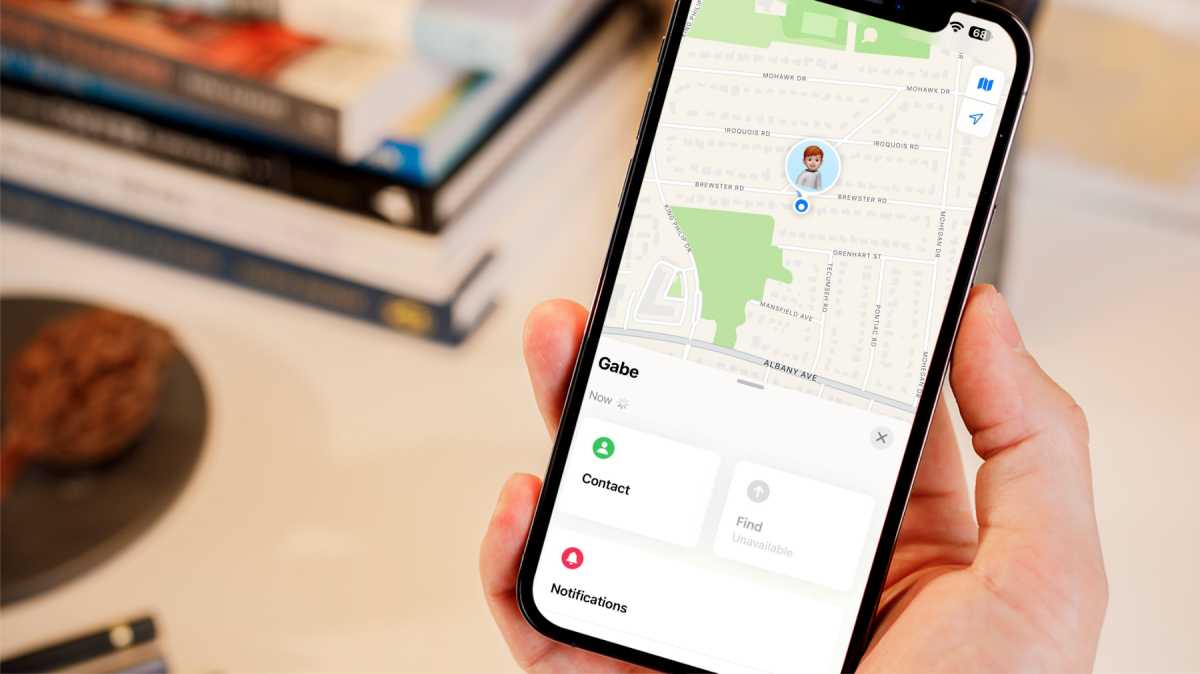
Keeping tabs on friends of family can be a useful thing in a number of situations. Thankfully, this is easy to do with the Find My feature that Apple has built into iOS, macOS and iPadOS for a number of years now.
This simple app lets you see the current location of the devices that have been shared on the service by your friends and family. It tracks them in real-time, so you can watch their progress. It’s also useful if you’ve lost your iPhone, iPad or Mac and want to track it down.
Apple’s Find My network also allows you to track devices by anonymously communicating with other iPhones which have the service enabled. It also makes it compatible with Apple’s AirTag accessories.
Martyn Casserly
Martyn Casserly
Martyn Casserly
You can read about the service and how it works in our Apple Find My explainer.
How to track a phone number on Android
Just like Apple, Google provides a similar locating and tracking service for Android users.
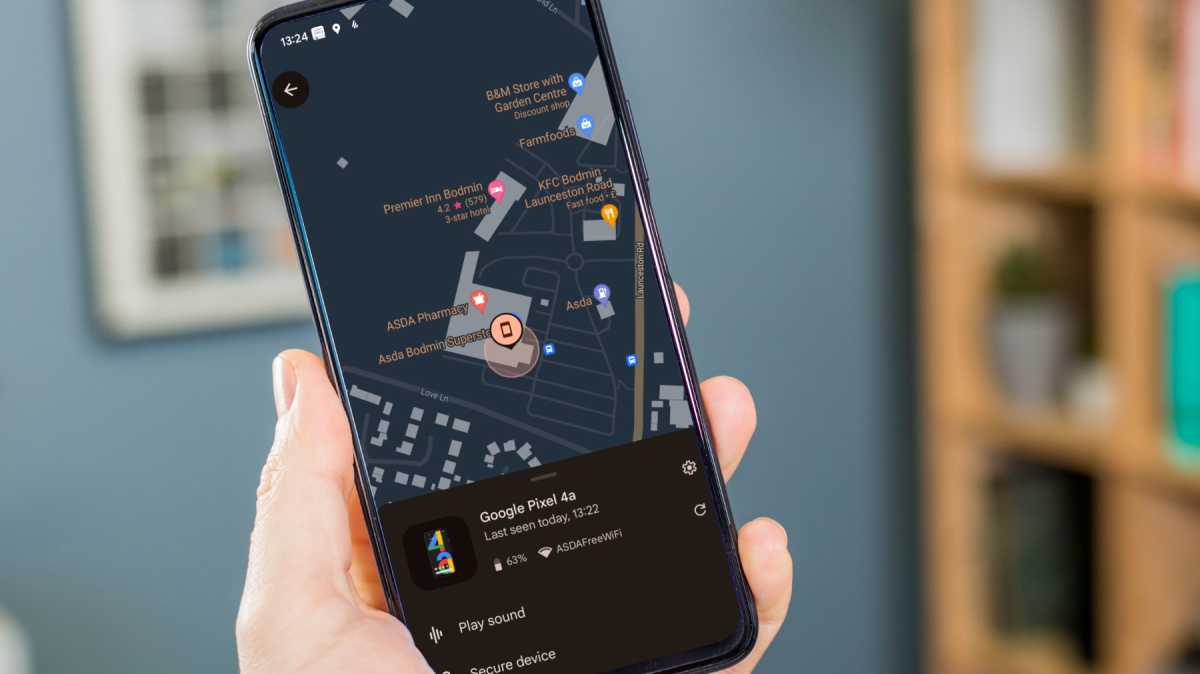
It’s known as Find My Device, and can be used to track smartphones, tablets and laptops that are linked to your Google account or a trusted contact.
A revamped version also allows you to track items by anonymously communicating with any nearby devices which have the service enabled. This matches what Apple offers, and will be compatible with trackers in the future.
Martyn Casserly
Martyn Casserly
Martyn Casserly
You can read about the new service in our Google Find My Device explainer.
Another built-in solution is to ask your friend to share their location via Google Maps.
This essentially has them drop a pin in the app, share it with you, and then the two phones will live track each other (for a specified amount of time) so you know where you both are. It’s a great solution if you’re in an unfamiliar location and want to find each other quickly.
To get started, read our guide on how to share your location on Android using Google Maps.

/origin-imgresizer.eurosport.com/2024/06/01/3980592-80787548-2560-1440.jpg?w=150&resize=150,150&ssl=1)


