




Is there anything more frustrating than trying to charge your phone, only to find it stubbornly refusing to juice up?
We rely heavily on our phones for communication, productivity and entertainment. When they won’t charge, it can feel like a major inconvenience.
Even if you use one of the best battery life phones, there are several common reasons why it might not be charging and thankfully, many simple solutions to fix the issue.
Why won’t my phone charge?
Before diving into potential fixes, it’s essential to understand why your phone may not be charging in the first place. The thing is, even if you follow all the steps to properly charge a phone battery, obstacles can still arise.

Sometimes, the problem lies with the accessories rather than the phone itself. A damaged charging cable or adapter can prevent proper charging. On the other hand, dust and other particles can also accumulate in your phone’s charging port over time, obstructing the connection between the charger and the device.
Occasionally, software issues can interfere with the charging process too, causing your phone to refuse to charge or display incorrect charging status. Ultimately, in some cases, the battery itself may be faulty or there could be underlying hardware issues preventing the phone from charging properly.
These are just some of the reasons, but they are the most common culprits.
Why isn’t my phone charging, even though it says it is?
You might encounter a situation where your phone displays that it’s charging, but the battery percentage remains stagnant or even decreases. This can be baffling, but it’s not uncommon.
Sometimes, your phone may indicate that it’s charging when it’s actually not receiving any power. This can occur due to a loose connection or a faulty charger, so be sure to check those.
Certain background apps or processes might be consuming more power than your charger can provide, also resulting in the battery draining despite being plugged in.
If your phone’s battery has degraded significantly over time, it may struggle to hold a charge too, leading to the battery percentage dropping even while connected to a charger.
How to fix a phone that isn’t charging
Now that we’ve identified some potential reasons why your phone isn’t charging properly, let’s explore how to fix the issue:
Check your cable
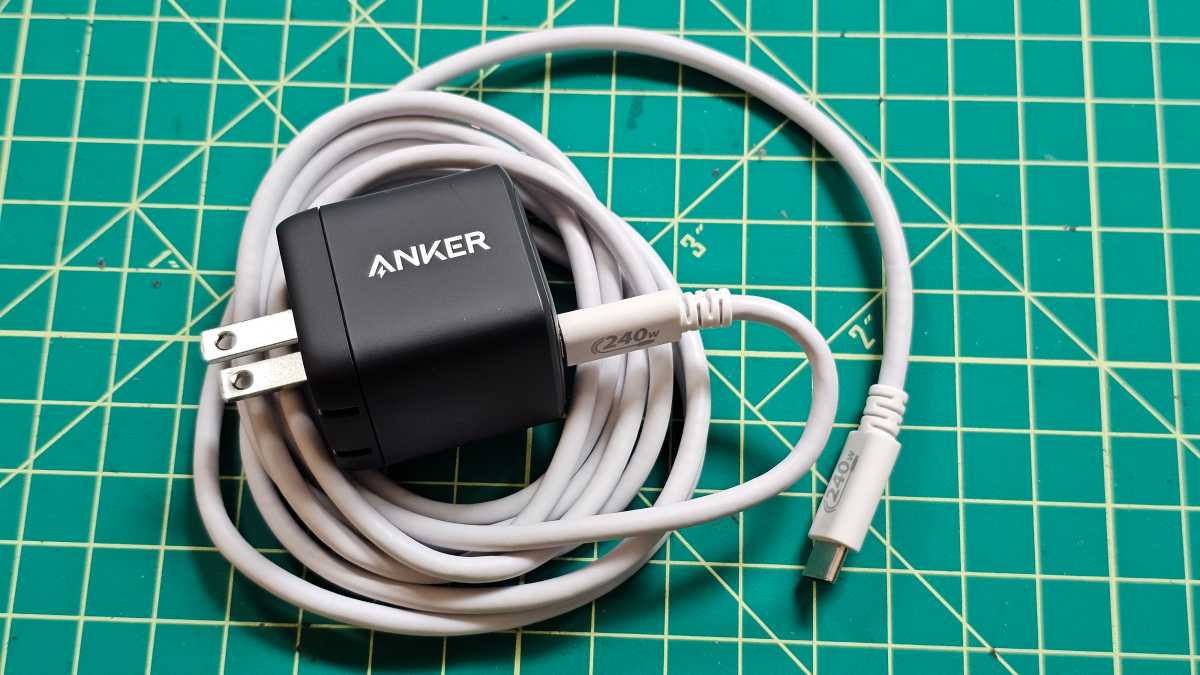
Often the cheapest part of your setup will be the cable. These can fail if they are bent too much, used too much or just badly made.
If your phone isn’t charging then a good idea is to swap the cable you’re using for a different one that you know works. You can also stock up on some of the best USB-C & Thunderbolt cables we know.
Gordon Mah Ung
Gordon Mah Ung
Gordon Mah Ung
Plug the working cable into your charger, then into the phone and see if this makes any difference at all. If not, that means the cable is fine and the problem lies elsewhere.
Check your charger
Along similar lines, also check that the charger is working properly. Again, try using an alternative one that you know works, to see if that produces a different outcome.
If the charger is found to be faulty then you can check out our the best phone chargers article and order one that suits you best. You might also opt for a wireless charger if your phone support it.
Take off your case
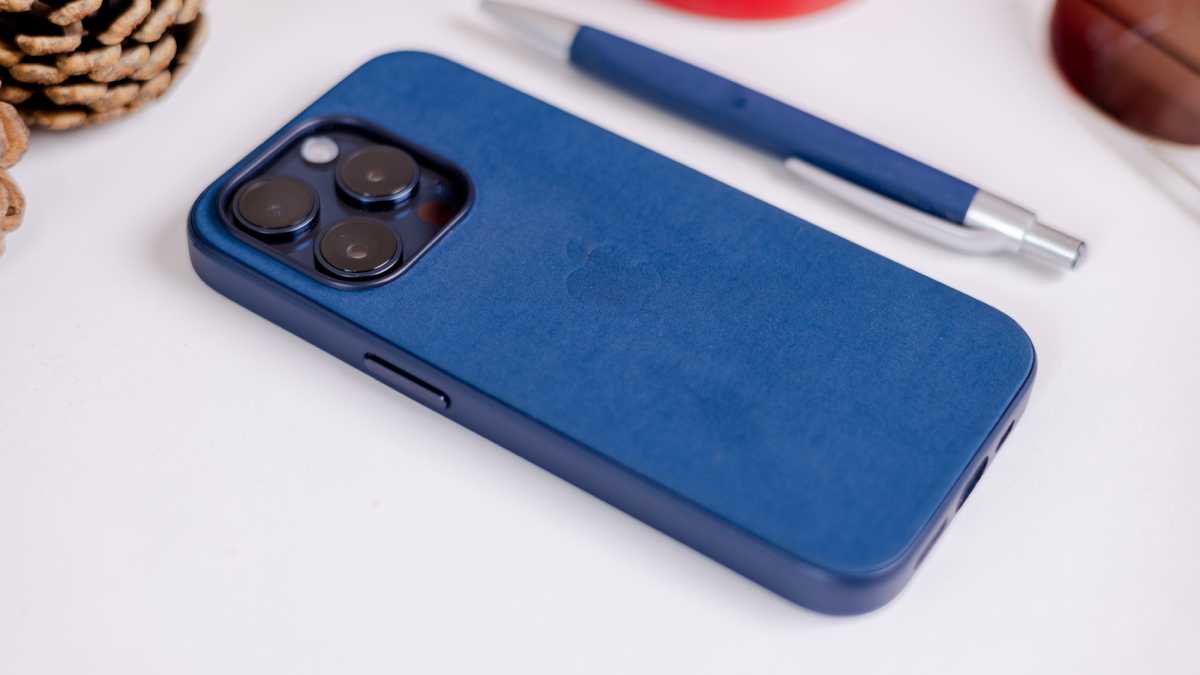
If you’ve recently bought a new, protective case for your phone then it’s worth making sure that your cable still fits properly in the phone’s charging port.
Bigger cases can sometimes push the cable out just enough to break the connection, which results in a phone not charging. It’s a long shot, but worth a look.
Dominik Tomaszewski / Foundry
Dominik Tomaszewski / Foundry
Dominik Tomaszewski / Foundry
Clean the charging port
Over time charging ports can become a haven for crumbs, dust and other particles. A build-up of dirt in your port can cause charging issues, so try blowing into it to remove any clutter.
If the dirt seems a little stubborn you could always, very carefully, use a vacuum cleaner or the end of a paper clip to try to remove the blockages. Just be sure to turn off the phone first and fit the plastic nozzle on the hoover to avoid any scratches.
Another alternative is a tissue folded up to a sharp point that you can insert into the port and use to clean it out. You can learn how to clean & disinfect your phone in our dedicated article.
Update your phone
It’s not often, but on some occasions a new update to the operating system can cause charging issues or battery management errors. If you’ve only recently updated the OS on your device and noticed the issue appear at around the same time, then they could be linked.
This can be a tricky one to fix as, ideally, you’ll want to roll-back to the previous version of the OS, which isn’t always possible. Instead the best solution is to check if any newer updates have become available. These usually fix any problems that previous iterations have caused.
Dominik Tomaszewski / Foundry
Dominik Tomaszewski / Foundry
Dominik Tomaszewski / Foundry
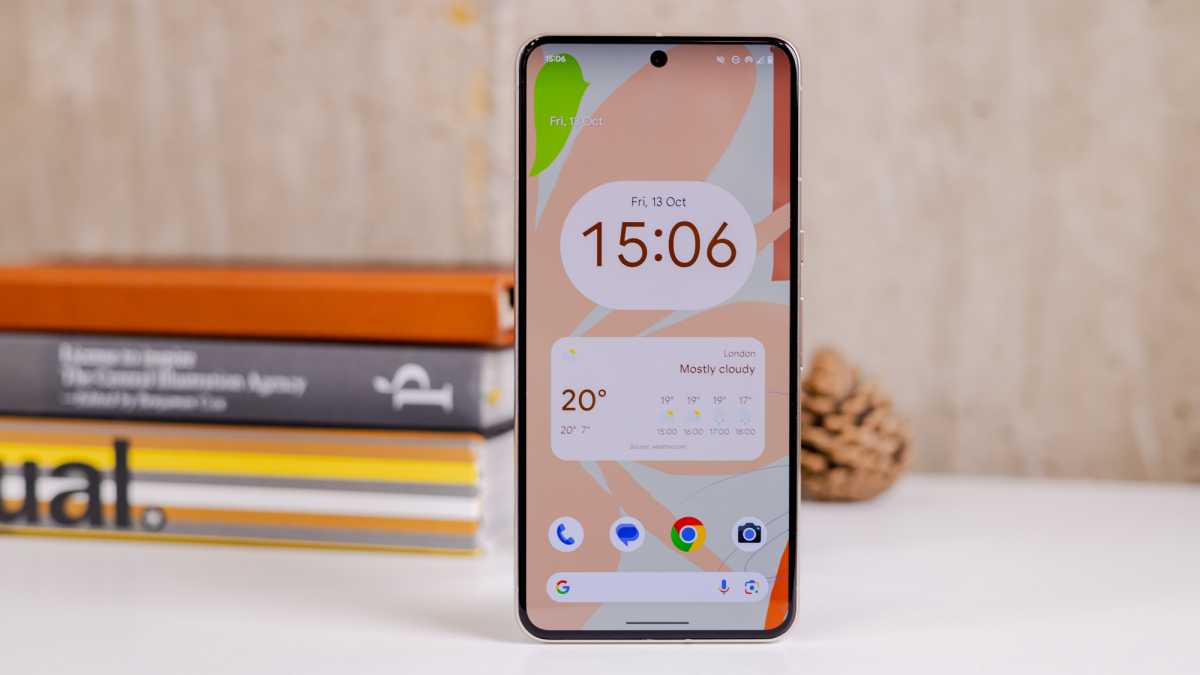
To do this, Android phones users should go to Settings > System > System update > Check for updates and see if an update is available. You can also check the step by step guide on how to update your Android phone.
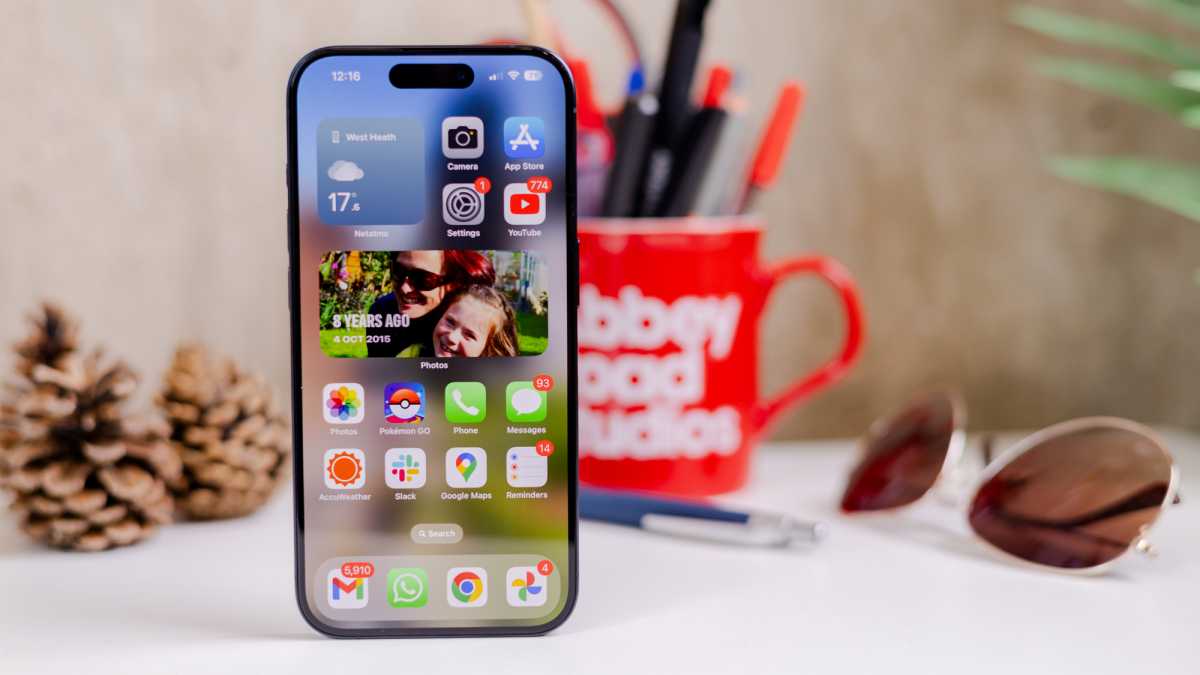
Those with iPhones need to navigate to Settings > General > Software Update and see if there is an newer version listed.
The latest versions of the systems are Android 14 and iOS 17.
Android 15 was unveiled during Google’s I/O developer conference. Apple also presented iOS 18 on 10 June at WWDC 2024.
Dominik Tomaszewski / Foundry
Dominik Tomaszewski / Foundry
Dominik Tomaszewski / Foundry
Change the battery
Over time batteries lose the ability to hold a charge. This is usually gradual, but a sudden failure can occur.
With most modern phones this really isn’t an option to just swap the batteries, as the they are sealed into the casing. But, if you do have a device with a removable battery, then swapping it for a new one might be the way to go.
However, if you cannot replace the battery yourself, the best thing to do is to go to an authorised service centre which will replace it for you.
Buy a new phone
If you’ve exhausted all avenues then there are only a couple of options left on the table. You can take the handset to a repair shop (remember, if it’s under warranty you can bring it back to the retailer you bought it from) or consider replacing it.
Obviously, the latter is a more expensive route, but if your device is old and starting to develop problems then it could become a case of throwing good money after bad if you have it repaired.
If you do decide it’s time to upgrade then there are a wide range of excellent budget and mid-range phones available at the moment. If you can’t decide whether you prefer to buy an Android phone or an iPhone, we show you how to decide which is right for you in our dedicated article.
And if you decide to go all the way for the latest flagships, be sure to check out our list of the best phones in 2024.

/origin-imgresizer.eurosport.com/2024/06/17/3989607-80967848-2560-1440.jpg?w=150&resize=150,150&ssl=1)


