




Making the most of your Android phone often starts with making it last longer.
Whether it’s a new streaming app, a strategy game, or just Google Docs, none of these apps are useful in the slightest on a dead phone.
For those who just purchased a new smartphone or have used the same one for years, these tips are designed to improve battery life by about 25%. These tips and tricks are also easy to find and configure, since all of them are part of the standard Android operating system.
1. Turn off the always-on display
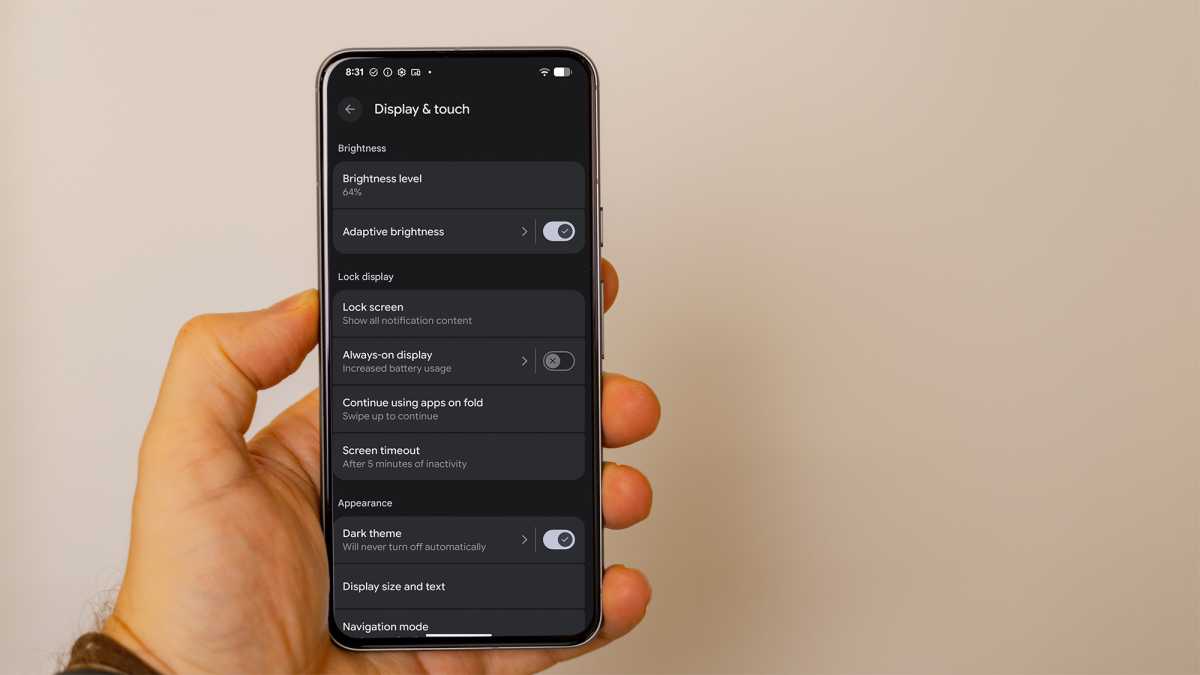
A good place to start to save battery power on your Android device is to disable the always-on display. It’s a convenient feature that makes it easier to check for texts and read notifications.

However, if you did enable this feature in Settings, it can use up battery power quickly. If you’re trying to make your phone last longer, this is a great place to start. You can also dim the screen.
Foundry
In Settings, search for “Display & touch” and make sure Always-on display is off. In this same area of Settings, you can also set the brightness level and turn off adaptive brightness – the lower the brightness, the more battery you’ll save.
2. Disable GPS when not in use
What if there were a chip on your phone that was constantly using battery power, but you could disable it altogether?
Foundry
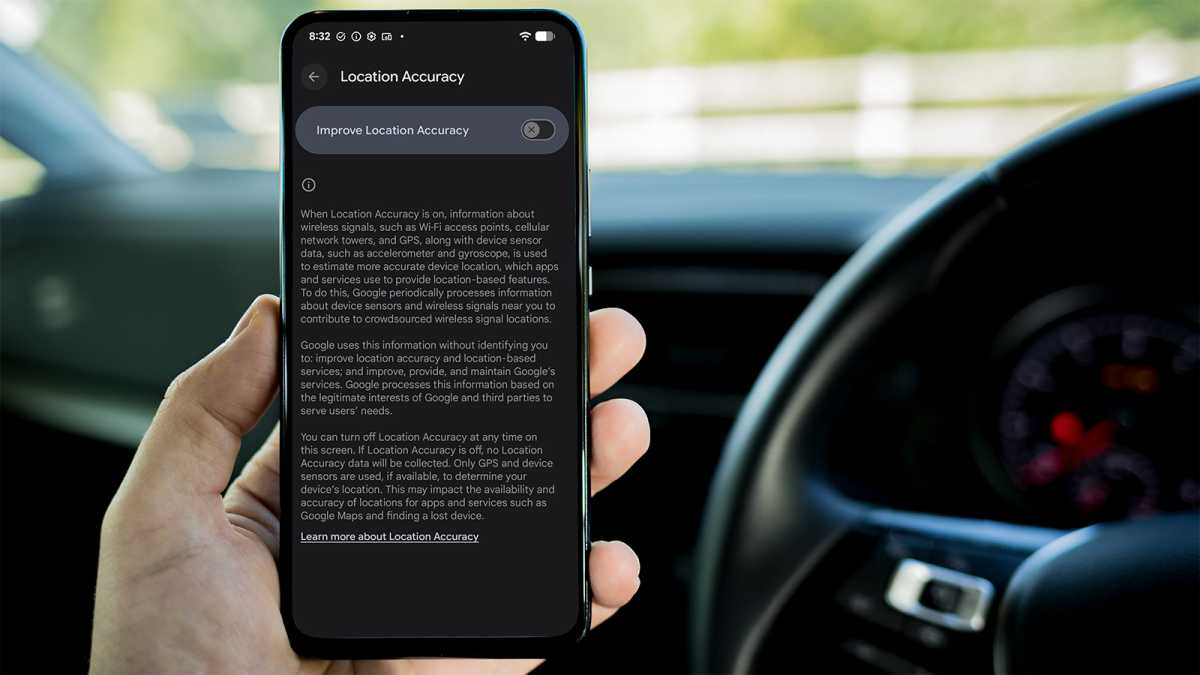
As you may know, Location Services on an Android phone means you are constantly using GPS satellites so you can find a route using Google Maps or other navigation tools like Waze. The GPS chip consumes a great amount of battery power, so if you don’t need it, your phone will last longer if you disable Location Services.
Just search for that term under Settings. When you need to map out a route again, just enable the Location Services once more.
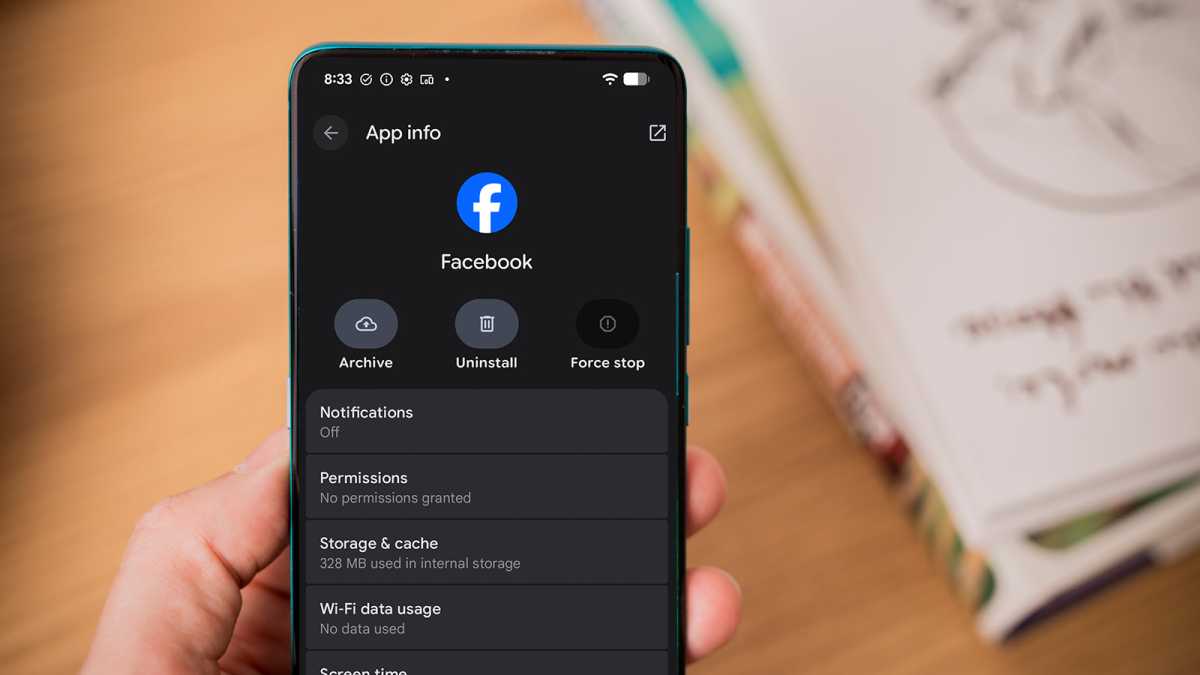
Facebook is an extremely resource-intensive app, so one hack is to remove the app unless you need it. I use this trick for all social media apps – including TikTok and Instagram – as a productivity-saving trick.
I doomscroll less often and only install and use the apps when I want to check my feeds. Yes, it’s a pain, but the benefits outweigh the inconvenience, because the apps are no longer running in the background.
Foundry
I also end up using my phone less. That’s because social media apps run like a slot machine in Las Vegas. The more you scroll, the more you want to see something new; removing the apps solves that issue and saves power.
4. Try bedtime mode to reduce phone usage
Some of the settings on an Android phone are designed to help you use the device less. This has a major impact on battery usage, as you might guess. The reason is simple: if you don’t use your phone, it will last longer.
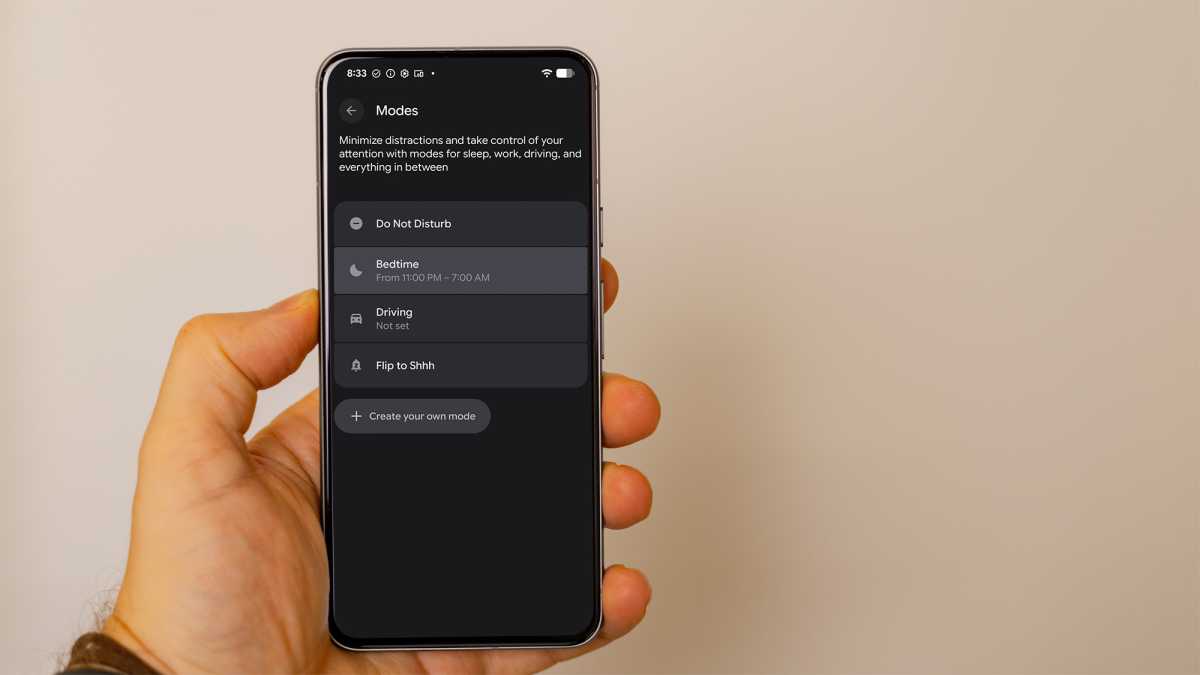
In my experience, when I keep swiping on apps and playing music all day, my phone uses up the battery much faster. One trick is to use Bedtime mode – it’s an overlooked feature on Android phones. The mode essentially makes your phone less appealing. The screen goes dim and turns black and white.
Foundry
You’ll find the option under the Digital Wellbeing section in Settings; it also disables all notifications as you wind down for the day. You can set a timeframe, such as 9pm to 7am, to encourage you to stop using your phone.
5. Place your phone face down
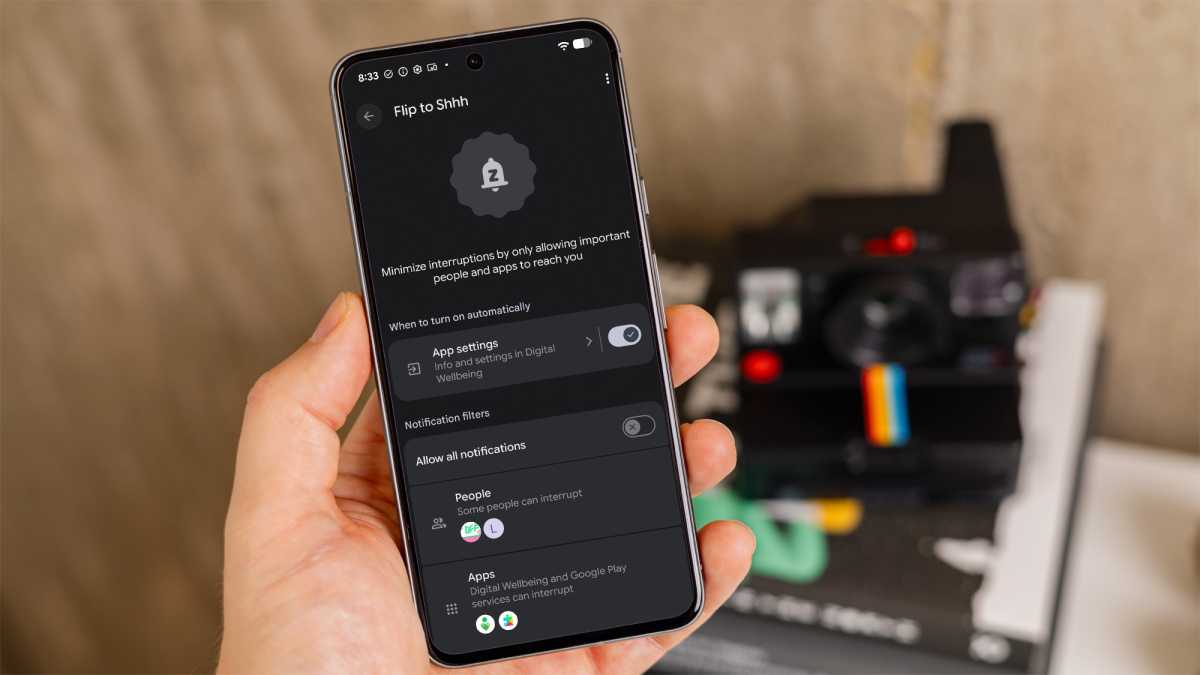
Another little-known hack to make your phone last longer is also quite easy to do. You might not be in the habit, but placing your Android phone face down means you will disable notifications and block all calls unless they are from your favorite contacts.
You will need to enable the option called “Flip to Shh” in Settings. Make sure when you place the phone face down, you wait for a slight vibration (it takes a while) – that tells you the device is in Do Not Disturb mode.
Foundry
Note that this has a psychological effect as well. If you can’t see the screen, you are more likely to let it sit idle — and using the phone less saves battery power.
6. Check your usage score
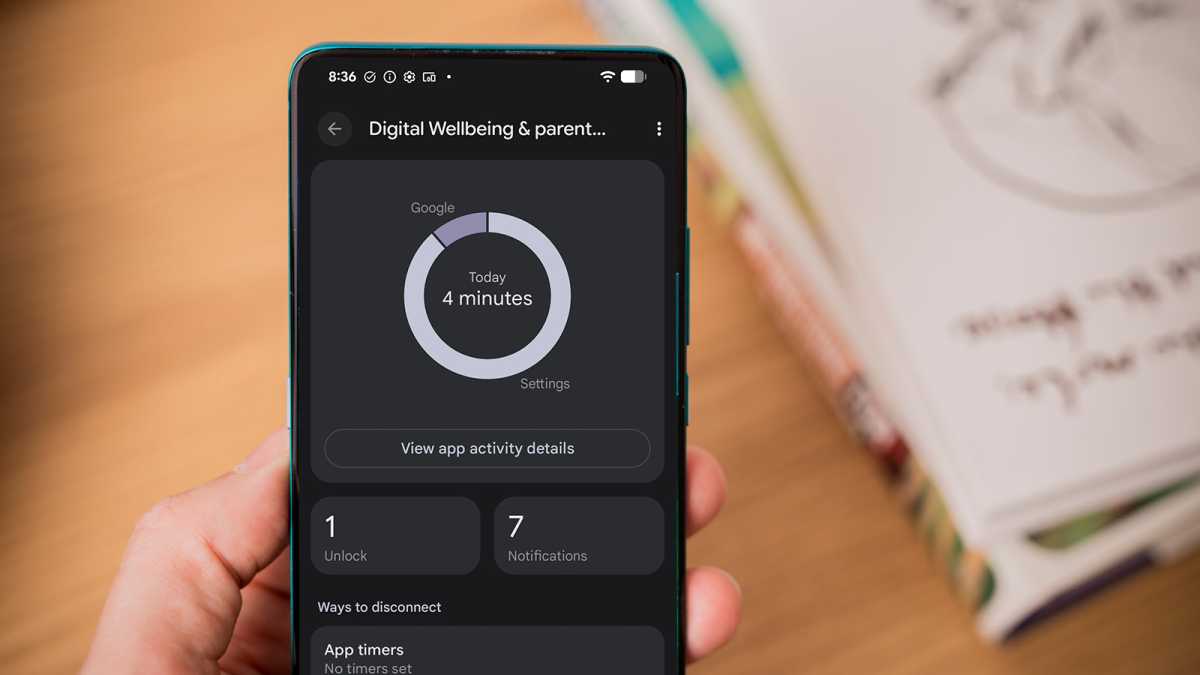
Information is power when it comes to squeezing out more battery from an Android phone. You can check your Digital Wellbeing usage at the end of the day and find out which apps you’ve used the most.
One example: I kept seeing Netflix on the main Digital Wellbeing screen as the main culprit of my total usage time, mostly from watching the show Halo. There’s a gamification element here. Each day, try to beat your wellbeing usage time. If necessary, remove apps that you are using the most. Your phone will last quite a bit longer.
Foundry
7. Reduce the screen timeout time
One last tip is also simple to do, but possibly a little annoying in day-to-day practice. With battery-saving tips, there are trade-offs between convenience and power usage.
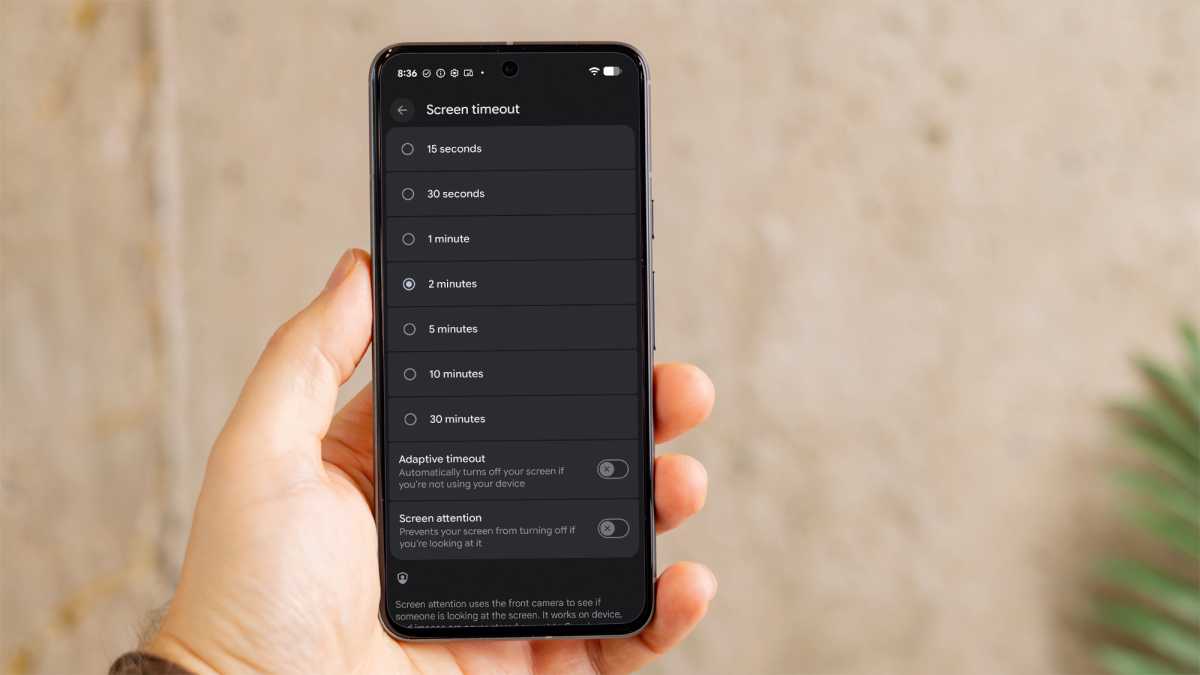
For this tip, you can dramatically reduce the amount of time your phone takes before the screen turns off.
Many Android phones, like the Google Pixel, are set to 30 seconds by default, which is ideal for saving battery life. Most of us increase that time so we don’t have to constantly keep unlocking the phone.
Foundry
I’ve used two minutes, which is about the right balance between convenience and saving power. Even reducing the screen timeout to one or two minutes can impact battery savings.
Each of these tips has a modest effect on its own, but they combine to deliver noticeable results. If you could use a little more battery life, try a few of these and see what difference it makes.


