




Summary created by Smart Answers AI
In summary:
- Tech Advisor tested the Google Pixel 10 Pro Fold as a laptop replacement, exploring its 8-inch screen, Tensor G5 processor, and 14-hour battery life for productivity tasks.
- The device excels at basic work functions with external accessories but struggles with specialized software like Adobe Photoshop and lacks familiar PC shortcuts.
- While getting closer to full laptop replacement, the Pixel 10 Pro Fold serves better as a versatile productivity tool that maintains essential phone functionality.
For at least the last decade, the great unresolved debate in mobile computing is whether the phone in your pocket can replace the computer in your laptop bag.
There’s no question that the latest smartphones are powerful enough to run word processing apps, help you browse the web, and generate images and written text using chatbots like Google Gemini.
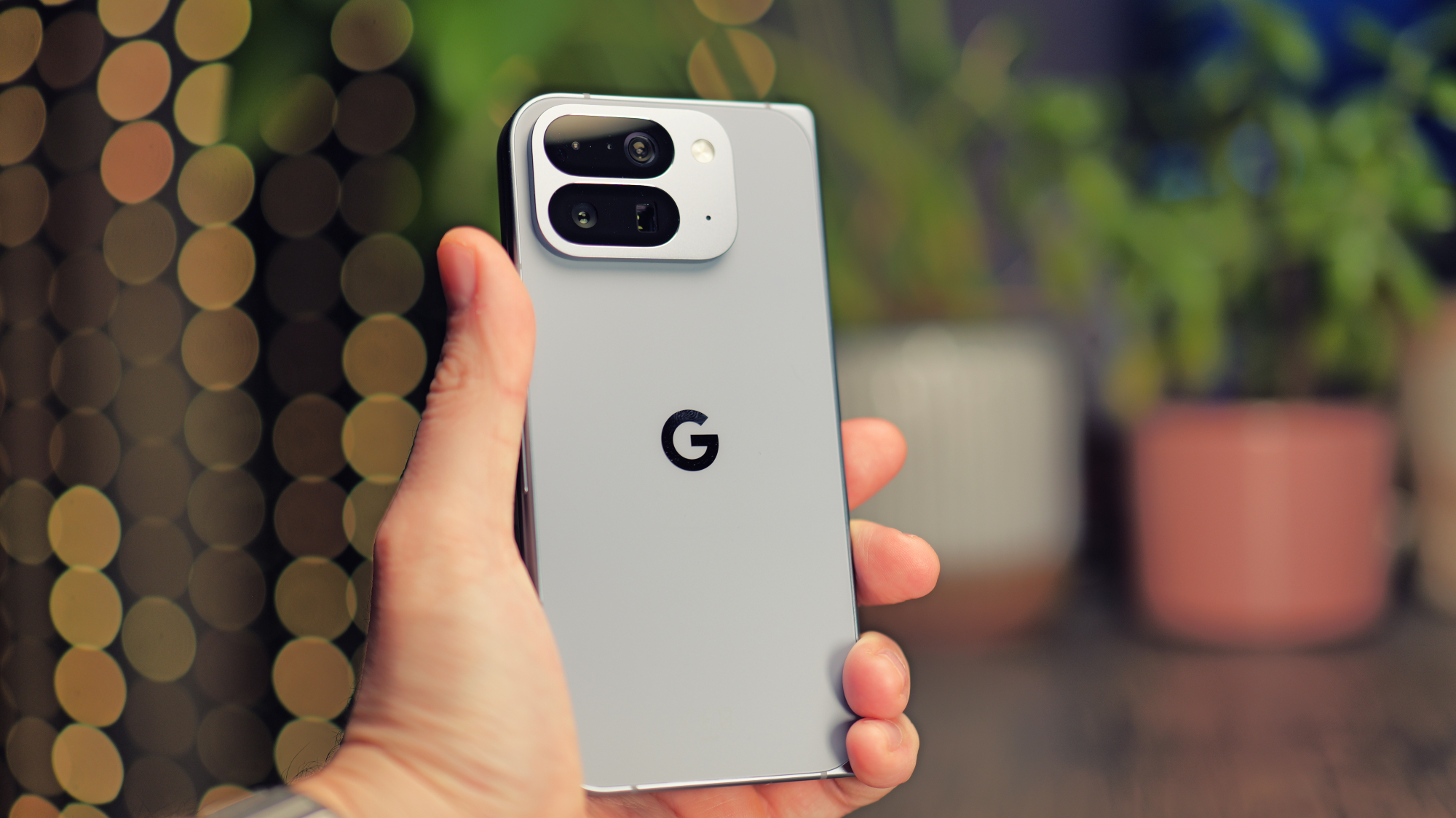
Now, the question is whether we can do real work on the latest devices. Recently, Google released the Pixel 10 Pro Fold, a phone that has a fold-open inner screen that measures 8-inches.

Unlike the previous model, which had the same size inner screen, the new model is much faster due to the Google Tensor G5 processor and also lasts about three hours longer on a charge in my experience. It also includes the latest Google Gemini chatbot and has a brighter screen.
To find out if we’ve finally crossed the threshold to the point where a phone can actually replace your laptop, I put the Pixel 10 Pro Fold to the test during a typical workday.
I camped out at a coffee shop all day with the new device, using a keyboard, mouse, and smartphone stand. I used Google Docs, Gmail, Gemini, and the Chrome browser to do my daily work. Here are the main takeaways from the hands-on testing, along with a few tips and tricks.
Be ready to accept the trade-offs
My first realization when using the Pixel 10 Pro Fold is that there’s a different paradigm involved. The device uses Android 16, so when you use a keyboard and mouse to do real work, you have to change your mindset.
It sounds obvious to say, but I became painfully aware that Android is not the same as Windows 11 or macOS. For example, to select text while you’re working in Google Docs, you can’t triple-click to select all text.
When you use a keyboard and mouse to do real work, you have to change your mindset
The mouse is a bit jerky because it’s not really meant for Android. Snapping photos with an older Canon camera, I realized I had no way to import the photos until I arrived at home.
Those are minor issues, but they pop up quite often. I kept trying to right-click on emails to then delete them, but that doesn’t work.
Most of us have a workflow using a laptop that involves things like Command-Tab to switch between apps. Fortunately, that works on the Pixel Fold using Android with a keyboard, but it’s a bit slow. I learned to start swiping on the Pixel Fold screen instead, but it took some time before that became my norm.
Even little things like the fact that the row of apps is not always present on the Pixel Fold screen can be annoying. To access those apps while using Google Docs, for example, you have to swipe up on the screen.
John Brandon / Foundry
Is it the end of the world? Not really. You have to adjust to the new workflow, and after a few days, I was humming along just fine with Android and the Pixel Fold for daily work.
I also relied heavily on Gemini as an assistant to help with research. On the Pixel Fold, the bot is always a click away. There’s a button called “Ask Gemini” that’s right in the center of the screen. I used the bot for research and finding sources, but also to find a place to eat lunch.
It’s all about the external hardware
The big trade-off to make if you’re deciding between the 8-inch screen on the Pixel 10 Pro Fold and a laptop has to do with the external devices you use.
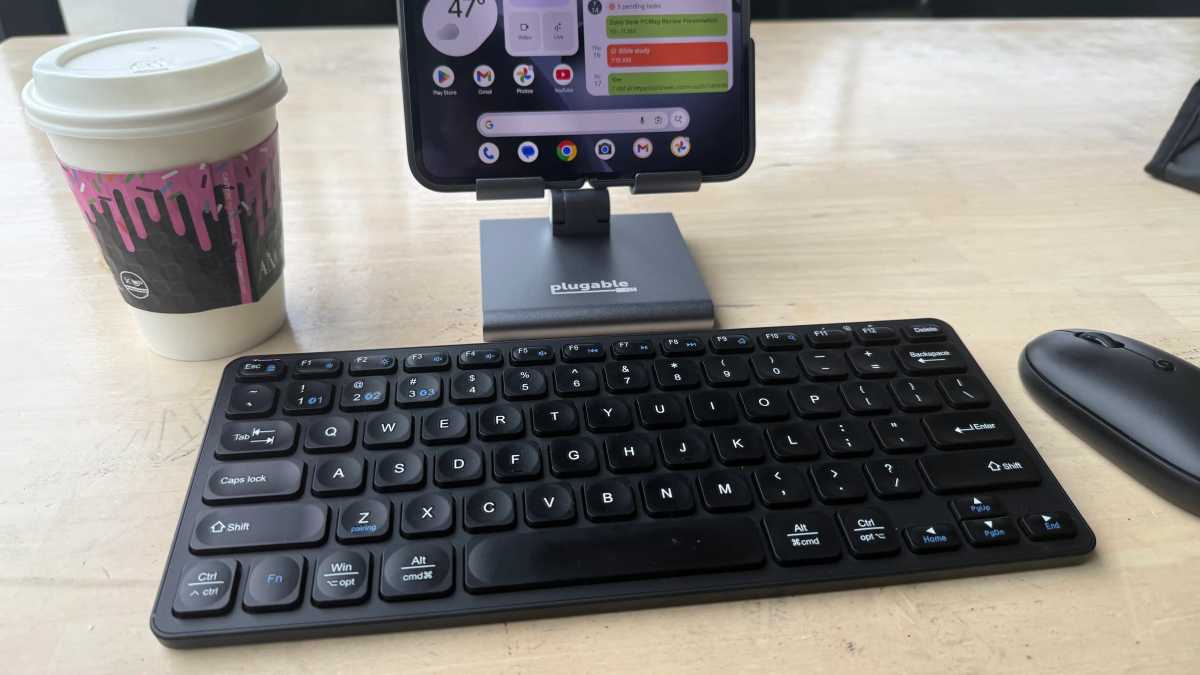
I tested the Pixel Fold with a Targus Compact Multi-Device Bluetooth Antimicrobial Keyboard and matching mouse, which both connected fine over Bluetooth. They are portable enough for daily work and the total weight of the keyboard, mouse, and Pixel Fold is still far less than most business laptops.
Later, I also tested the Logitech Keys-To-Go 2 keyboard and MX Anywhere 3S mouse, both of which are more portable but not quite as spacious for typing as the Targus models.
John Brandon / Foundry
I also used the Plugable USB-C Stand that works with phones and tablets. That device weighs 10.6 oz (300g).
While still lighter than a laptop, I still had to keep track of four products in my laptop bag, though. The keyboard and mouse both use batteries that will likely last for weeks or months.
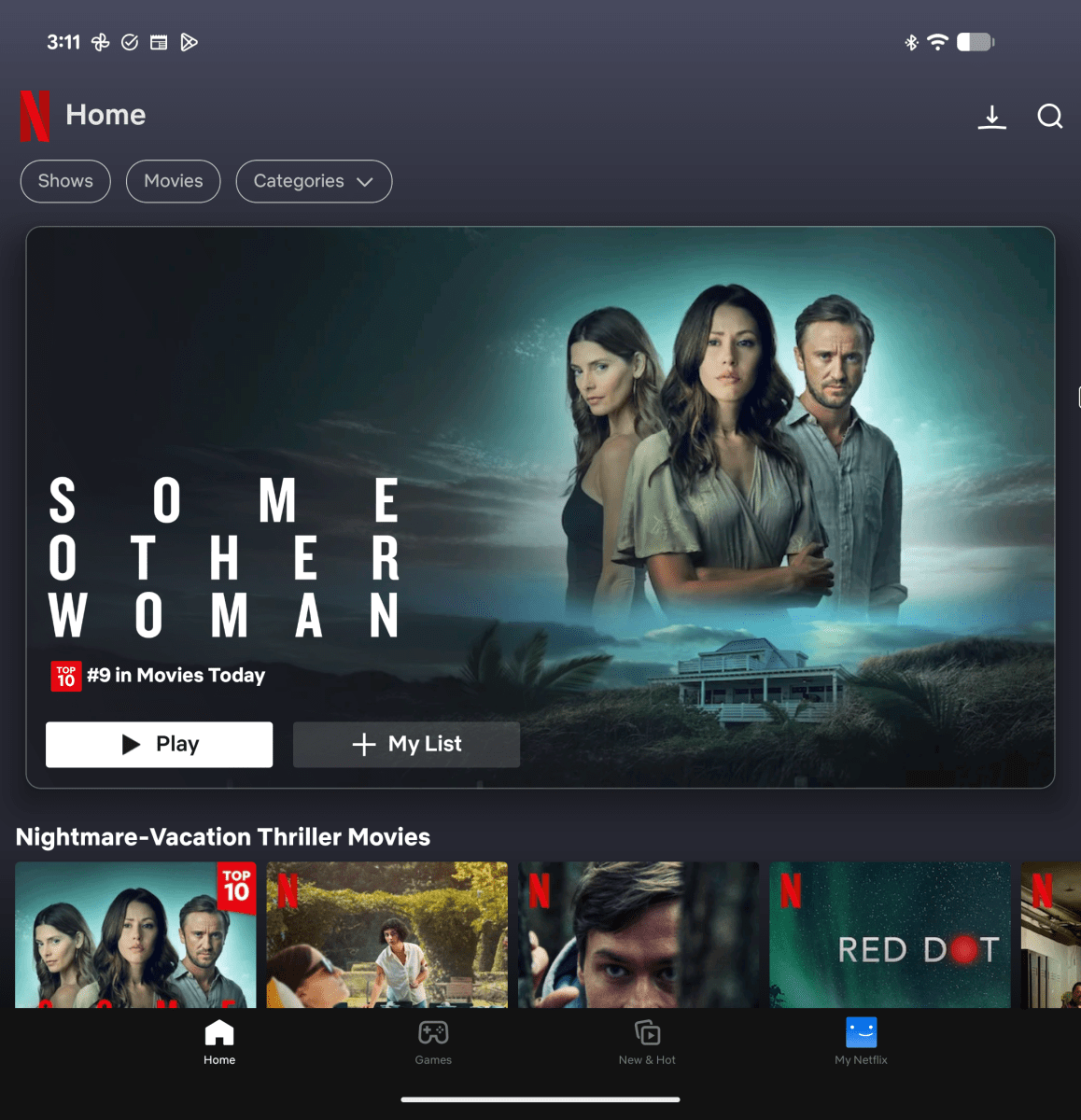
I liked grabbing the Pixel Fold to watch a Netflix movie or browse the web without using it as a laptop replacement. The extra peripherals are ideal for when you want to do real work.
With about 14 hours of battery life, the Pixel 10 Pro Fold can last a couple of days for steady work
One tip is to zoom in on the screen as needed. In Google Docs, for example, you can press CTRL and the mouse wheel to zoom in and out. On the 8-inch screen of the Pixel Fold, zooming in will help you see the text more easily, but you can also zoom out to see how the whole page looks.
A two-day workhorse
With about 14 hours of battery life, the Pixel 10 Pro Fold can last a couple of days for steady work, so that means not worrying as much about needing an outlet.
If you’re going to work on a Pixel Fold for any extended period of time, it’s a good idea to bring along a backup battery. I used the Anker Prime Power Bank because I wanted to focus on work, not charging. The power bank weighs 1.32 pounds (around 599g) and can recharge the Pixel Fold two or three times.
Using the Pixel 10 Pro Fold with a computer monitor is an even better way to work for long periods, especially if you have access to a remote office where there are computer monitors that anyone can use. I connected the Pixel Fold to an HDMI monitor using the Anker 310 USB-C Adapter, which allows you to run the Pixel Fold in 4K resolution on a big screen.
Luke Baker
There are a few important benefits to doing this. One is that you can use something called Desktop Experience mode, which is much more like a computer. I mentioned how using the device’s 8-inch screen means you won’t always see a row of apps, but Desktop Experience changes that and has a taskbar similar to Mac or Windows.
Enabling the feature is oddly cryptic. You have to go to Settings, then About, then tap seven times on the Build option to enable developer mode. You’ll be asked to reboot, then you can enable Desktop Experience.
Once you’re feeling productive and working hard using the Pixel Fold, it’s easy to forget the device is a phone.
One bonus is you can keep using the Pixel Fold as a secondary display. For me, that was a game changer because I could run Google Docs on the big screen and Gmail on the Pixel Fold’s screen. The Pixel Fold became a multi-tasking marvel at that point. You can also use Chrome Remote Desktop with the Pixel Fold to connect to a remote computer and see whatever is on that screen, but I preferred just using Desktop Experience instead.
Taking breaks is easier
Let’s face it, part of having a truly productive work day means taking breaks to recharge. During all of my testing with the Pixel Fold doing actual work, I found it was easy to grab the phone and catch up on a quick episode of The Terminal List on the 8-inch screen or play a game like Diablo Immortal for a quick rest before diving back into Google Docs and Gmail.
John Brandon / Foundry
My workflow also changed a bit when it came to my personal life. I was able to text easily with friends and family during the day on the Targus or Logitech keyboards, similar to what you can do on a Mac using the Messages app or with Microsoft Phone Link on a Windows 11 laptop.
I should also mention I used the Pixel Fold as an actual phone as well, something that is not as easy to do with a laptop. When I would see a call coming in on the device, I would fold the screen closed and chat with colleagues — going mobile as needed. Once you’re feeling productive and working hard using the Pixel Fold, it’s easy to forget the device is a phone.
My verdict on the Pixel 10 Pro Fold as a laptop replacement
Modern smartphones are more like mobile computers than anything these days. If you’re sitting at a desk or at a coffee shop and you have the Pixel Fold right in front of you on a stand, try using earbuds to enjoy music and other audio.
In the end, the entire setup made working on the Pixel Fold a breeze, with the caveats I mentioned. But am I ready to ditch the laptop? Not quite yet.
I know the Pixel Fold is a good replacement, but there are a few things I still need on a laptop like Adobe Photoshop, a few video editing apps, faster processing, and a few high-end games like COD. We’re getting much closer, though.


