




The internet offers unprecedented connectivity and access to information, but it also comes with growing risks and scams each year.
Bad actors are getting more and more imaginative with their schemes. Not only can you come across viruses embedded in files (and here’s how to check if a specific file does contain a virus), but phishing via fake links and malicious redirects are now more common than ever.
Thankfully, there are ways to verify links are safe before you click. Here’s how to check that you’re not about to make a terrible mistake.

Double-check the sender
Adrian Sobolewski-Kiwerski / Foundry
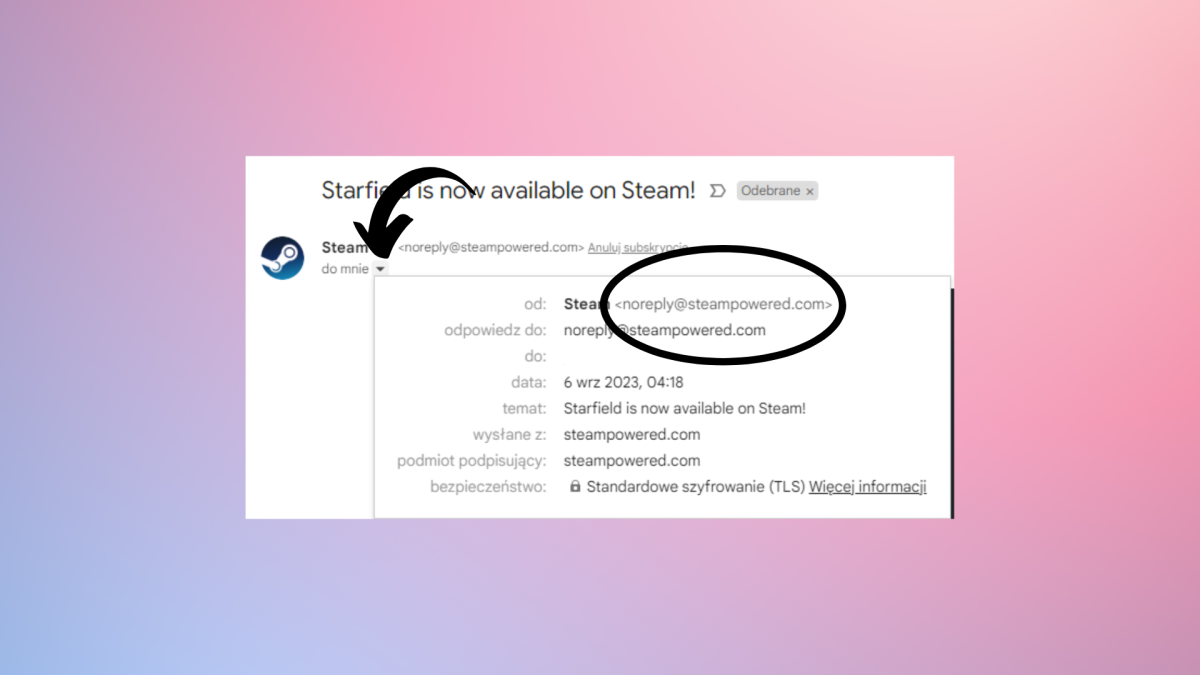
The first thing to do if you get a suspicious link – or any link at all – is to check the sender. When using Gmail, you can click on the small arrow under the sender’s name to expand their info and check their full email address – this should help you determine whether the account is genuine.
However, even with genuine senders – especially on platforms like Facebook or WhatsApp – you should remain careful. Sometimes, an account might have been compromised, and using a well-known name could make you trust it and click on something nefarious.
Compare the address if it’s a well-known website
Adrian Sobolewski-Kiwerski / Foundry
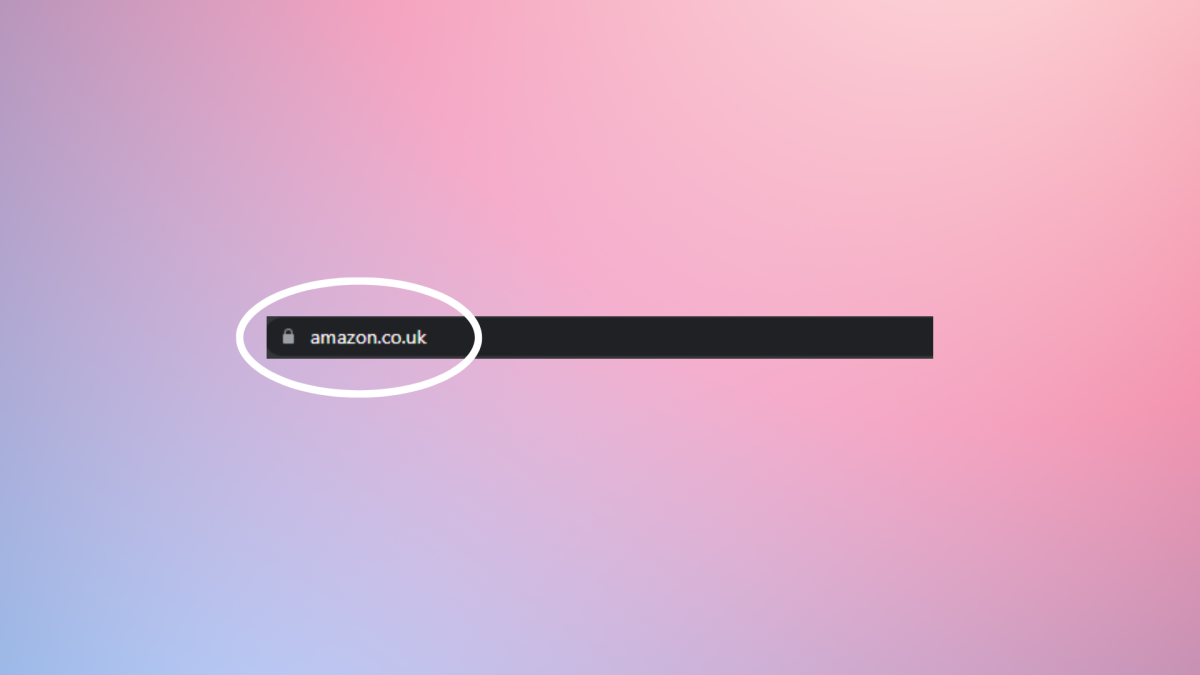
The next step is to check whether the link that you’re getting is the same as the link to the website that you know. This is easiest with the biggest sites, such as Amazon. A genuine link will have the same beginning as a normal website – that is amazon.co.uk (or .com/.de etc.). It will differ only later, with the product that it is linking to.
If you see something different at the beginning, this might indicate a scam. For example, it the link was something like amazon-deals.com that is a completely different website, even though it looks like something official. It’s usually ok if the part before amazon.com is different. Let’s say a link took you to accounts.amazon.com, that would almost certainly be legitimate because the final part – amazon.com – is the same, so it’s just a different part of the same site.
Phishing links often try to look as close to well-established brands as possible to gain your trust, so if there is anything added to something you know, be on your guard. And check the URL for typos: scammers will register websites that people mistype to take advantage of their mistake.
Use link expander if you get a shortened URL
Adrian Sobolewski-Kiwerski / Foundry
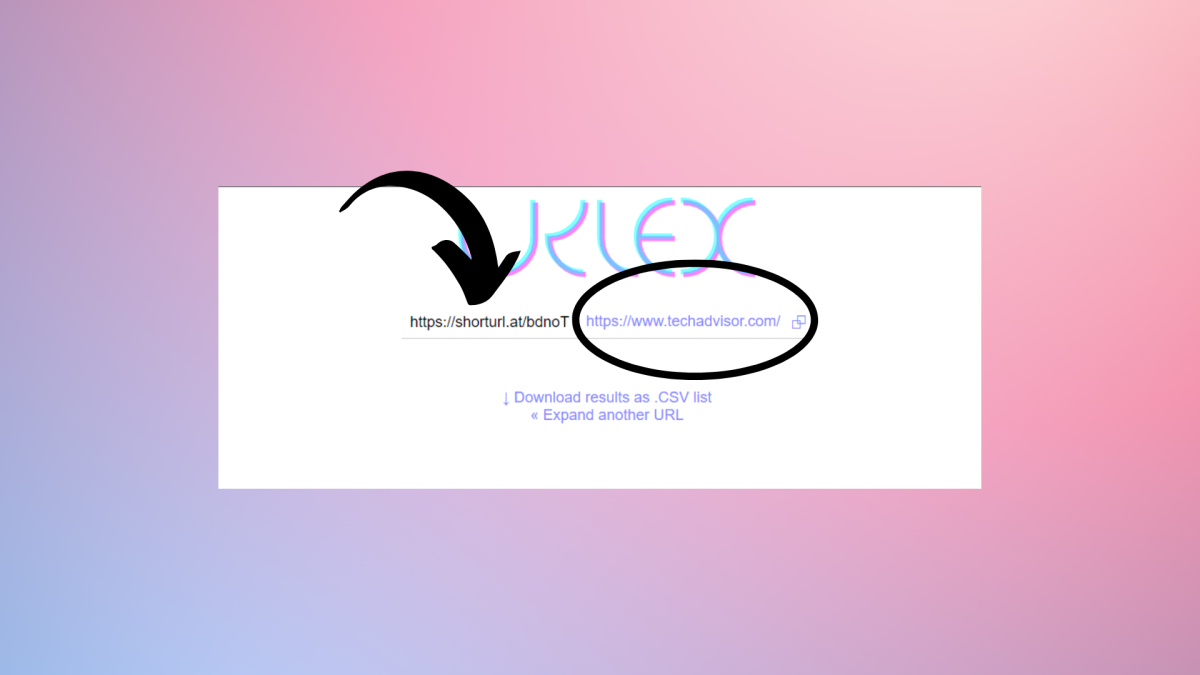
Sometimes, a link that you receive will be unreadable or just a bunch of gibberish. It might mean that it’s been shortened. Before clicking said link, it’s wise to see the whole redirect so that you know where it’ll take you. Fortunately, it’s really easy.
To make the link whole again you just need to use one of many free expanding utilities online. You just paste your shortened link there and they give you the whole URL in a blink of an eye. Here’s a list of some of the most popular:
Make use of a link checker
Adrian Sobolewski-Kiwerski / Foundry
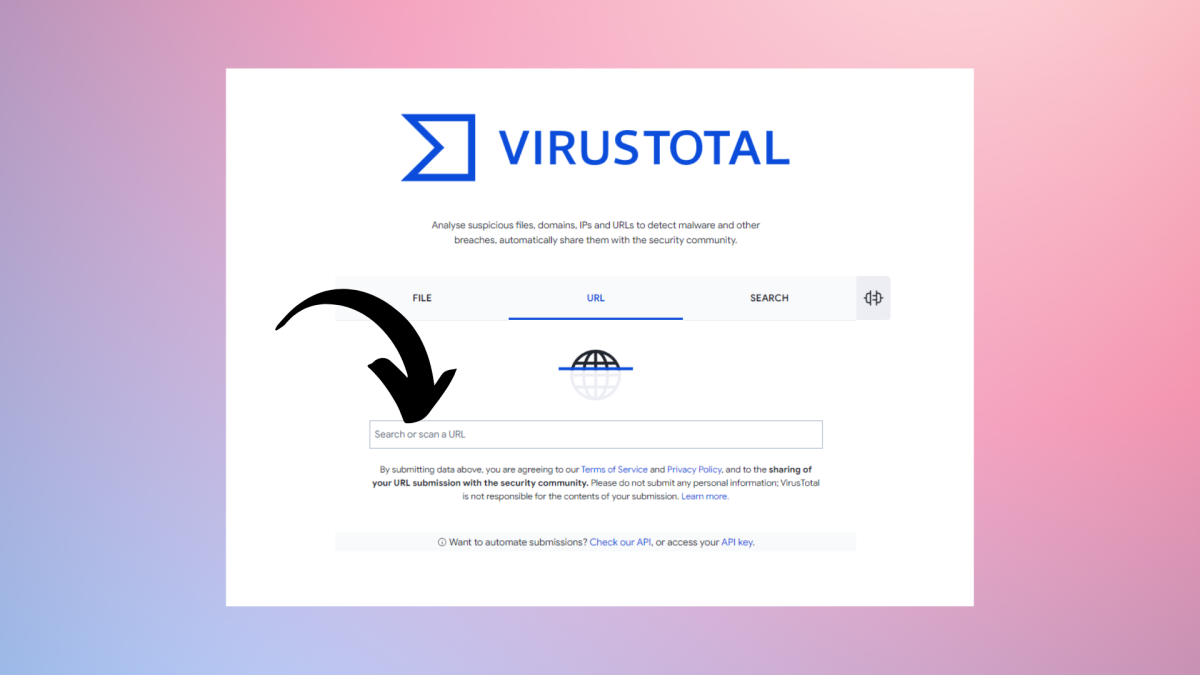
Sometimes you just don’t want to bother with doing the above things yourself. Fortunately, some tools do that job for you, and do it rather well. Link checkers are the most popular. Most of them work online and check the website that you paste into them in a few security databases. This means that you not only don’t need to worry about doing a lot of work yourself, but also you can be sure that the security check is really thorough.
Here are some of the most popular link checkers:
Use security software
Foundry
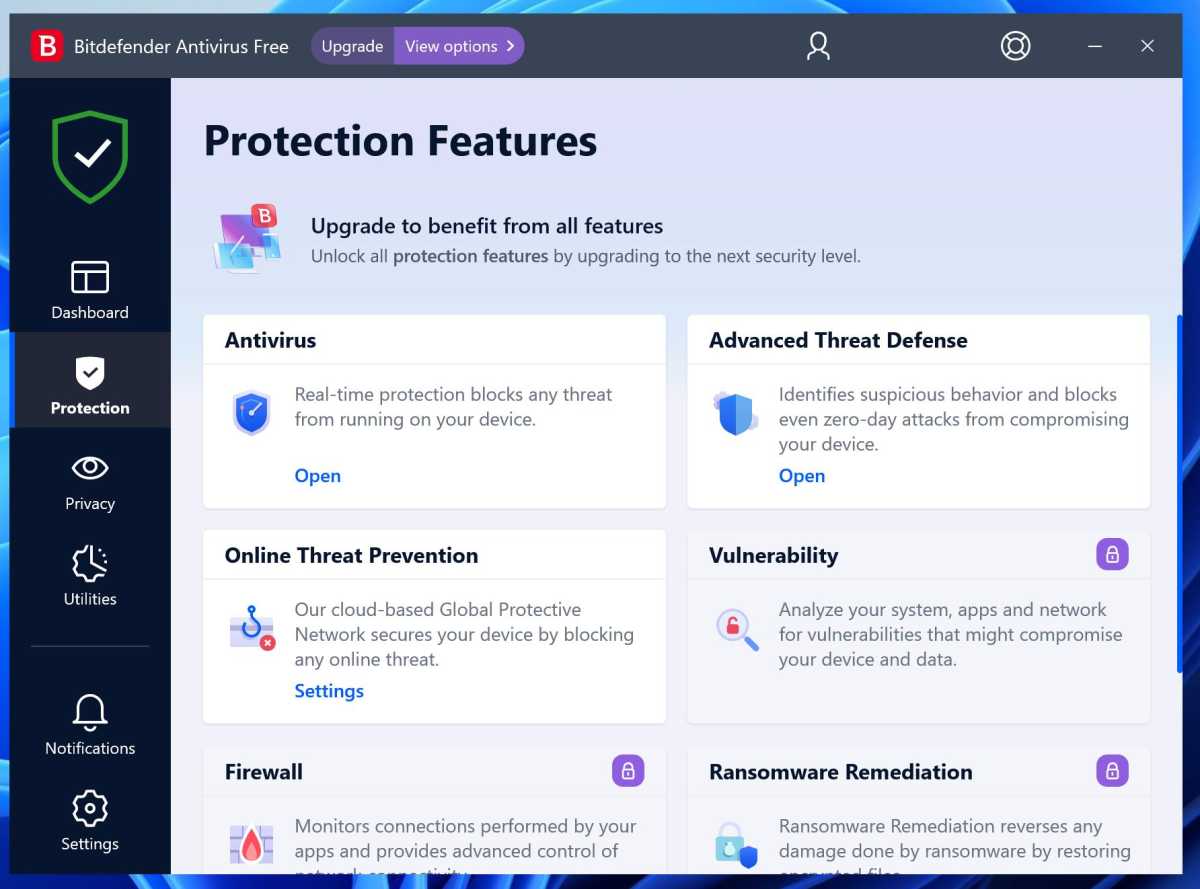
While these methods all work, they are effectively a second line of defence. Your primary method should be antivirus software which will work no matter which web browser you use and will keep your device protected from malware.
Most antivirus security suites also have an email scanner that that will check for suspicious attachments and should also warn you about phishing links in emails as well as blocking dangerous websites.
If you’re only using the built-in Microsoft Defender then you might want to check out our roundup of the best free antivirus software and choose a package that offers more comprehensive protection.

:focal(1424x606:1426x604)/origin-imgresizer.eurosport.com/2024/11/03/4058405-82305748-2560-1440.jpg?w=150&resize=150,150&ssl=1)


