




Summary created by Smart Answers AI
In summary:
- Tech Advisor explains that stock Android refers to a clean, bloatware-free interface, while custom skins from manufacturers like Samsung and Xiaomi significantly alter design and functionality.
- Custom skins enable unique features, brand differentiation, and hardware optimization, particularly crucial for new form factors like foldable phones.
- Stock Android typically receives faster updates, but custom skins may offer more features while potentially introducing stricter battery management and additional data collection concerns.
Ask anyone what “stock Android” is and their answer would likely be that it’s a clean mobile interface without bloatware or imposed design changes. That simplicity explains why it appeals to so many users – as a concept, at least.
In reality, most Android phones don’t run software like this. Not exactly. Manufacturers such as Xiaomi, Oppo, OnePlus, and Samsung use their own custom skins. This gives them control over how notifications appear, how settings are organised, and which features are added.
Luke Baker

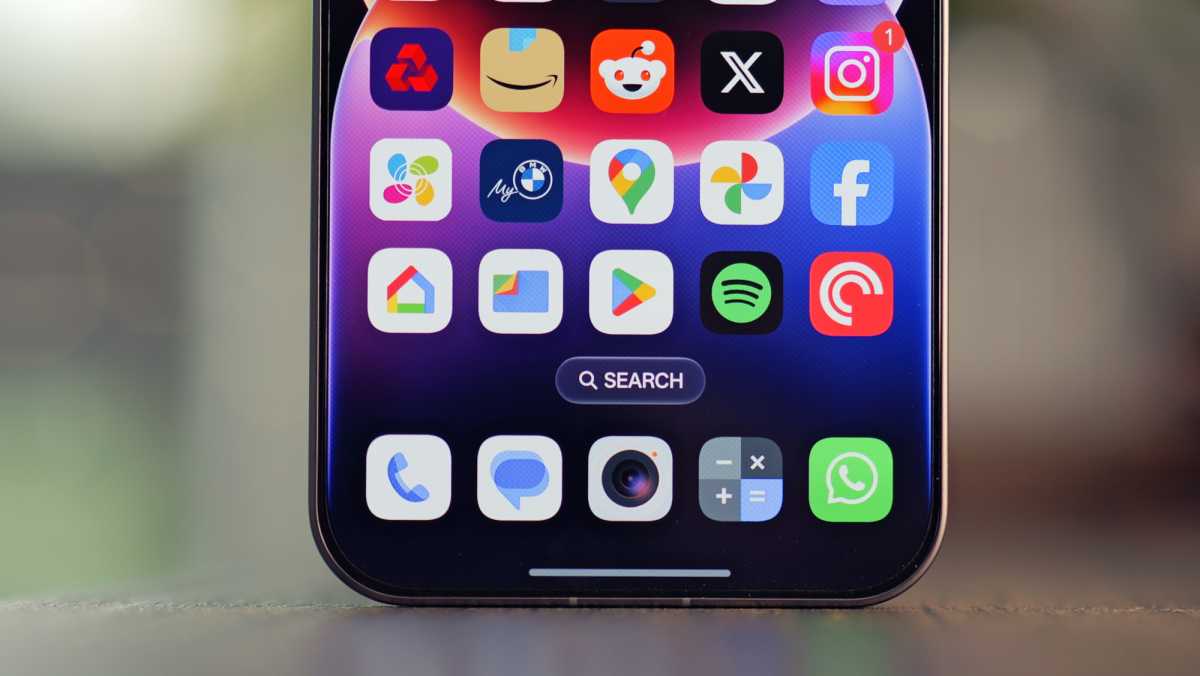
If you see stock Android alongside a phone with a custom skin, the difference is immediately noticeable. It’s not always dramatic but the differences add up. Custom skins bring additional designs, animations and functionality that significantly change how Android behaves on a daily basis.
Whether stock Android is better for you or whether a manufacturer’s skin offers a practical advantage isn’t always obvious. It depends. Understanding the real differences between the two matters more than ever when choosing your next phone.
Is stock Android really “pure”?
“Pure” stock Android is actually bare-bones. What most people call pure stock isn’t actually the base version of Android.
The Android Open Source Project (AOSP) is the basic version and can technically be considered pure. It doesn’t even include Google Mobile Services (GMS). There’s no Google Play, no Google Maps, nothing. Lineage OS comes close to the de-Googled stock experience but it still adds some tweaks and privacy controls.
Pixel phones, which many believe come with stock Android, are not “pure”. What we get is Google’s own software baked in. Google adds Pixel-specific features and integrates Google services deeply into the OS.
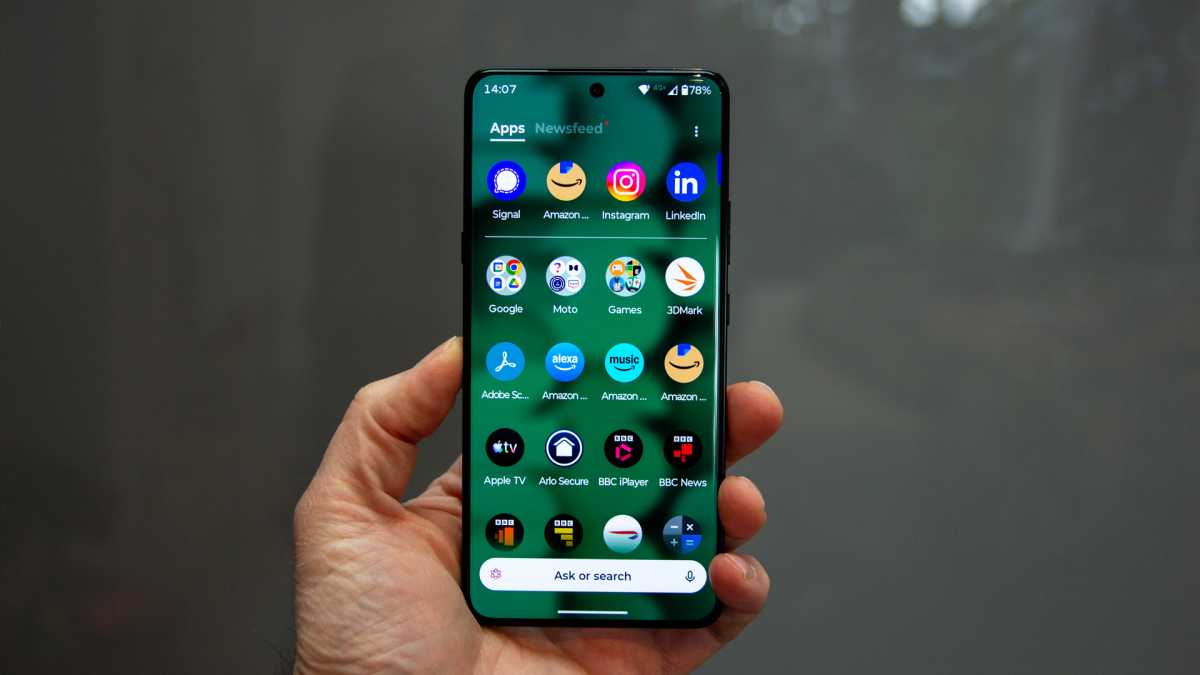
However, the retail version of Android is what most people call stock. It’s clean, has no bloatware, and is Google-certified. Phones from brands such as Motorola and Nokia are other good examples that offer brand-specific light skins that stick close to Google’s stock design.
Chris Hall / Foundry
Why manufacturer skins exist in the first place
Custom skins aren’t just for visual appeal. Manufacturers want more control over how the software runs on their devices. OEMs customise Google’s Android operating system. They add tweaks and features to tune the design for specific hardware. While the core Android experience remains similar across devices, each manufacturer’s design implementation behaves differently.
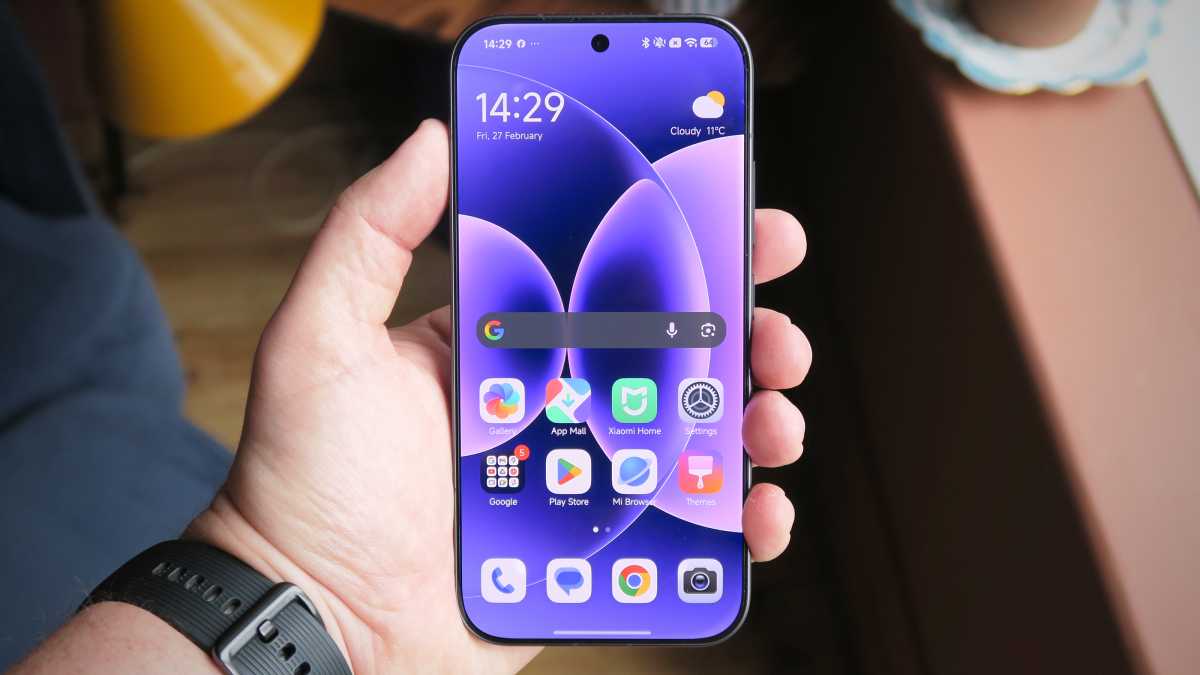
Samsung’s One UI follows its own distinct layout for notifications and settings. Xiaomi’s HyperOS uses a different approach, separating quick settings into an iOS-style Control Center.
Foundry | Alex Walker-Todd
As foldable phones become more common, custom skins help brands to adapt the interface to different screen orientations and split views.
Custom skins allow manufacturers to tune performance across different chipsets. This distinction matters because it shapes performance, updates and long-term usability.
Features that Google doesn’t prioritise in stock Android can be implemented using custom skins. This helps them better align the operating system for future updates and optimise design.
Over time, this custom skin becomes part of the brand identity, with some OEMs choosing to enhance Android more heavily than others. Nothing OS, for example, uses a distinct dot-matrix aesthetic and monochrome theme.
Light skins vs heavy skins: How the experience differs
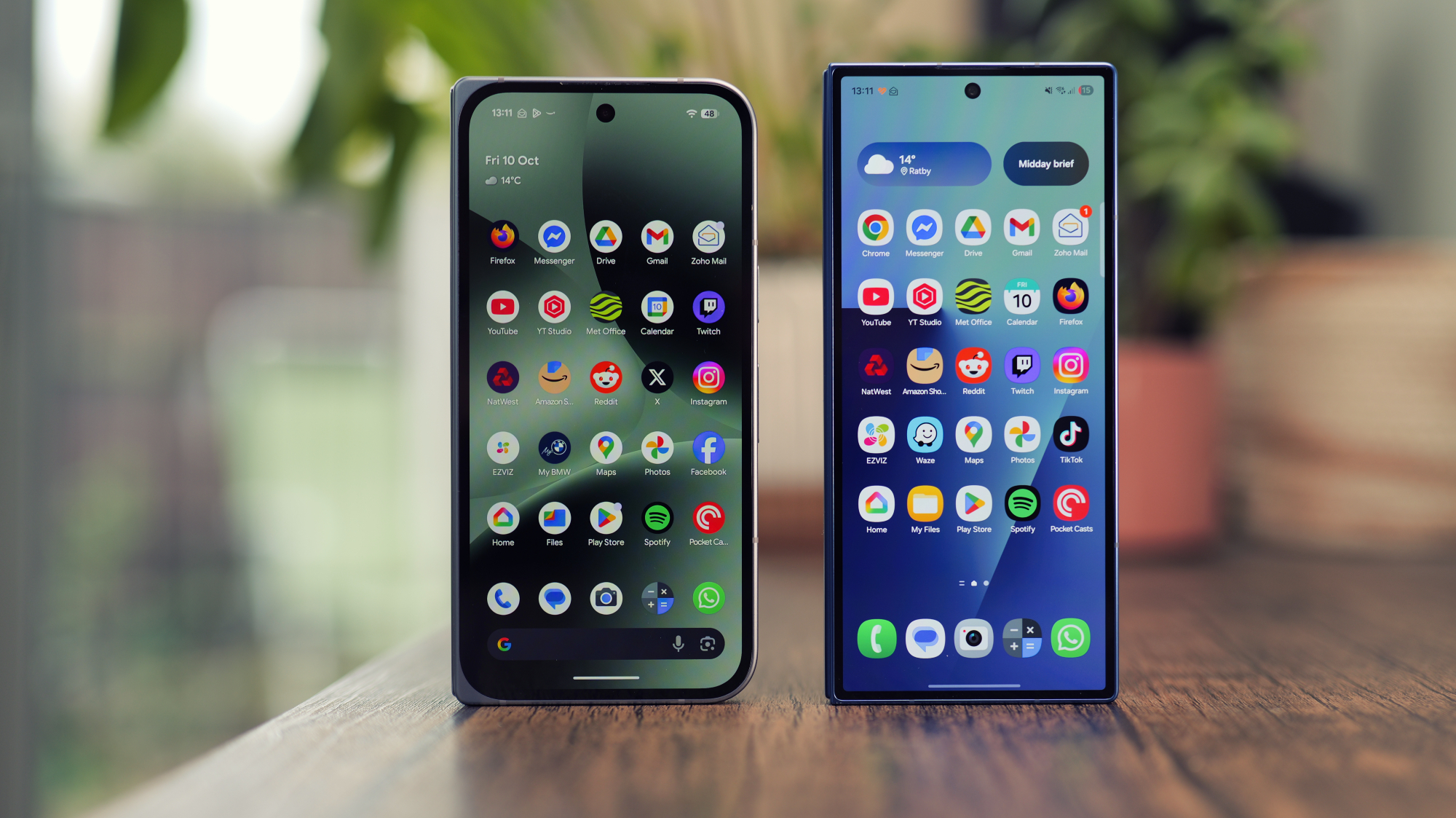
Light skins stay close to stock Android. They come with minimal design changes and offer a more core Android experience. Heavy skins alter the design significantly: interface, system apps, and background behaviour. On a Google Pixel, the lock screen is clean and minimal, while a custom skin such as Samsung’s One UI adds extra widgets, shortcut customisation, and deeper lock screen personalisation options.
Luke Baker
Custom skins may be visually appealing and offer more features but they apply stricter background controls to manage system processes compared to lighter skins.
Battery management is more aggressive with heavy skins. You may notice delayed notifications or paused background activity to preserve battery life. Lighter skins are less demanding.
Take Samsung, for example, which even offers the RAM Plus feature in case your memory is insufficient to handle all the background activities.
Still, lighter skins aren’t automatically better. It ultimately comes down to how well the operating system is customised to keep a balance between battery and performance.
Privacy and data collection
There’s another reason why manufacturers push for custom skins that isn’t often talked about. Brands need control over user services for personalisation and sometimes monetisation.
Stock Android can feel more privacy-friendly but it still relies heavily on Google, with much of the data collected at the OS level.
Some manufacturer skins add another layer on top of Google’s data tracking network. OEMs add additional data collection with their own analytics, cloud services, and SDKs. This doesn’t mean custom skins are less private but data may be collected from more than one system at the same time.
Whether you use a stock or custom skin, if you’re not given control over your data or have clear transparency on what is being collected, then the experience isn’t truly private.
Updates and long-term support: what really matters
You may have noticed how quickly Pixel devices receive an upgrade soon after Google announces a new version. There’s no magic here. Pixel phones receive updates faster, partly because Google controls both the hardware and software. This isn’t just Google bias.
Pixel’s lighter software layer doesn’t need much rework. That allows Google to push necessary modifications to align with the new OS and release the updates far more quickly than its counterparts.
Other OEMs including OnePlus, Xiaomi, and Samsung need to design, modify, upgrade and test before releasing the stable version. Any rush here can lead to a bad user experience, poor battery management, and overall performance degradation.

Foundry | Alex Walker-Todd
Security patch updates are another area in which custom skins take more time due to additional testing. Slow security updates can increase the time before vulnerabilities are addressed.
Getting updates quickly is useful. But many smartphones now offer long-term software support. In the end, the real difference lies in how reliably those updates are delivered and how well the device performs over time.
Which Android experience is right for you?
Minimalists may prefer stock Android, with its simple designs and no fancy tweaks: a clean and bloatware-free interface.
A lighter skin on a device with low battery capacity could be a better option for some, as the device can use more resources on managing app processes rather than the core interface.
On the other hand, if you want more inbuilt features, a manufacturer’s skin can better handle it. It offers deeper customisation and more intimate ecosystem integration. There’s a trade-off, though. These additions may affect performance, battery behaviour and update timelines if the skin isn’t properly tuned.
It’s less about which UI is better and more about which experience aligns with how you use your phone. Light or heavy, a well-optimised phone will always matter more than how close it looks to the stock Android.


