




For most people, the horror associated with your phone falling into the sink or a swimming pool is a thing of the past.
The vast majority of all Android phones – plus all recent iPhones – offer some form of water resistance. Many have an IP68 rating, meaning they can survive submersion in up to 1.5m of water for up to 30 minutes.
It begs the question: how far can you take it? When it comes to your warranty, less is better – Apple doesn’t recommend your phone getting wet, and any water damage can void your warranty.
Taking photos and videos underwater isn’t out of the question, but don’t just take your iPhone down there and expect to get great photos without any harm to your phone.

Instead, by following these steps, you can get some great shots without any of the harmful effects.
1. Get a waterproof case
With the above in mind, it should come as no surprise that the biggest piece of advice we can give on taking underwater photos with your iPhone is to invest in a waterproof case. These come in all shapes and sizes depending on what you need.
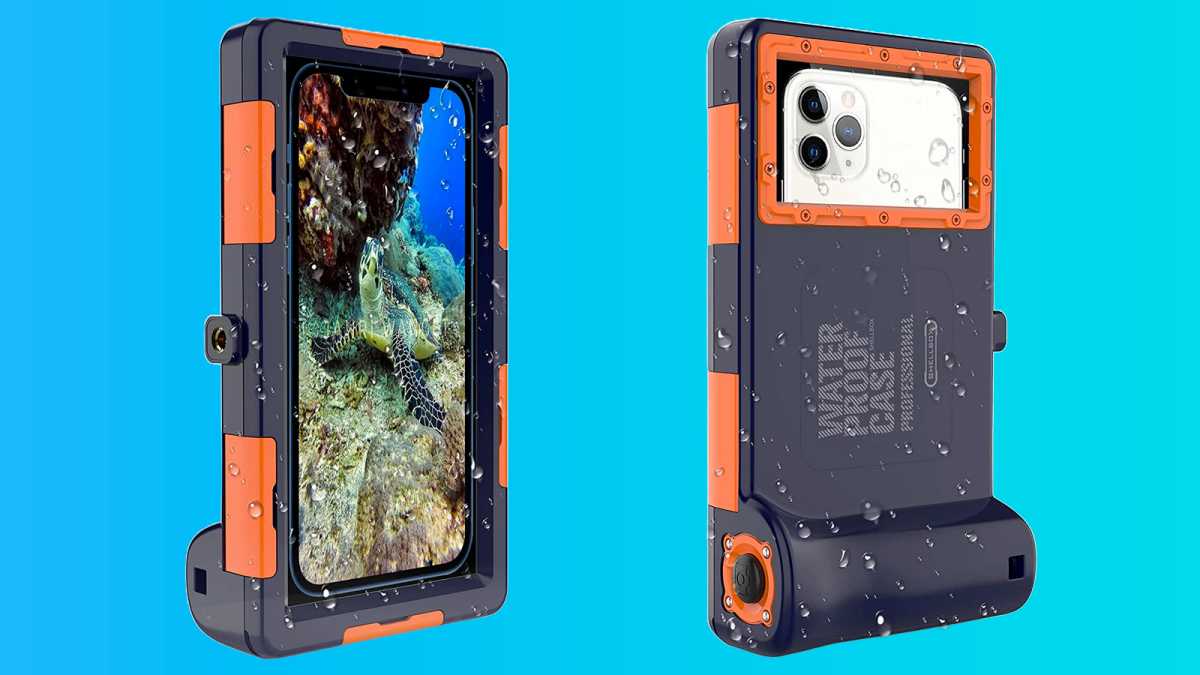
Cheap watertight bags like the £10.99/$12.99 Unbreakcable waterproof case will just keep your iPhone dry, while to more specialised cases like the £36.99/$48.99 Shellbox waterproof case are dedicated to underwater photography, providing access to physical buttons to activate the camera shutter and a high-quality lens cover.
Shellbox
Shellbox
Shellbox
Some even allow you to interact with your touchscreen underwater – something particularly handy for underwater photography.
2. Prepare your shooting settings
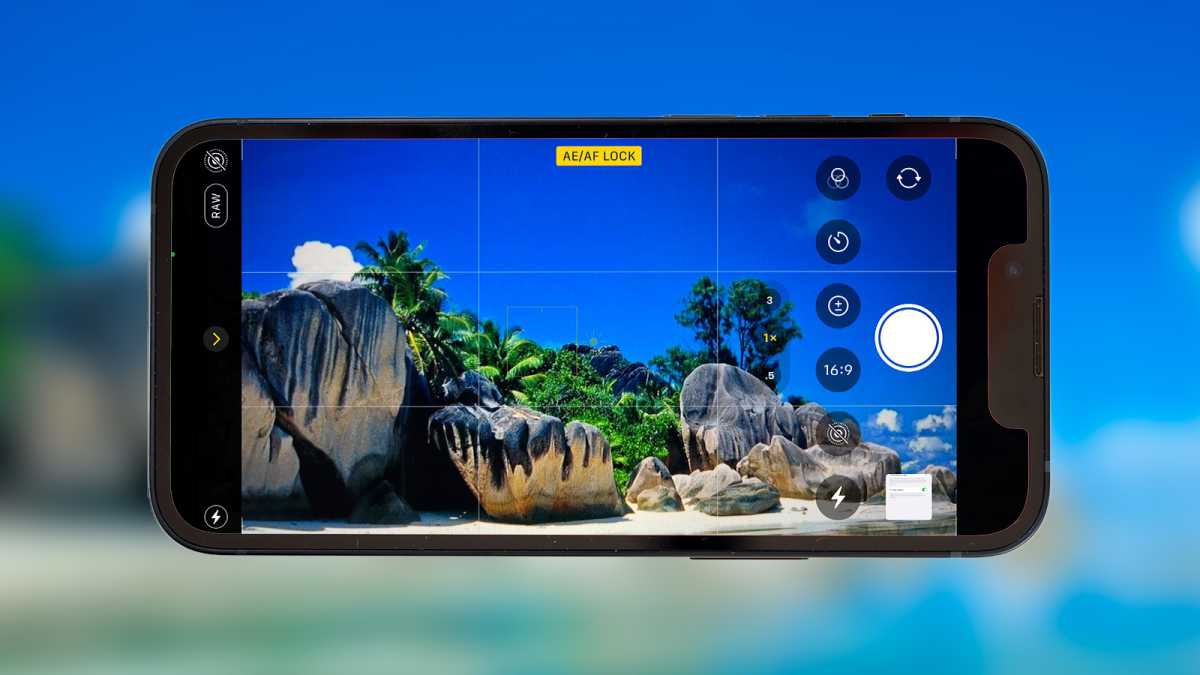
Before you get in the water, be sure to set your iPhone’s camera settings. Why? Simply put, you’re unable to interact with your iPhone’s touchscreen when it’s submerged – in fact, without a case, it’ll register the water touching the screen as a tap input. That could be chaotic underwater.
There are some cases that negate the input issue, as highlighted above, but they’re still difficult to use underwater.
Lewis Painter / Foundry
Lewis Painter / Foundry
Lewis Painter / Foundry
With that in mind, select the resolution of images or videos, select any filters you might want to apply and any other tweaks you want to make before you submerge yourself and your iPhone.
This also goes for exposure and focus, as you won’t be able to adjust these underwater. For the best results, apply a focus lock to the farthest thing in the distance you can see before getting into the water.
3. Think about lighting
As with taking photos on land, lighting is extremely important when it comes to underwater photography. In fact, with the refraction of light and other underwater properties, it can be much more difficult to get a well-lit shot.
The best advice is to take photos on bright sunny days where underwater environments will be well-lit. You can also try shooting upwards towards the surface for extra background light.
If that’s not possible, do not use your iPhone’s built-in flash to illuminate the scene. Most cases cover the camera housing, so the light from your flash will reflect off the exterior cover and render images useless.
Instead, consider investing in a dive torch like the £69.99/$79.99 Wurkkos Diving Torch to provide better lighting underwater.
4. Keep steady
The best photos are taken with a steady hand, and this also applies to underwater photography.
It can be a little harder depending on currents, so we’d recommend picking up a cheap monopod (such as the £16.99/$16.99 HSU Extendable Selfie Stick) that’ll hold your phone securely in place as you take your stunning underwater imagery.
Using a three-second timer to take photos on your iPhone is another option, as using the physical volume buttons to capture images can create a slight wobble.
5. Dress appropriately
Though not directly related to taking photos underwater, it’s also worth pointing out that clothing can make a big difference to the underwater shooting experience.
Aside from feeling more comfortable underwater, it’s useful to have pockets to store your iPhone or any other accessories you might need.
6. Dry your iPhone completely
Once you’re back on dry land, it’s worth completely drying your iPhone to remove any residue from the water.
Dominik Tomaszewski / Foundry
Dominik Tomaszewski / Foundry
Dominik Tomaszewski / Foundry
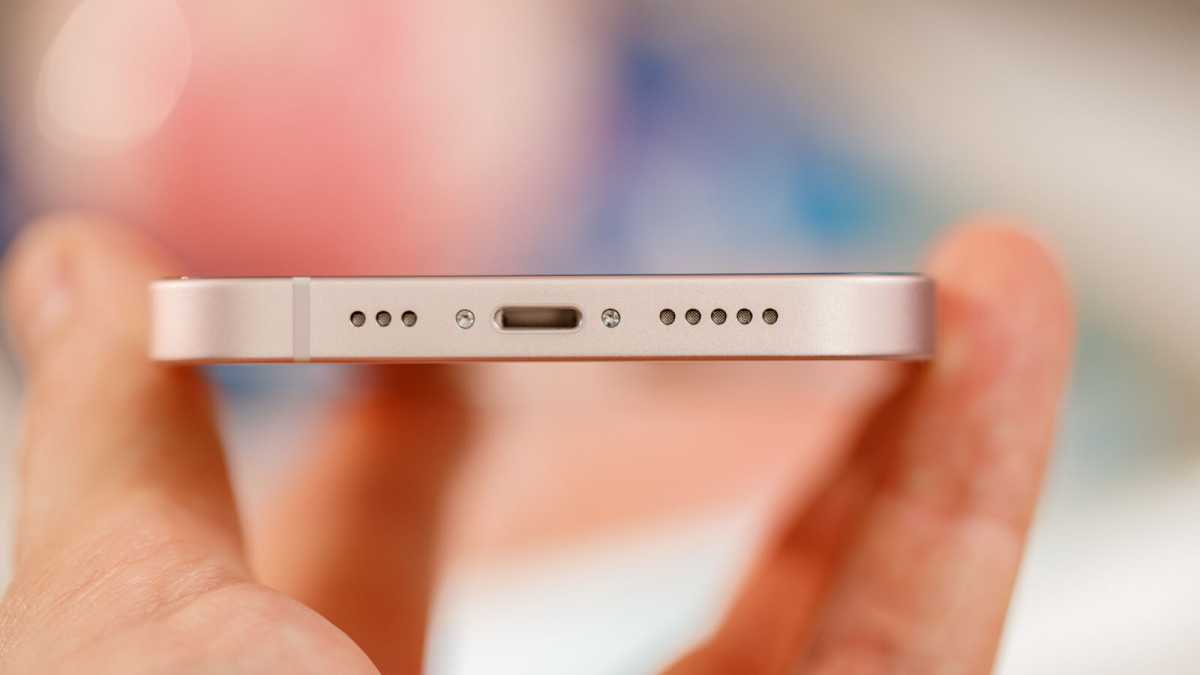
It’s also recommended you don’t charge your iPhone for a couple of hours, as water might’ve gotten into the charging port, and as we all know, water and electronics do not mix.
Looking to also take great photos on land? Recent iPhone models are also a great choice there, but there are plenty of other great camera phones.


