




Summary
- If an iPhone won’t connect to the cellular network, troubleshooting options include restarting the phone and resetting the network settings.
- Blacklisting happens when a phone is reported stolen and the network connection is blocked by the carrier.
- When buying a new phone from an unofficial distributor, take extra precautions: check previous feedback and reviews. Consider whether the saving is really worth the reduced peace of mind.
- Read on below for detailed instructions of how to fix an iPhone that won’t connect to a network, what your options are if a phone is stolen or blacklisted, and how you can avoid being scammed into buying a stolen phone.
True story. Last month my step-son dropped a 25kg weight on his iPhone XR and smashed the screen. It sounds like the kind of thing I might have purposely done to justify upgrading a seven-year-old phone – but this was an accident, so let’s cut him some slack. He’s only 16, and it’s incredible that the iPhone was still intact at this point.
Now obviously you can’t be 16 and not own a phone in this day and age, so we immediately set about looking for a replacement. Even this was more difficult than it should have been, as we were visiting family in Ireland at the time. Knowing that every second without a working phone would feel like an eternity to this kid, we downloaded NordVPN and started browsing UK product listings, hoping to buy a replacement the same day.
Yes, it had to be an iPhone. (Again, he’s 16.) But we weren’t about to drop over a grand on the latest model. Fortunately, you can still pick up brand-new but older-generation iPhones at a fraction of their original price, and the iPhone 14 currently retails in the UK for just under £500.
But wait. Someone’s selling a brand-new, carrier-unlocked, sealed-in-box iPhone 14 on eBay for £470, and there’s a coupon for an extra £15 off. The seller has great feedback. What could possibly go wrong?

If you’re reading between the lines, you already know that this is the point when everything went wrong, and that we would later look back and rue the day we ever decided to buy a new iPhone from eBay.
The new iPhone arrives
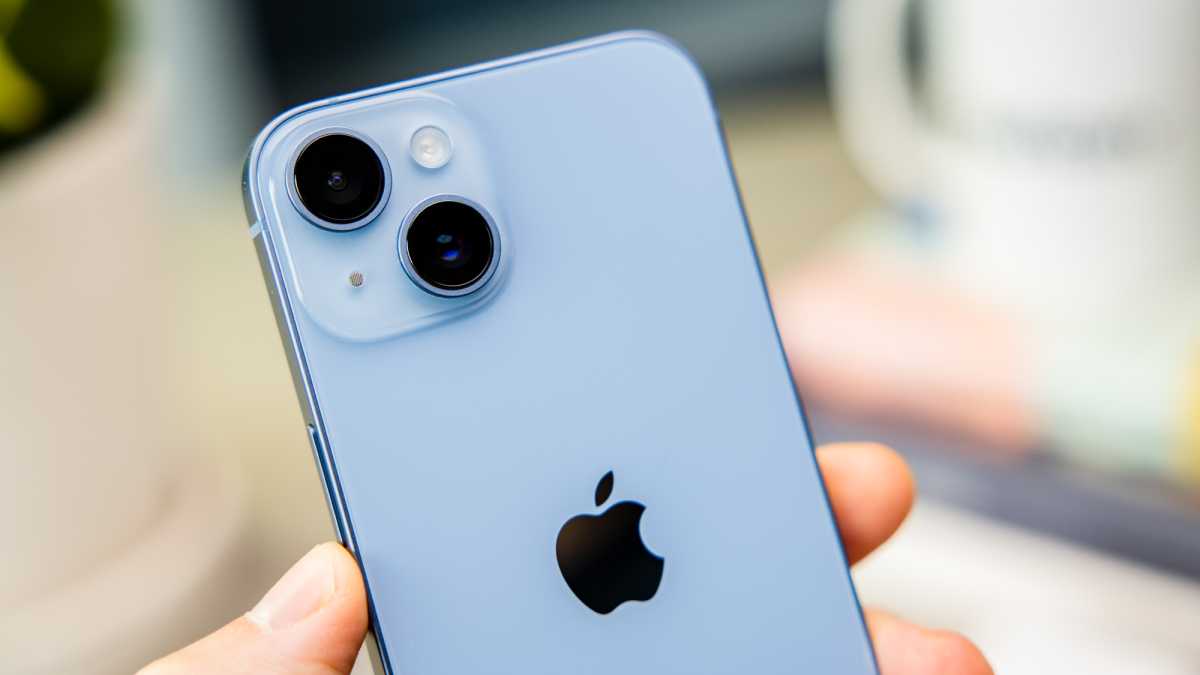
Two days later the iPhone 14 arrives – much faster than expected. It is indeed brand-new and sealed in the box. Everything seems okay. Step-son is beaming at this awesome surprise. Happy days.
We open the package, insert the SIM, switch it on, then spend the next few hours cursing Apple and wishing we’d instead bought him a similarly priced Google Pixel 9a or Samsung Galaxy A56 as we repeatedly attempt to gain access to his Apple ID – he’s forgotten the login and we can no longer access the recovery accounts because, well, who remembers what happened last week, let alone seven years ago. Eventually he creates a new Apple ID, and we’re in.
Now WhatsApp doesn’t work, and the phone is basically garbage at this point. But it’s fine: we realise he didn’t update iOS in his haste to get the phone set up. So, with that done, WhatsApp is now working properly. Everything else seems fine, and let’s face it who really cares as long as WhatsApp and TikTok are working – it’s not like young people use phones to actually make calls and send text messages.
We order him a phone case to avoid a re-enactment of this whole sorry story, then all is well in the world and this happy teenager goes back to his bedroom – he’ll surface again next time he’s hungry.
Dominik Tomaszewski / Foundry
28 days later…
“Daaaaadddddd, I need to get a verification text but my phone’s got no service.”
“How long has it been like this?”
“I don’t know.”
“When did you last make a phone call or send a text?”
“I don’t know, probably a week ago?”
(You didn’t really think we left him in his room for 28 days to starve, did you?)
iPhone has no service
Now mum steps in, since she pays the monthly phone bill. Immediately gets on to the mobile operator, Three, and since there are no problems with the account or any network issues in the area, they figure it must be that the geriatric SIM’s gone wonky. A few days later a new SIM arrives in the post, but it still won’t connect to the network – and, actually, now we realise no-one’s SIM works in this phone. The problem has to be the phone. Back over to us.
So, what do you do when an iPhone has no service? Well, let me tell you, since we tried the following troubleshooting steps 50 million times in between banging our heads against the wall, cursing Apple some more, and trying our best not to accept the reality that was slowly dawning on us all: this phone’s nicked and we’ve been had.
How to fix an iPhone with no service
- Turn it off and on again
- Check for carrier updates at Settings > General > About
- Check for iOS updates at Settings > General > Software Update
- Toggle on Airplane mode, wait two minutes and toggle it off again
- Remove and reinsert the SIM card (also check it’s not dirty)
- Reset Network Settings at Settings > General > Transfer or Reset iPhone > Reset > Reset Network Settings
Dominik Tomaszewski / Foundry
Wait, is this iPhone blacklisted?
We know this iPhone is carrier-unlocked, that there are no issues with the operator, and we can see in the iPhone settings that the SIM has been recognised, along with the phone number and carrier. But it’s reporting ‘Phone not allowed’ in the Network settings. With hindsight, this probably should have been our first clue that something wasn’t quite right.
Next step here is to check your phone’s IMEI (International Mobile Equipment Identity) number isn’t blacklisted by the carrier. You can find this in Settings > General > About, on the back of the box, or by dialling *#06#. Then use a free IMEI checker to see if it’s blacklisted.
Bingo! But you already knew that, right?
What is blacklisting?
Blacklisting is when a carrier blocks the cellular service on a phone, preventing it from connecting to the network. Although you can no longer use your cellular plan to make calls, send texts and connect to the internet over mobile data, you can continue to use apps and other phone functions over a wireless connection.
Blacklisting can happen for a handful of reasons, but usually because the phone hasn’t been paid for or because it’s been reported as stolen. This can happen when someone buys a phone, sells it on as new, but then claims against their insurance to say it’s been stolen.
Blacklisting can take effect as soon as it’s reported, but it can also take up to a few weeks, which is why a phone that’s been reported as stolen might work at first but later it is disconnected from the network without warning.
What can you do when your phone is blacklisted?
There really isn’t a lot you can do. Only the carrier can remove a phone from the blacklist, but you might not know who that is. And if you really have just bought a ‘stolen’ phone, knowingly or otherwise, the carrier might sympathise with your plight, but they won’t remove the block. Put your energy into trying to get your money back instead.
Should I report a blacklisted phone to the police?
If you believe the phone is blacklisted because it has been reported stolen, then alerting the police can help them with their criminal investigation. In the UK you can use the non-emergency number – 101 – to report a blacklisted phone and get a crime number. Some local police constabularies also let you report crimes online, and you can check this at police.uk.
Can I get my money back after buying a blacklisted phone?
In this instance we were lucky, and the seller gave us a full refund. The seller actually wasn’t the bad guy in this story – as a well-known retailer of second-hand goods they were also a victim of the original fraudster, and dealt with the matter swiftly.
Regardless, it still cost us a whole lot of hassle, an extra £45 to buy the phone again from another trusted retailer… and a little bit of embarrassment about the fact we were so easily conned.
Had the seller not refunded the purchase, we may have been able to set up a chargeback dispute with the bank. Always consider using a credit card in these situations, since they typically offer better fraud protection than debit cards.
How can I avoid getting scammed buying a new phone online?
If it’s a second-hand phone, it’s worth performing a free online IMEI check to ensure it isn’t blacklisted. You can also do this for new, sealed-box phones, but know that passing the check now won’t guarantee them passing it a few weeks down the line.
It’s important to check who you’re buying from. If you’re buying from the likes of eBay, check out the seller’s feedback score and previous reviews. We did this, and we trusted the seller, but we were still caught out because of a fraudster further up the chain. Unfortunately, sometimes you can take all the necessary precautions and still find yourself in hot water.
The only sure-fire way to avoid getting conned is to buy from an official and reputable distributor – and they do iPhone deals, too! In this case, a £45 saving really wasn’t worth the hassle, and sometimes it’s worth paying a little more for that added peace of mind.
Lastly, don’t do what we did and cave into pressure and rush your purchasing decision. If something seems a bit fishy, listen to your gut instincts.
If you need a new phone, check out our buying advice on the best options at all price points from premium phones to mid-range phones and budget phones.


