




Ever since the first trailer for Monster Hunter Wilds debuted, there’s been this palpable excitement for the graphical improvements it could bring. The series’ then-recent title, Monster Hunter Rise, looked good enough when it made the jump to PC, Xbox, and PlayStation from the Nintendo Switch, but still far from the fidelity that World offered. Monster Hunter Wilds seemed poised to make that next big leap, that fabled expedition into the next gen.
And then the first open beta hit.
Suffice it to say that expectations were readjusted very quickly afterwards. Between performance issues on all platforms, horrendous image quality on consoles (especially in Performance Mode), and the low polygon monsters (which went from bizarre to beloved), Wilds clearly needed way more time for polish.

While these improvements didn’t carry over into the second beta, the development team did put in the work, adjusting the minimum system requirements on PC, and swapping Checkerboard Rendering for AMD FSR upscaling. Prioritize Framerate mode also saw performance gains thanks to the fix for a “rendering bug.”
All this is well and good, but how does the full game fare at launch? Can Monster Hunter Wilds’ technical chops match its ambitious scale? Let’s find out.
Changes From Monster Hunter World
Monster Hunter World is famously the last title in the franchise to be developed on MT Framework before the company embraced RE Engine for its future titles. The technology allows for some pretty impressive new features. As stated earlier, that first trailer underscored how the developer was evolving on World’s fundamentals.
The locales haven’t just increased but feel like full-fledged regions with detailed ecosystems – something, which World dabbled in but not on this scale. Seamlessly going from your base out into the world without any loading is also impressive, as is the day/night cycle. It’s all something to behold, and that’s not even getting into the endemic life like the herds roaming around or the various interactions between plants and small birds in the world.
General Graphical Analysis
However, it’s the weather conditions that can steal the show, depending on the location. The starting locale, the Windward Plains, is an excellent example. When the sandstorm rolls in, you can see it naturally sweeping over the map from the distance. Monsters are covered up in the middle of it, and if they enter a body of water, the sand washes off. You even see dust particles shifting off rocks and other environmental objects with the wind. Then you have the lighting storms, with bolts naturally hitting the ground and even congregating near the stone lightning rods.
Even the Scarlet Forest is something to behold. When it rains, it pours, and you can see that flowing naturally traveling down slopes or pattering off foliage. During the battle with Uth Duna in some water bodies, it will move violently, which can even shift your movement.
That added fidelity is also apparent in the character models, both for the humans and monsters. Characters animate more naturally, which especially carries over into combat – watching your hunt feebly slash away at a monster while they’re trying to get up and seeing them collide against the environment is incredible.
The facial expressions are more natural, especially the eyes, and the sheer detail on fabrics and metal is great. That’s even more apparent when fighting the monsters, whether it’s Doshaguma’s fur and folds bristling naturally as it ambles along or Chatacabra’s skin, which is still disturbingly moist, regardless of the platform.
It’s not all sunshine and rainbows, though, especially when it comes to the brightness. When playing through on PS5, I was amazed at how desaturated and grey the overall color tones could be. After playing around with the HDR settings, there were improvements, but it still felt odd in places. Things did feel more vibrant in the Windward Plains when the atmosphere cleared, and the sun shone down, for what it’s worth.
PC Specs and Graphics Settings
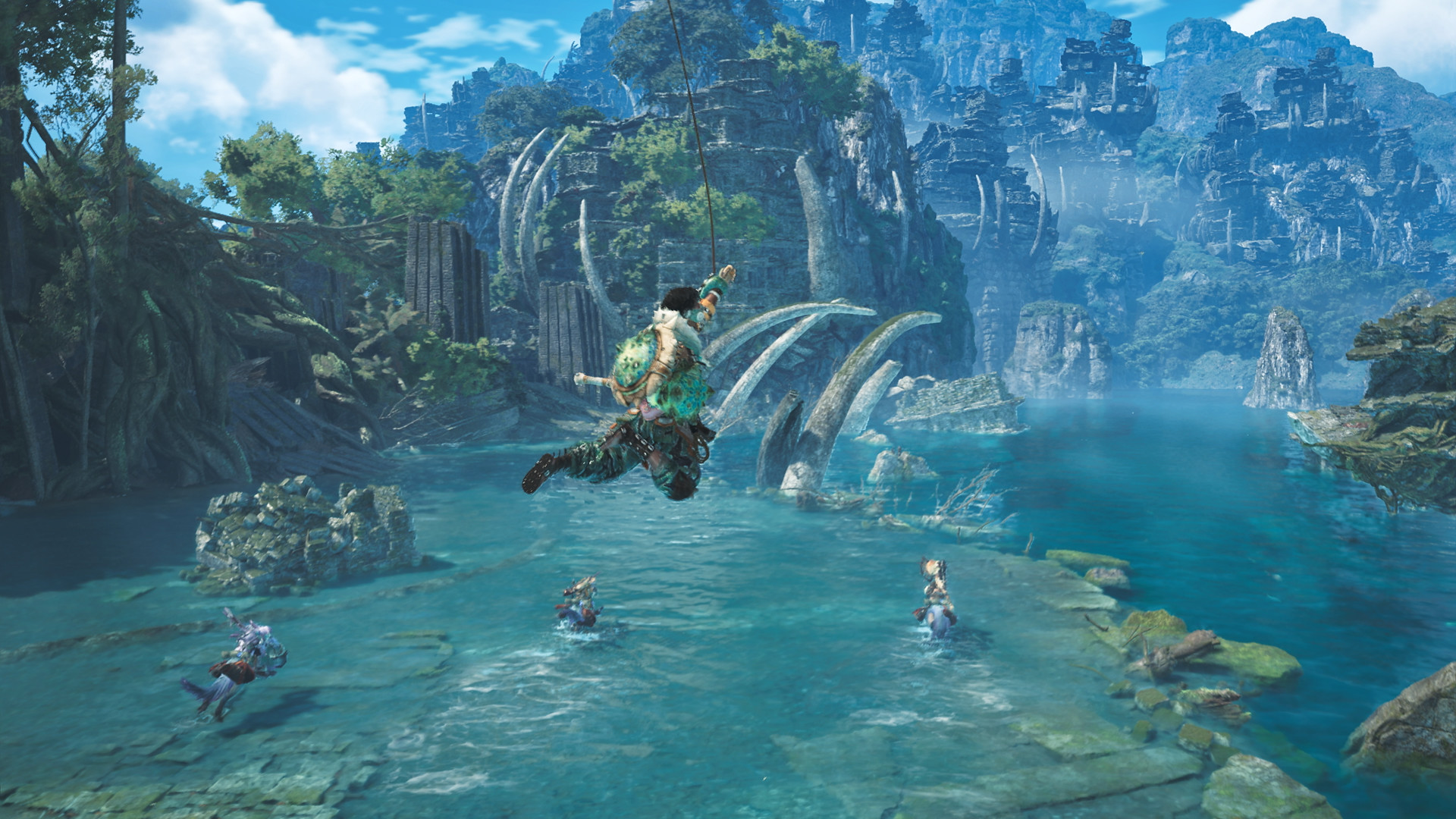
The PC version of Monster Hunter Wilds is chock-full of options, with support for all the major upscalers like DLSS 3.5, FSR 3 and XeSS 1.3. Frame Generation is also included, and you can adjust multiple quality parameters from the quality of textures, texture filtering, meshes, fur, foliage and more to adjusting the cutscene and background frame rate. Variable rate shading, screen-space reflections, ambient occlusion – it’s all here.
Our test rig for the PC version consisted of an AMD Ryzen 9 5950X with an Nvidia GeForce RTX 3080 Ti and 32 GB memory. DLSS was set to Quality Mode at 4K, with all settings maxed out.
PC Performance
As somewhat expected, given that 4K/60 FPS at Ultra settings requires an RTX 4070 Ti (12 GB VRAM) or an RTX 4070 Ti Super (16 GB VRAM), our test rig hovered around 38 to 40 frames per second. It would often dip to 30 FPS in more visually dense scenarios, like open areas with significant herds roaming about and clear skies. The frame rate would improve during sandstorms, though, hitting 45 frames per second in a relatively stable fashion.
Nevertheless, the PC version’s fidelity is pretty good, with solid image quality and draw distances. Some pop-in is visible in certain places, and there is a bit of asset loading in some scenes, but it’s nothing too major or insignificant enough to escape notice at times.
PS5 Performance and Resolution

Of course, things take a turn with the PS5 version. It offers three modes – Prioritize Graphics, Prioritize Framerate and Balanced. Prioritize Graphics renders at 1728p and targets 30 FPS, while Prioritize Framerate renders at 1080p and targets 60 FPS. Both output to 2160p through upscaling, and the results are very mixed.
Image quality and aliasing in Performance Mode look downright horrendous. Try walking through the Windward Plains while a thunderstorm rages for the most egregious example. The draw distance also goes for a toss with consistent environmental texture pop-in and asset loading, especially in the environment. Things improve somewhat slightly up close, though wandering through the Scarlet Forest, you’re bound to see some poor aliasing among the foliage.
Balanced and Prioritized Resolution are better in both aspects, though the aliasing still isn’t perfect. Performance Mode at least sticks mostly to 60 FPS, though you’ll notice some pretty hefty drops at times, especially when loading back into the base from a hunt in a different region.
You can also enable frame caps or turn them off completely, the latter required for 120 Hz mode. I found this setup worked well enough for Balanced Mode, delivering a relatively consistent 40 FPS. It also ensured a smoother Performance Mode experience. Resolution Mode is perhaps the most stable, though there are still drops. Regardless of the mode, get used to seeing NPCs and monsters in the distance moving around at lower frame rates.
PC vs. PS5 Quality Mode
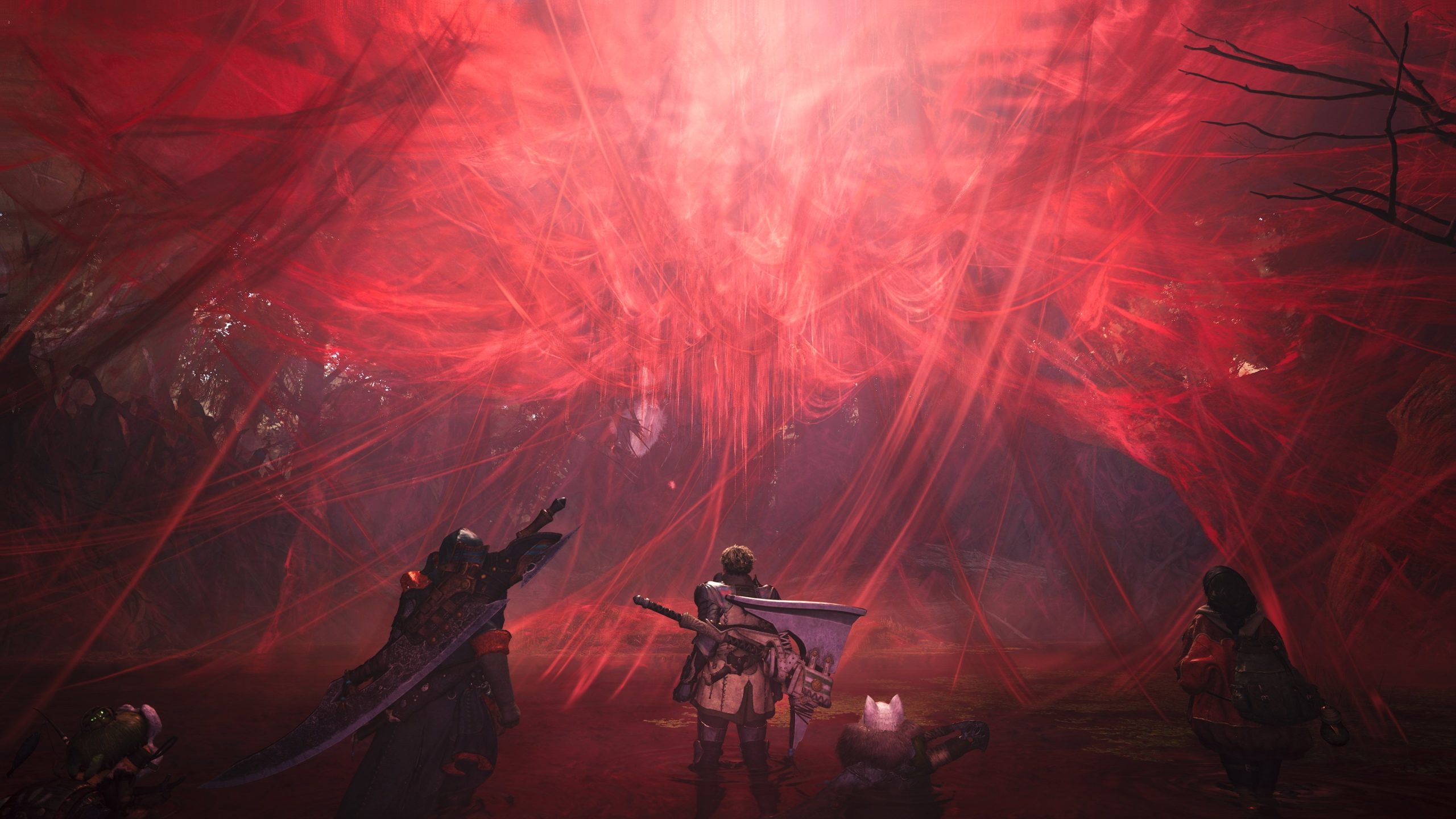
If it wasn’t obvious enough, the PC version is the clear winner here. It blows away the PS5 version on Quality Mode with its image quality and aliasing and also delivers higher frame rates, even if they can consistently dip. The latter depends more on your hardware configuration, so hitting more consistent frame rates by toning down a few settings isn’t impossible.
Conclusion
With how ambitious Monster Hunter Wilds can be with its scale, RE Engine is once again proven to be ill-suited to these large environments. The PC version does a relatively good job with its quality level and even without following the Ultra requirements stringently, we eked out some pretty decent performance at the highest settings. As for the PS5 version, I prefer Balanced Mode with 120 Hz mode enabled for that sweet spot between frame rate and resolution. Overall, it’s an improvement over the beta, but still far from the best.


