




Google’s Gemini AI app on a smartphone is a powerful ally in everyday usage. Just like ChatGPT or Microsoft Copilot, you can ask the chatbot to write a cover letter for you, create a recipe in seconds based on a few simple prompts, and even plan a road trip.
However, it’s the Gemini Live part of the app that is truly impressive. This real-time, live portion of the app uses your camera to scan your surroundings and offer helpful tips. There’s a reason Google chooses to focus on this visual, intelligent assistant in several of its TV commercials.
Recently, I discovered several unusual ways to make Gemini Live work overtime for me – helping me play board games like Scrabble and Hand and Foot, compute my golf score in real time, and offer advice about how to pack a minivan for vacation. Here are my top hacks.
1. Win at board games
This one proves that AI can actually help us in everyday scenarios and is smart enough to do some creative problem-solving in real-time. I use Gemini Live when I play Scrabble with my spouse and also the game Hand and Foot. Here’s how it all works.

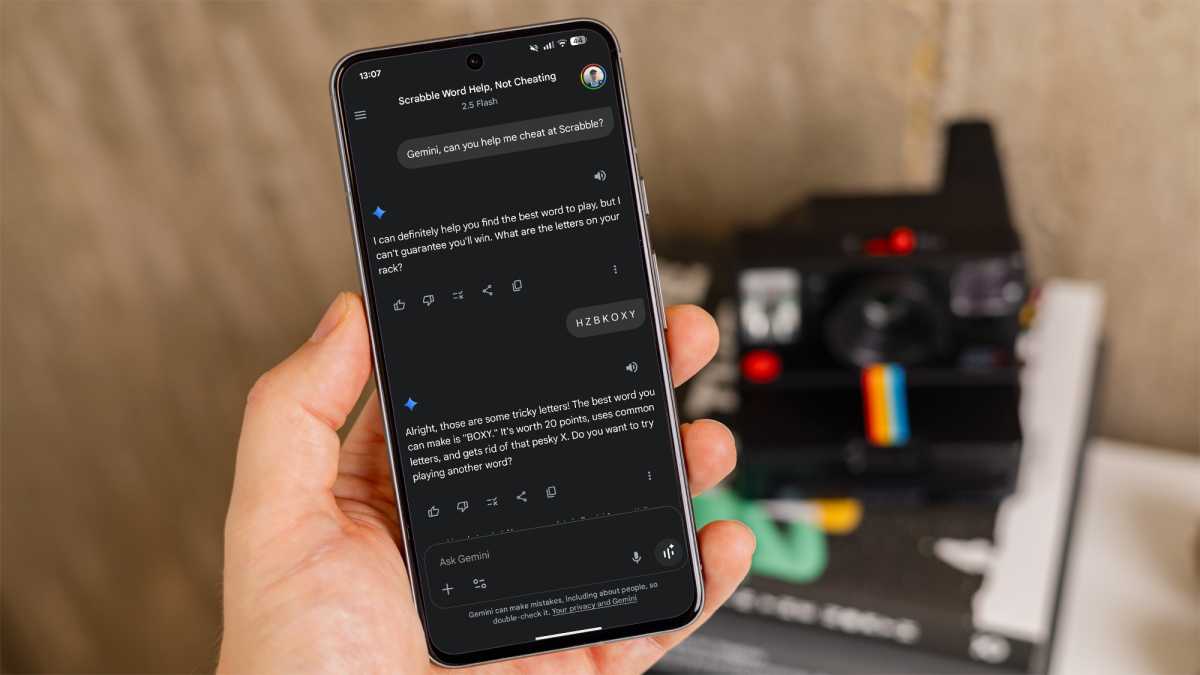
With Scrabble, you can show Gemini Live your tiles and have a conversation about which words you can create on the game board. For example, I pointed Gemini at a few letters, and the bot suggested several words. It doesn’t end there, though. I prompted the bot to find longer words that still work for Scrabble, and amazingly enough, that coaching worked.
I also used Gemini Live during the card game Hand and Foot. This was less impressive: After some coaching about how the rules worked, I had to point the phone at my placed cards and then asked the bot to tell me my score in real-time. Gemini struggled at first to add up the “cleans” and “dirties” that total 500 and 300 points each.
2. Help you pack for a road trip
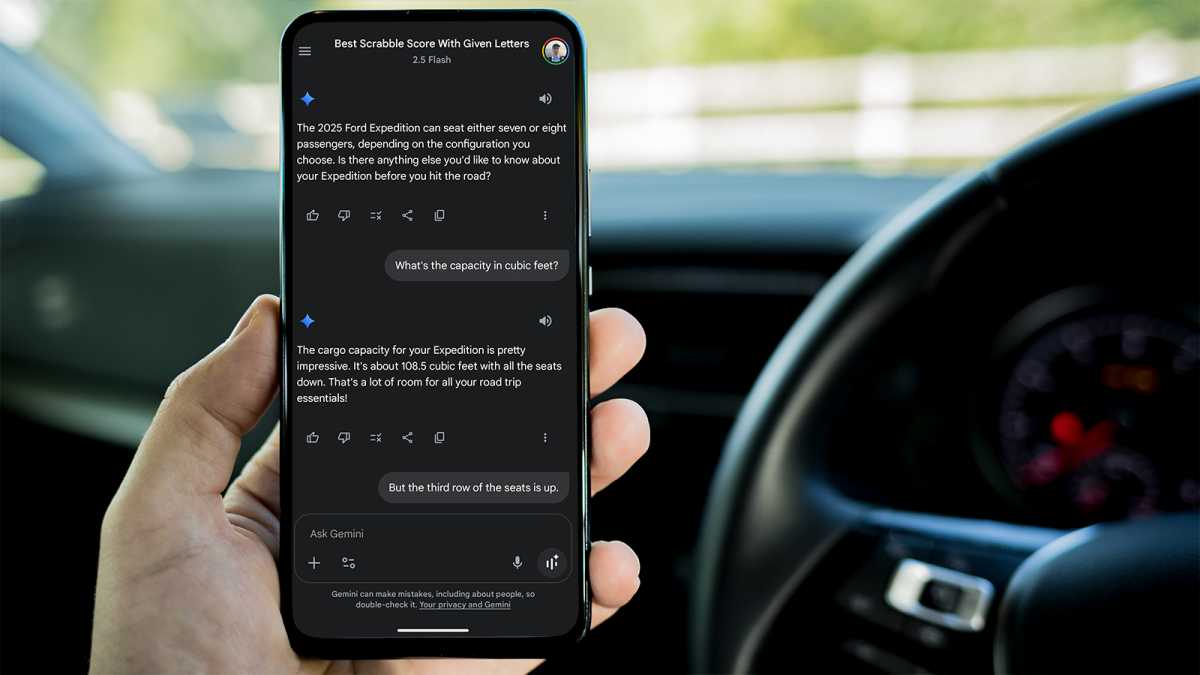
Here’s another surprising use: Gemini can help you pack. I review cars as part of my job, so I was testing a 2025 Ford Expedition and asked Gemini about the total cargo capacity. At first, the bot replied that the capacity was 108 cubic feet, but that’s with the third row seats down. I coached a little and said the third row seats were up, and Gemini gave me the correct measurements.
Foundry
My test then switched to advice about how to pack. Gemini gave really good advice about placing a mat down in the cargo area (the bot knew I didn’t have a mat.) And, Gemini reminded me about the anchor hooks you can use for securing luggage. Impressive.
3. Adding up your mini golf score
This one caught me by surprise. During a round of mini golf with a few kids, I realized I didn’t need to total my own score or anyone else’s. After each hole, I wrote down the score for each player and then asked Gemini to give me the total score for each player. Once again, I had to do a little coaching about what ‘total’ meant. I didn’t mean all three players added up together, but the total of each column. Fortunately, Gemini then understood what I meant on each hole.
This also works for real golf and is even more impressive. I left Gemini running while I played nine holes of golf. After each hole, I just let Gemini know my score and prompted the bot to keep track of my total for the day. I had to do some prompting – reminding Gemini which hole I was playing and the par for that hole – but overall it worked fine.
Foundry
4. Identifying artwork – including Mount Rushmore
Gemini is really good at identifying objects and telling you about them, including knowing the price for an item. On a trip to the Black Hills recently, I tested Gemini in an iconic setting. I held up my phone to Mount Rushmore and asked the bot to tell me which presidents were shown. This worked really well.
I also asked for some history about the sculpture, including when it was completed, and Gemini gave me quite a bit of helpful information. By the way, Gemini Live works great at identifying photos as well. You can hold up your phone to just about any piece of art shown on your computer screen to find out the title, artist, and background info.
5. Learn how to play an instrument
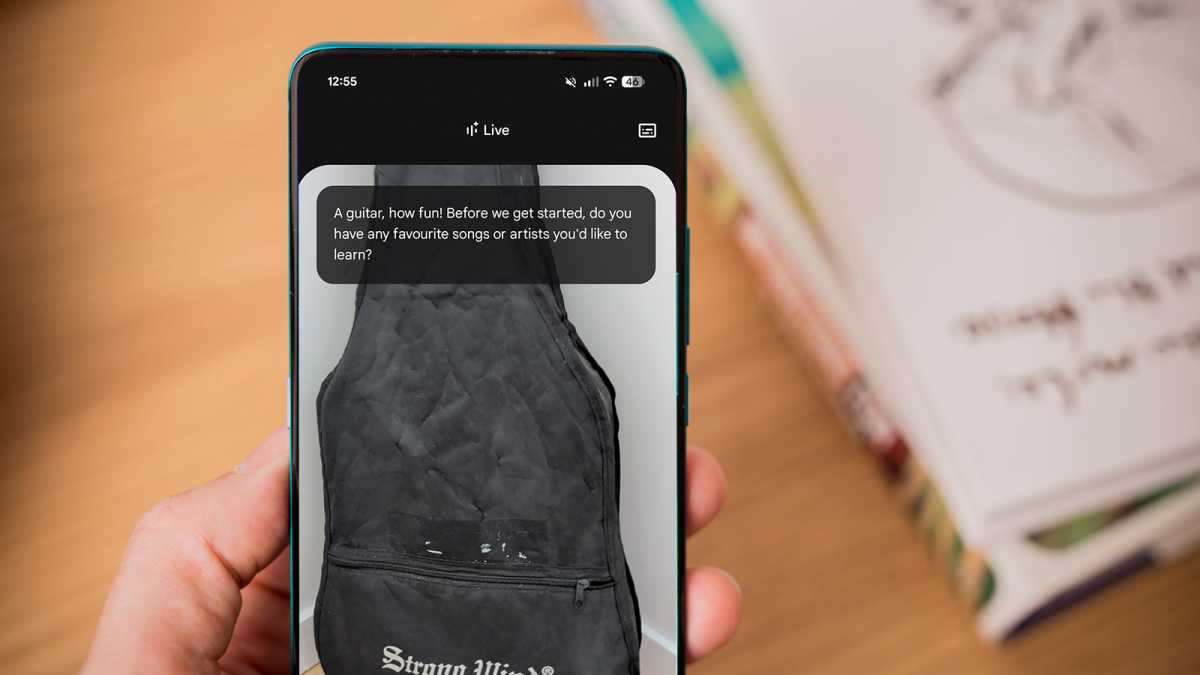
I didn’t think Gemini Live would be up to this challenge, but I was impressed by the results. Pointing my camera at a violin, I asked Gemini Live to explain the basics of how to play.
I quickly learned about the tuning for each string, but Gemini had trouble figuring out what to do about a common problem with the strings slipping. The bot suggested using a compound, but violin players know that the tuning knobs might slip regardless – the best solution is to bend the string to the side to create a better wedge against the tuning knob.
Foundry
Next, I asked Gemini about a ukulele. Once again, the bot provided some great advice about how to tune the instrument and even suggested some basic tips about chords. Gemini explained where to put each finger to play a G chord and a C chord.
6. Identify bird species by sound
Another impressive Gemini Live feature is the ability to listen to and identify birdsong. In my area, Barred Owls are fairly common. I had the bot listen for the owl and then tell me which species it was. That worked really well and made me think an app like Merlin Bird ID might not be necessary.
That said, when I tested the bird identification on a walk where there were multiple birds, the bot had more trouble. Merlin can identify multiple birds at the same time, show you a picture of the bird, and can even replay the bird sound at any time (since it records everything).
Gemini Live isn’t quite there yet, but it’s a useful alternative. And when it comes to what the bot is capable of, I’ve barely scratched the surface.


